Multi-Location Site Visit Scheduling: Proven Playbook
Optimize Multi-Location Site Visit Scheduling—visit 4–6 nearby offices/day with route optimization, timeboxing, and buffers. Get the full breakdown
Introduction
Business professionals frequently need to orchestrate meetings across multiple offices in a single day, balancing travel time, stakeholder availability, and the need for productive interactions. This article presents a systematic, practical approach—covering planning, tools, execution, templates, and metrics—to reliably run multi‑location site visit days without sacrificing outcomes.
Why multi‑location scheduling is a unique operational challenge
Coordinating several visits in one day introduces interdependent risks: a delay at one site cascades to later meetings; travel unpredictability erodes meeting time; and overpacked agendas reduce the quality of interactions. Treat the day as a logistical operation with stakeholders and deliverables, not merely a set of appointments.
Planning a Multi‑Location Day: Step‑by‑Step
1. Define objectives and priorities
Start with what success looks like for the day. Are you validating a rollout, closing deals, conducting audits, or building relationships? For each visit identify 1–3 core objectives and classify them by priority:
- Critical: must‑complete items (escalation risks)
- Important: high‑value items to pursue if time allows
- Optional: nice‑to‑have but deferrable
2. Map geography and travel time
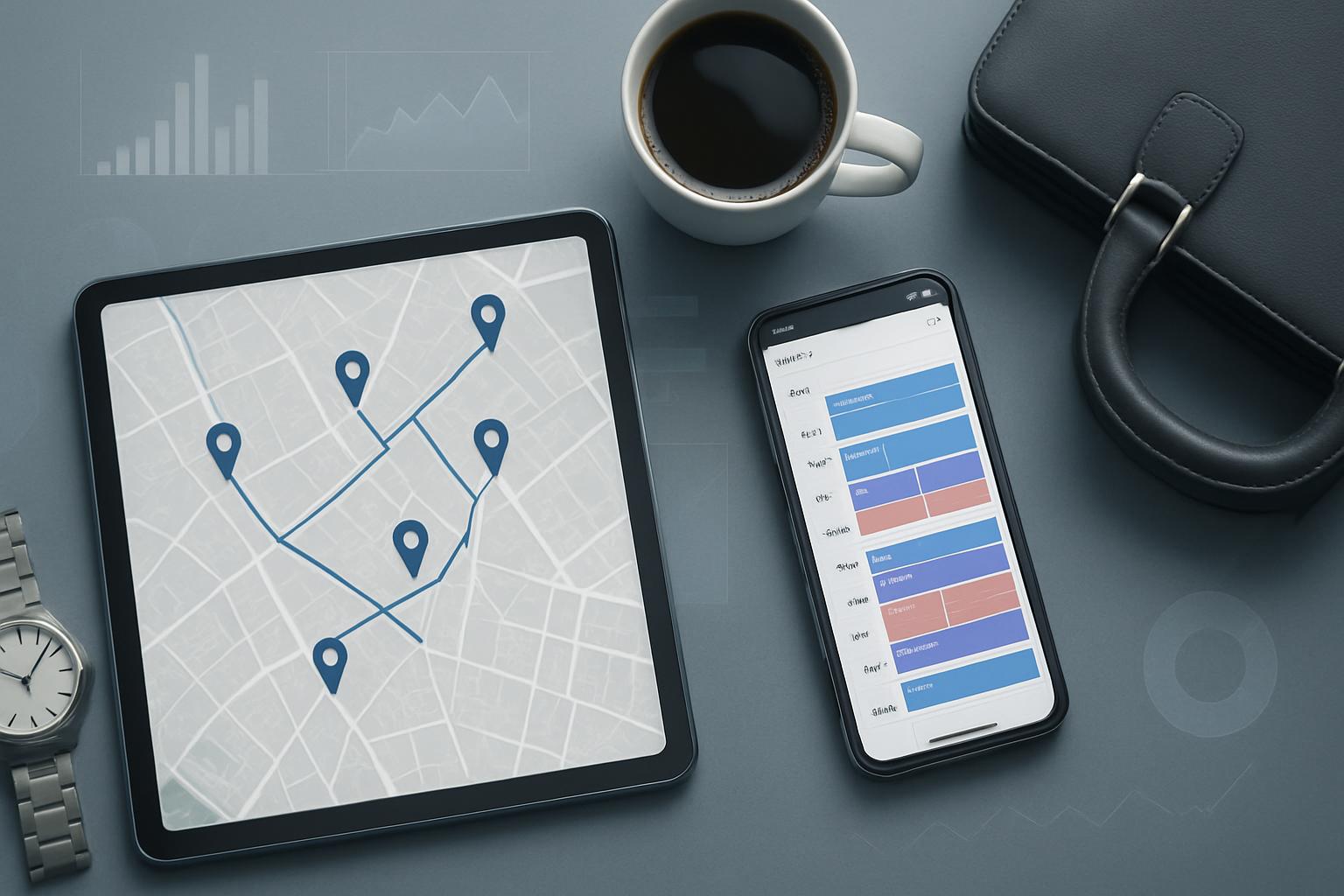
Plot all offices visually on a map and compute door‑to‑door travel times for realistic windows—use actual traffic layers for the time of day. Avoid assuming linear distance; account for transit mode (personal car, rideshare, train) and local congestion patterns.
Tools like Google Maps or routing APIs provide live travel estimates; for programmatic scheduling, integrate route optimization algorithms to minimize travel time between stops.
3. Build realistic time windows
Time windows must include:
- Meeting duration focused on priority objectives (use timeboxing: 30/45/60 minutes)
- On‑site setup and wrap‑up (5–15 minutes depending on complexity)
- Travel between locations with an added buffer (minimum 20% buffer or at least 15 minutes for urban travel)
- Contingency buffers for unexpected delays (15–30 minutes depending on risk)
Technology and Tools That Make Multi‑Location Scheduling Feasible
Calendar integration and routing
Tightly integrate calendar and routing tools so you can visualize appointments and travel in a single view. Recommended capabilities:
- Calendar sync across hosts and team members
- Automated travel time insertion into event details
- Route reoptimization on delay
For enterprise programs consider route optimization and field operations software that handle multiple stops and dynamic reordering when delays occur.
Mobile coordination and check‑ins
Equip field teams with mobile apps for check‑ins, photo documentation, and quick forms. Real‑time status updates allow central coordinators to reassign time or notify subsequent hosts of delays.
Execution Day: Best Practices
Morning routine and pre‑visit checks
Begin with a short pre‑visit briefing covering objectives, roles, and timing. Verify maps, parking options, building hours, and host contact details. Confirm attendees 24 hours and 1–2 hours before each visit to reduce no‑shows.
During visits: timeboxing and documentation
Adopt a disciplined meeting flow:
- Opening (5 min): confirm objectives and time
- Core discussion (bulk of time): focused on priority items
- Action alignment (5–10 min): assign owners and due dates
- Wrap and transition (2–5 min): confirm next steps and contact details
Capture decisions, photos, and next steps in a standard form that can be uploaded to a centralized repository immediately after each visit.
Travel optimization and contingency handling
Between visits, follow a strict rule set:
- Depart immediately at the end of the wrap‑up (avoid informal overrun)
- If delay exceeds buffer, notify downstream hosts and offer to compress meeting scope or reschedule
- If reordering is possible, prioritize visits based on fixed constraints (e.g., customer availability)
Sample Schedules
Concrete samples help set expectations and plan realistically.
Compact urban schedule
- 08:00–08:30: Pre‑day briefing and travel to Site A
- 09:00–09:45: Site A — priority check + action alignment
- 10:15–11:00: Site B — focused walkthrough
- 11:30–12:15: Site C — stakeholder interview
- 12:15–13:15: Lunch + travel buffer
- 13:30–14:15: Site D — final review and handoffs
Regional schedule with buffer days
For sites separated by longer distances, limit on‑site stops to 2–3 per day and add an optional buffer day for follow‑ups or delayed travel. Prefer overnight stays for multi‑regional rounds to preserve meeting quality.
Sign up for our newsletter
Get the latest updates, product launches, and helpful tips delivered straight to your inbox.
Coordination with Stakeholders
Communication templates
Provide hosts with clear templates that include:
- Meeting objectives and agenda (1–3 bullets)
- Expected attendees and roles
- Arrival instructions (parking, building access, required documents)
- Time commitments and contingency plan if delayed
Standardizing communication reduces friction and prevents surprises on the day.
Role delegation and follow‑up
Assign roles such as Lead, Note‑taker, Timekeeper, and Logistics Owner. After each visit, send a short summary within 24 hours to maintain momentum and demonstrate professionalism.
Metrics and Continuous Improvement
KPIs to track
Track both efficiency and effectiveness using metrics such as:
- On‑time start rate per visit
- Average buffer consumption (minutes used vs. planned)
- Number of objective items completed per visit
- Stakeholder satisfaction score (post‑visit survey)
- Cost per visit (travel, lodging, staff time)
Post‑visit review process
Hold a short debrief after each multi‑site day to capture lessons learned: what caused delays, agenda items that overran, logistical blockers, and suggestions for future days. Feed those findings into templates and routing rules.
Practical Templates and Checklists
Use short, repeatable artifacts to reduce planning friction. Examples:
- Pre‑visit checklist (objectives, contacts, access, parking)
- Meeting agenda template (timeboxed)
- On‑site documentation form (decisions, photos, actions)
- Post‑visit summary email template
Contextual Background: When to Compress Visits Into a Single Day
Not every program benefits from same‑day multi‑site rounds. Consider compressing visits into a single day when:
- Sites are geographically clustered (same metro area)
- Meetings are short, operational checks or customer touchpoints
- Cost pressure justifies consolidation
If objectives require deep, uninterrupted dialogue or hands‑on work, prioritize fewer sites with longer visits.
Key Takeaways
- Plan visits around clear objectives and realistic travel windows.
- Use routing and calendar integration to visualize time and reduce surprises.
- Timebox meetings, standardize documentation, and enforce strict departure rules.
- Include buffers and contingency plans; communicate proactively with hosts.
- Track metrics like on‑time starts and buffer consumption to improve planning precision.
Frequently Asked Questions
How many offices can I realistically visit in a single day?
The realistic number depends on geography and meeting depth. In dense urban settings, 4–6 short, timeboxed visits are feasible; for regional travel, limit to 2–3 visits. Prioritize quality over quantity—overpacking reduces effectiveness.
What buffer should I allocate between visits?
Allocate at least a 15–20 minute buffer for urban legs, increasing to 30+ minutes in areas known for congestion. A pragmatic rule is to add 20% to travel estimates and include a fixed contingency of 15 minutes per leg.
Which tools are most effective for routing and schedule management?
Use calendar platforms with travel time features and consider specialized field operations software when managing multiple teams. Routing APIs and route optimization tools help when stops are numerous or dynamic. For corporate references on operational design and productivity, authoritative business research (for example, Harvard Business Review) and operational best‑practice studies (McKinsey & Company) offer frameworks and case studies.
What should be in the post‑visit summary?
Keep post‑visit summaries concise: attendee list, decisions made, assigned actions with owners and due dates, key photos or evidence, and recommended next steps. Distribute within 24 hours to preserve momentum.
How do I handle a major delay or cancellation mid‑day?
Activate your contingency rules: notify downstream hosts immediately, offer compressed meeting options, or reschedule non‑critical visits. If delays threaten multiple appointments, prioritize visits with immovable constraints and reschedule others proactively.
Can I automate multi‑site scheduling?
Partial automation is possible: route optimization, calendar population, and travel time insertion can be automated. However, human oversight remains essential for handling exceptions, stakeholder negotiations, and qualitative scheduling choices.
How can I measure whether consolidated site days are effective?
Measure both efficiency (travel time, cost per visit, on‑time starts) and effectiveness (objective completion rate, stakeholder satisfaction). Compare these metrics against baseline single‑site visits to determine net benefit.
Sign up for our newsletter
Get the latest updates, product launches, and helpful tips delivered straight to your inbox.
Scheduler
Hand your calendar to an assistant that never drops a thread.
Keep reading

The Science of the Meeting Buffer: What Brain Research Says About Back-to-Back Calls
Microsoft wired 14 people with EEG caps to test back-to-back meetings versus meetings with breaks. The stress data was specific enough that Microsoft changed how Outlook works.

Low-Prep External Intros: Proven Scheduling Frameworks Now
Cut Low-Prep External Intros: Scheduling Frameworks That Minimize Prep and Back-and-Forth for Brief Vendor and Prospect Calls. Read the expert analysis

Streamlined Resource‑Coordinated In‑Office Scheduling for Bu
Learn about Resource‑Coordinated In‑Office Scheduling: Booking Rooms, AV, Catering and Transit Windows in One Flow in this comprehensive SEO guide.