AI-Assisted Accessibility for Meetings — Real-Time Tips
AI-Assisted Accessibility for Meetings: Real-Time Adaptations for Neurodivergent, Hearing-Impaired, and Non-Native Participants — captions & live translation.
Introduction
Business leaders increasingly recognize that accessibility is not a compliance checkbox but a productivity and culture multiplier. AI-driven tools can apply real-time adaptations during meetings to reduce communication friction for neurodivergent employees, hearing-impaired attendees, and participants for whom the meeting language is not native. This article provides a structured, actionable approach to deploying AI-assisted meeting accessibility that improves outcomes, minimizes legal risk, and delivers measurable ROI.
Why AI-Assisted Accessibility Matters
What business problems does it solve?
AI-assisted accessibility addresses several common meeting pain points:
- Miscommunication from overlapping speakers or accents
- Reduced participation from attendees who cannot process information at standard pace
- Accessibility-related legal and reputational risk
- Lower engagement and productivity among affected employees
Executive impact and compliance context
Organizations that support accessible meetings typically report stronger retention among employees with disabilities and broader participation across geographies. From a compliance perspective, standards such as the Web Content Accessibility Guidelines (WCAG) and disability non-discrimination laws increasingly inform digital meeting expectations (see W3C WCAG for guidance).
Sources: World Health Organization (hearing loss statistics), W3C (WCAG guidelines), Microsoft Research (captioning benefits).
Real-Time Adaptations: Overview
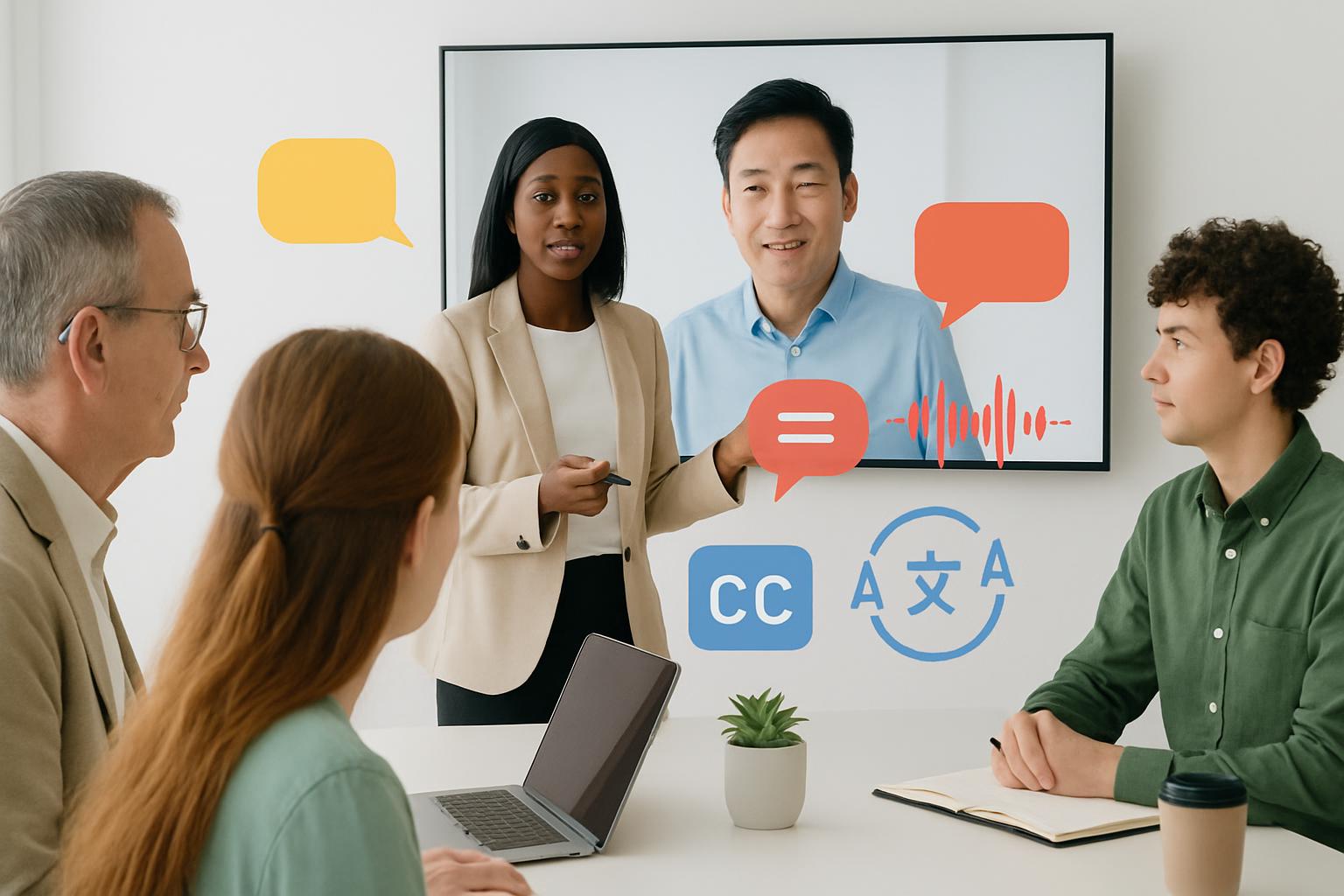
Real-time adaptations are AI-powered features applied during live meetings that modify the sensory or informational presentation of content to match participant needs. Implementations typically combine speech-to-text, natural language processing (NLP), speaker diarization, adaptive audio processing, and machine translation.
Live captions and transcription
Live captions convert spoken audio to on-screen text with near-instant latency. Best practices include:
- Use speaker labeling to indicate who is speaking.
- Provide punctuation and sentence breaks to improve readability.
- Offer downloadable transcripts after meetings for asynchronous review.
Visual and text cues
Visual cues include real-time highlighting of active speaker, name pop-outs, and structured agendas displayed alongside captions. These reduce cognitive load for neurodivergent individuals and help non-native speakers follow the flow.
Adaptive audio mixing
Adaptive audio dynamically balances volume levels, reduces background noise, and enables individual-channel amplification (boosting the voice of the meeting host or a designated speaker). This benefits hearing-impaired participants and those in noisy environments.
Designing for Neurodivergent Participants
Neurodivergent attendees may include people with autism spectrum conditions, ADHD, sensory processing differences, or other cognitive variations. Design decisions should prioritize predictability, reduced sensory overload, and control.
Sensory and cognitive adjustments
- Allow participants to toggle visual clutter (hide non-essential UI elements).
- Offer adjustable caption density (short phrases versus verbatim streams).
- Provide agenda markers and timing cues so participants can anticipate transitions.
- Enable chat-to-caption features where typed comments appear in captions to avoid concurrent auditory and visual demands.
Practical implementation example: a participant can choose a "low stimulation" view that reduces animations, limits speaker indicators to names only, and expands caption font size.
Supporting Hearing-Impaired Participants
Hearing-impaired participants benefit from high-quality captions, sign language integration, and precise speaker metadata.
Caption quality and customization
Key requirements for captions:
- Low latency (sub-second where possible).
- High accuracy with domain-specific vocabulary models (e.g., industry terms, acronyms).
- Customization of font size, color contrast, and placement.
For participants who use sign language, provide live interpretation windows and the ability to pin or prioritize interpreter video feeds.
Supporting Non-Native Participants
Non-native participants need both language supports and pacing adjustments to fully contribute.
Translation and pacing
AI-enabled live translation can render captions into a participant’s preferred language in real time. Best practices:
- Offer a language selector linked to automatic on-screen captions.
- Allow participants to slow speech playback in recordings or request a short pause during live dialogue for clarification.
- Provide glossaries of common terms and acronyms before key meetings.
Implementation Roadmap
Adopt a phased approach to reduce risk and ensure adoption. Below is a recommended 6-step roadmap for business teams.
- Assess needs: Conduct an accessibility audit and collect direct input from affected employees.
- Prioritize features: Start with captions, speaker labeling, and audio normalization.
- Pilot: Run a controlled pilot with volunteers across departments and geographies.
- Iterate: Use feedback to refine settings, custom dictionaries, and UI options.
- Scale: Roll out organization-wide with training materials and role-based admin controls.
- Measure and govern: Monitor adoption, accuracy metrics, and compliance reports.
Technology stack and vendor selection
Key components and selection criteria:
- Speech-to-text engine: Accuracy on industry vocabulary, low latency.
- Speaker diarization: Accurate multi-speaker identification and labeling.
- Translation models: Support for required languages and domain tuning.
- Accessibility UI: Customizable caption display, interpreter pinning, and simplified views.
- Security and privacy: End-to-end encryption options and data retention controls.
When evaluating vendors, require transparency on training data, support for on-premise or private cloud models (if needed), and SLAs for uptime and caption latency.
Measuring Success and ROI
Define clear KPIs to justify investment and guide optimization.
Metrics and KPIs
- Accessibility usage rate: percentage of meetings using accessible features.
- Caption accuracy: word error rate (WER) measured against ground truth samples.
- Participation metrics: increases in speaking turns and chat contributions from targeted participants.
- Employee satisfaction: survey scores pre- and post-implementation among neurodivergent, hearing-impaired, and non-native staff.
- Operational outcomes: reductions in meeting length, follow-up clarifications, and time-to-decision.
Translate improvements into financial terms where possible (e.g., reduced time-to-decision saves X hours per quarter; increased retention reduces hiring costs by Y%).
Best Practices and Governance
Successful programs combine technology with policy and training:
- Create an accessibility policy that specifies default meeting settings (captions on by default, live transcripts available).
- Train meeting hosts on pacing, cueing, and how to use the accessibility features.
- Offer role-based controls so hosts can enable interpreters, pin captions, or manage layout for large events.
- Maintain an internal feedback loop for continuous improvement and bug reporting.
Potential Challenges and Mitigations
Common obstacles and practical mitigations:
- Inaccurate captions for domain-specific terminology — mitigate with custom vocabularies and glossaries.
- Privacy concerns about transcribing meetings — mitigate with opt-in policies, strict retention, and access controls.
- Resistance to change — mitigate with pilot testimonials, executive sponsorship, and clear ROI reporting.
- Latency or technical limitations — mitigate by selecting low-latency vendors and offering fallbacks (human captioners for critical meetings).
Key Takeaways
- AI-assisted accessibility transforms meetings through live captions, adaptive audio, and translation—improving inclusion and business performance.
- Begin with captions, speaker labeling, and adjustable UI; iterate using pilot feedback and measurable KPIs.
- Prioritize customization for neurodivergent users, high-quality captions for hearing-impaired participants, and real-time translation for non-native speakers.
- Measure adoption, caption accuracy, participation, and employee satisfaction to quantify ROI.
- Governance, privacy controls, and training are as critical as technology selection.
Frequently Asked Questions
How quickly can an organization deploy AI-assisted captions for meetings?
Deployment time varies by platform and requirements. For many cloud-based services, enabling captions is a matter of configuration and can be done within days. Full-scale rollout—incorporating custom vocabularies, translation, and governance—typically takes 6–12 weeks including pilot and iteration phases.
Are auto-captions reliable enough for formal documentation?
Auto-captions are increasingly accurate but may still produce errors for specialized terminology. For legally sensitive or formal documentation, combine AI captions with human review or use human captioners. You can also reduce errors by maintaining custom dictionaries and allowing meeting hosts to tag expected terms in advance.
How do we protect privacy when transcribing meetings?
Adopt clear policies: limit transcription access, define retention periods, encrypt stored transcripts, and provide participation consent options. Choose vendors offering enterprise controls for data residency and retention. For highly sensitive sessions, consider human-in-the-loop controls and on-premises processing.
Will live translation introduce unacceptable latency?
Modern translation pipelines can operate with acceptable latency for many meeting types, though slightly higher than raw captions. For real-time decision-making sessions where latency is critical, consider enabling parallel strategies: live captions in the meeting language plus near-real-time translated transcripts for review, or human interpreters for immediate bilingual support.
How can we ensure equitable access for neurodivergent participants?
Provide multiple access modes (captions, simplified UI, interpreters), allow user control over sensory settings, and solicit direct feedback from neurodivergent employees. Include accessibility requirements in procurement and ensure training materials reflect varied learning preferences.
Which standards and resources should we consult when implementing accessible meetings?
Relevant standards and resources include the W3C WCAG guidance for digital accessibility, national disability laws in your operating regions, and best practices from major accessibility-focused organizations. Consult research from credible institutions to quantify benefits and ensure compliance.
Sources cited in this article include the World Health Organization (hearing loss data), W3C WCAG guidelines, and industry research on captioning and accessibility benefits (Microsoft Research). For further technical details consult vendor documentation for chosen speech-to-text and translation platforms.
Scheduler
Hand your calendar to an assistant that never drops a thread.
Keep reading

Where Do All Your Meetings Actually Go? The Real Cost, By the Numbers
Reclaim.ai surveyed 1,300+ professionals on how much time meetings eat, what they cost, and how often they fall apart before they even happen. The numbers are more specific than the usual complaint.
![Three-Question Compact Agendas: Proven System [Pro]](https://nuxxt0us9k7umi1n.public.blob.vercel-storage.com/blog-covers/6a0e45ff6996f1fff37fb29f_article-27586b25-d86a-4410-9f05-1e27213c92c4.jpeg)
Three-Question Compact Agendas: Proven System [Pro]
Eliminate delays with Three-Question Compact Agendas: Schedule short internal syncs that start on time and end with decisions. Read the analysis now
![Subset-Critical Windows: Proven Scheduling [Expert Guide]](https://nuxxt0us9k7umi1n.public.blob.vercel-storage.com/blog-covers/6a0e4602d4e4fcd05af4bfe9_article-2cf1d83b-25fb-41d7-b3ca-af2248d7d1b7.jpeg)
Subset-Critical Windows: Proven Scheduling [Expert Guide]
Act now: Master Subset-Critical Windows scheduling to speed decisions when only a small, key group must attend a multi-party meeting. Read analysis.