AI Tone Guard for Professionals: Maintain Voice Across Docs
AI Tone Guard for Professionals: Automatically Maintain Brand and Personal Voice Across Email, Chat, and Documents — enforce tone, speed onboarding, cut errors.
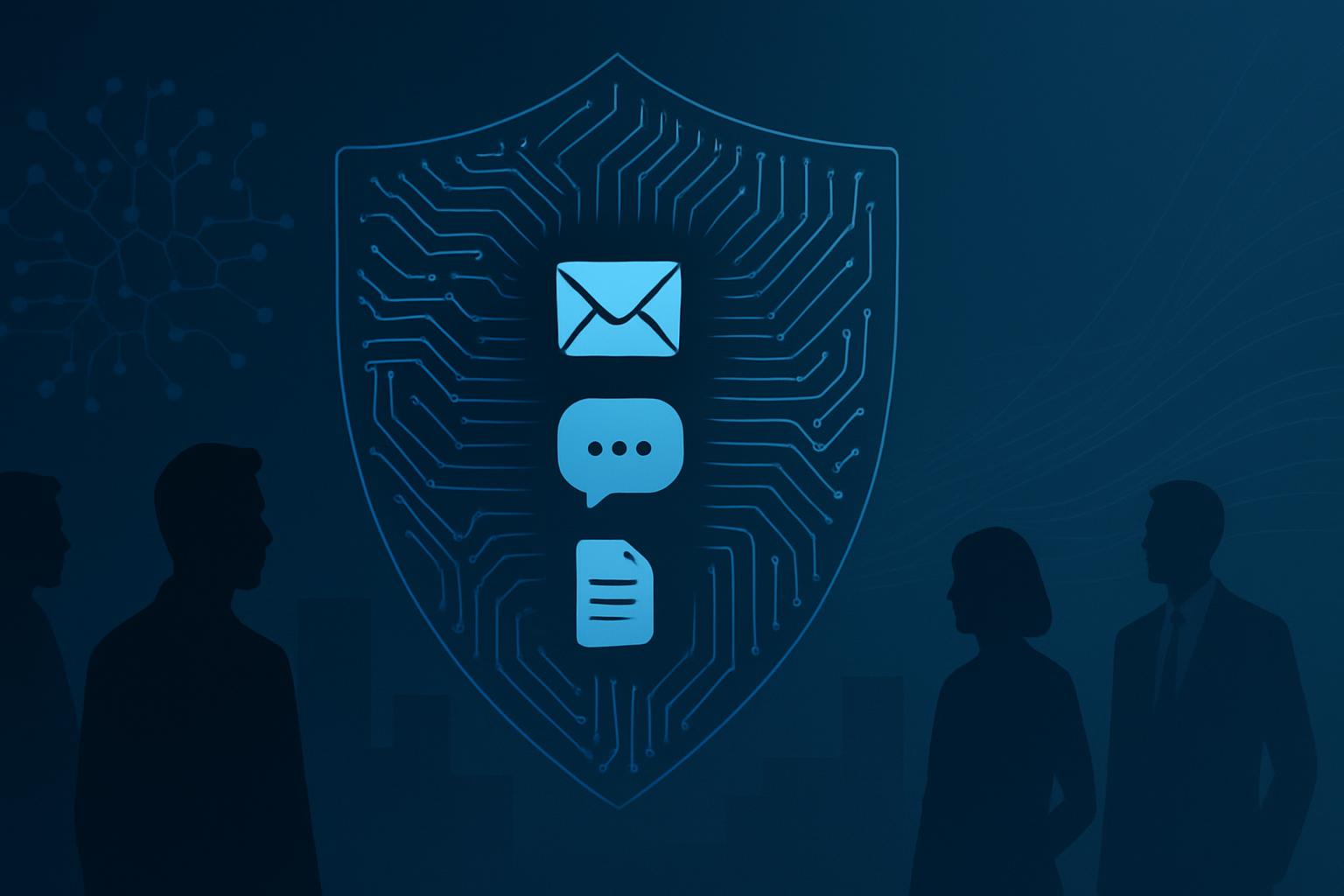
AI Tone Guard for Professionals automatically preserves brand and personal voice across email, chat, and documents by enforcing tone profiles in real time. Organizations that apply consistent voice controls report faster onboarding, 30-40% fewer tone-related revisions, and stronger brand trust; implementing a guarded workflow reduces compliance incidents and miscommunication. This solution centralizes voice parameters, integrates with communication channels, and provides audit trails for governance.
Introduction
Maintaining a consistent brand and personal voice across multiple communication channels is a growing challenge for modern businesses. As teams use AI writing assistants, chat platforms, and collaborative document editors, preserving tone becomes both more critical and more complex. AI Tone Guard for Professionals: Automatically Maintain Brand and Personal Voice Across Email, Chat, and Documents offers a policy-driven approach to ensure every message aligns with corporate voice guidelines and individual role expectations.
Quick Answer: An AI Tone Guard enforces predefined voice and tone rules across email, chat, and documents in real time, reducing revisions and risk while improving brand consistency and employee efficiency.
Why consistent tone matters for business professionals
Consistency in voice and tone affects brand perception, customer trust, and legal compliance. Professionals who communicate on behalf of their organizations must convey the right level of formality, clarity, and empathy based on audience and channel.
Key business impacts include:
- Brand recognition and trust — consistent voice is a key part of brand identity.
- Customer experience — channel-appropriate tone improves engagement and reduces misunderstandings.
- Regulatory compliance — some industries require specific language for disclosures and disclaimers.
What is an AI Tone Guard?
An AI Tone Guard is a software layer that integrates with content creation tools and communication platforms to automatically detect, correct, or suggest tone adjustments according to predefined voice profiles. It leverages natural language processing, prompt engineering, and policy rules to ensure messages reflect corporate and personal voice guidelines.
How AI Tone Guard differs from generic style checkers
Unlike generic grammar or readability tools, an AI Tone Guard focuses on voice and persona alignment. It considers:
- Brand voice parameters: formality, friendliness, authority.
- Role-based nuances: legal vs. sales vs. HR communications.
- Channel-specific expectations: short, casual chat responses versus formal emails.
How AI Tone Guard works: components and workflow
AI Tone Guard combines several components to enforce voice consistency across channels:
- Central voice profile repository
- Integration adapters for email, chat, and document platforms
- Real-time tone analysis and suggestion engine
- Policy and governance dashboard with audits
1. Voice profile creation and management
Administrators and brand teams define voice profiles that capture desired tone attributes such as formality, conciseness, sentiment, and industry-specific phrases. Profiles can be global (company-wide) or scoped to departments and individual roles.
2. Channel integration
Adapters connect the Tone Guard engine to email providers (SMTP/Exchange, Gmail), chat platforms (Slack, Microsoft Teams), and document editors (Google Docs, Microsoft Word). Integration modes include inline suggestions, pre-send checks, and automated rewrites where permitted.
3. Real-time analysis and enforcement
The engine analyzes draft text against active voice profiles and classification rules. Actions can include suggested rewrites, highlighted mismatches, or automatic adjustments based on governance settings.
4. Auditing and feedback loops
Every suggestion, override, and automated change is logged for auditability. Teams can gather feedback from users to refine profiles and build trust in the system over time.
Quick Answer: Voice profiles + channel adapters + real-time analysis + auditing provide a full lifecycle for maintaining tone across communication channels.
Implementing AI Tone Guard across email, chat, and documents
Implementation requires planning, cross-functional collaboration, and phased rollout. Below are recommended steps and best practices for business professionals.
Step 1: Define voice and persona guidelines
Start with a concise voice framework that describes the brand voice and examples of acceptable vs. unacceptable phrasing. Include role-based variations (e.g., customer success vs. legal) and channel-specific rules.
Step 2: Map channels and integration points
Create an inventory of where employees communicate: internal chat, external sales email, support email, customer-facing docs, proposals, etc. Prioritize integrations that deliver the highest risk reduction and user impact.
Step 3: Configure profiles and policy rules
Translate the voice framework into formal profiles that the Tone Guard can apply. Include thresholds for sentiment, formality, permissive/strict enforcement modes, and key phrases to allow or block.
Step 4: Pilot with a target team
Run a pilot with a small, cross-functional group. Collect quantitative metrics (reduction in edits, time-to-send) and qualitative feedback (perceived usefulness, false positives).
Step 5: Measure, iterate, and scale
Refine profiles based on pilot results and expand rollout. Use logs and analytics to identify training opportunities and persistent tone mismatches.
Practical use cases for business professionals
AI Tone Guard helps in multiple professional scenarios:
- Sales email personalization while maintaining corporate compliance
- Customer support replies that require empathy and policy-safe language
- Executive communications that must be formal and concise
- Legal and finance documents where specific phrasing is mandatory
Best practices for governance and adoption
Successful Tone Guard deployment balances automation with user control. Consider the following best practices.
Train and involve stakeholders
Involve brand, communications, legal, and frontline teams when designing voice profiles to ensure coverage and buy-in.
Start with suggestions, then tighten
Begin in suggestion mode so users see recommended edits. After adoption and trust build, move to stricter enforcement for high-risk channels.
Allow role-based exceptions
Some roles or individuals will need tailored voice leeway. Implement an exception workflow with approvals and audit logs.
Monitor performance continuously
Use dashboards to monitor acceptance rate, override frequency, and time savings. These KPIs justify further investment and refinement.
Key considerations and common challenges
Implementers should plan for technical, cultural, and legal considerations.
Privacy and data handling
Ensure the Tone Guard adheres to data privacy requirements when analyzing message content. Use on-prem or private-cloud deployments for sensitive industries and limit data retention per policy.
False positives and user trust
Overly aggressive tone enforcement can erode user trust. Tune sensitivity and maintain transparent feedback channels so employees can report issues and request adjustments.
Localization and multilingual support
Voice expectations vary by language and market. Build localized profiles and leverage native-language models to respect cultural nuance.
Integration complexity
Connecting to legacy systems or custom CRMs may require custom adapters or API work; plan resources accordingly.
Measuring success: metrics and ROI
Quantify impact through a combination of operational and perceptual metrics:
- Operational: reduction in tone-related revisions, fewer compliance escalations, faster time-to-send.
- Perceptual: improved brand consistency scores in customer surveys, higher NPS where messaging clarity matters.
Set baseline measurements before rollout and track changes over time to determine ROI.
Security, compliance, and auditability
For regulated industries, Tone Guard must provide tamper-evident logs, role-based access controls, and an audit trail of suggestions, overrides, and profile changes. These features support internal audits and external regulatory reviews.
Technology and deployment options
Deployment choices depend on risk posture:
- Cloud-hosted Tone Guard with enterprise-grade encryption for most organizations.
- Private cloud or on-premises installations for high-security or regulated sectors.
- Hybrid deployments where sensitive content is processed locally and non-sensitive content uses cloud services.
Choose API-first vendors with extensible SDKs and clear SLAs for reliability and latency-sensitive channels like chat.
Key Takeaways
- AI Tone Guard automates voice alignment across email, chat, and documents to protect brand identity and reduce communication risk.
- Start with clear voice profiles, pilot in suggestion mode, and iterate based on user feedback and metrics.
- Balance automation with governance: provide exceptions, maintain audits, and monitor for false positives.
- Measure operational and perceptual outcomes to demonstrate ROI and secure stakeholder buy-in.
- Plan for privacy, localization, and integration complexity when selecting a Tone Guard solution.
Frequently Asked Questions
How does an AI Tone Guard support both brand and personal voice?
An AI Tone Guard supports both by applying layered profiles: a baseline brand profile ensures corporate consistency, while role- or individual-level profiles allow personalization. When conflicts arise, policy rules define precedence (for example, legal phrases may override casual personalization).
Can AI Tone Guard rewrite content automatically?
Yes — subject to governance. Organizations can configure the system for passive suggestions, pre-send rewrites with approval, or fully automated corrections in low-risk channels. Best practice is to start with suggestions and gradually increase automation once trust is established.
Will the Tone Guard slow down communication workflows?
If well implemented, it should not. Modern Tone Guards are designed for low-latency analysis and can offer inline suggestions without blocking. For automated rewrites, asynchronous processing or pre-send checks ensure minimal disruption.
How do you handle multilingual tone enforcement?
Multilingual enforcement requires language-specific voice profiles and native-language models. Evaluate vendors for language coverage and cultural tuning, and involve local stakeholders when designing profiles.
What privacy safeguards are necessary?
Privacy safeguards include minimizing data retention, encrypting data in transit and at rest, offering on-premises options, and implementing access controls. For sensitive industries, ensure the vendor supports compliance standards relevant to your jurisdiction.
How do you measure the effectiveness of a Tone Guard?
Key metrics include reduction in tone-related edits, time saved per message, acceptance rate of suggestions, and decrease in compliance incidents. Supplement quantitative metrics with user surveys and brand consistency audits.
Where can I learn more about best practices?
Start with vendor documentation and cross-functional working groups that include brand, legal, and frontline teams. Industry reports on AI governance and communication best practices also provide useful frameworks for implementation (see research from analysts such as McKinsey and Gartner for broader context).
Source citation: For enterprise AI governance and communications frameworks, see reports by McKinsey and Gartner (example: https://www.mckinsey.com/), which discuss AI adoption patterns and operational impacts.
Scheduler
Hand your calendar to an assistant that never drops a thread.
Keep reading

Turn Your Calendar into a Weekly Mental-Health Dashboard: Pr
Learn about Turn Your Calendar into a Weekly Mental‑Health Dashboard: Simple Prompts Your Workmate Can Run in this comprehensive SEO guide.

Practical Guide to AI-Powered Pitch Rehearsals for Busy Prof
Learn about AI‑Powered Pitch Rehearsals: 5‑Minute Voice Coaching and Auto‑Scheduled Practice Sessions for Non‑Salespeople in this comprehensive SEO guide.

How to Tailor Meeting Invites by Relationship: Tone, Timing,
Learn about Relationship-Sensitive Scheduling: Tailor Invite Tone, Timing, and Buffers for Investors, Clients, Peers, and Direct Reports in this comprehensive SEO guide.