Designing Cognitive Offload Prompts in Your Calendar
Designing Cognitive Offload Prompts in Your Calendar: Micro-Notes That Restore Context Before Every Meeting — save time and boost meeting focus quickly.
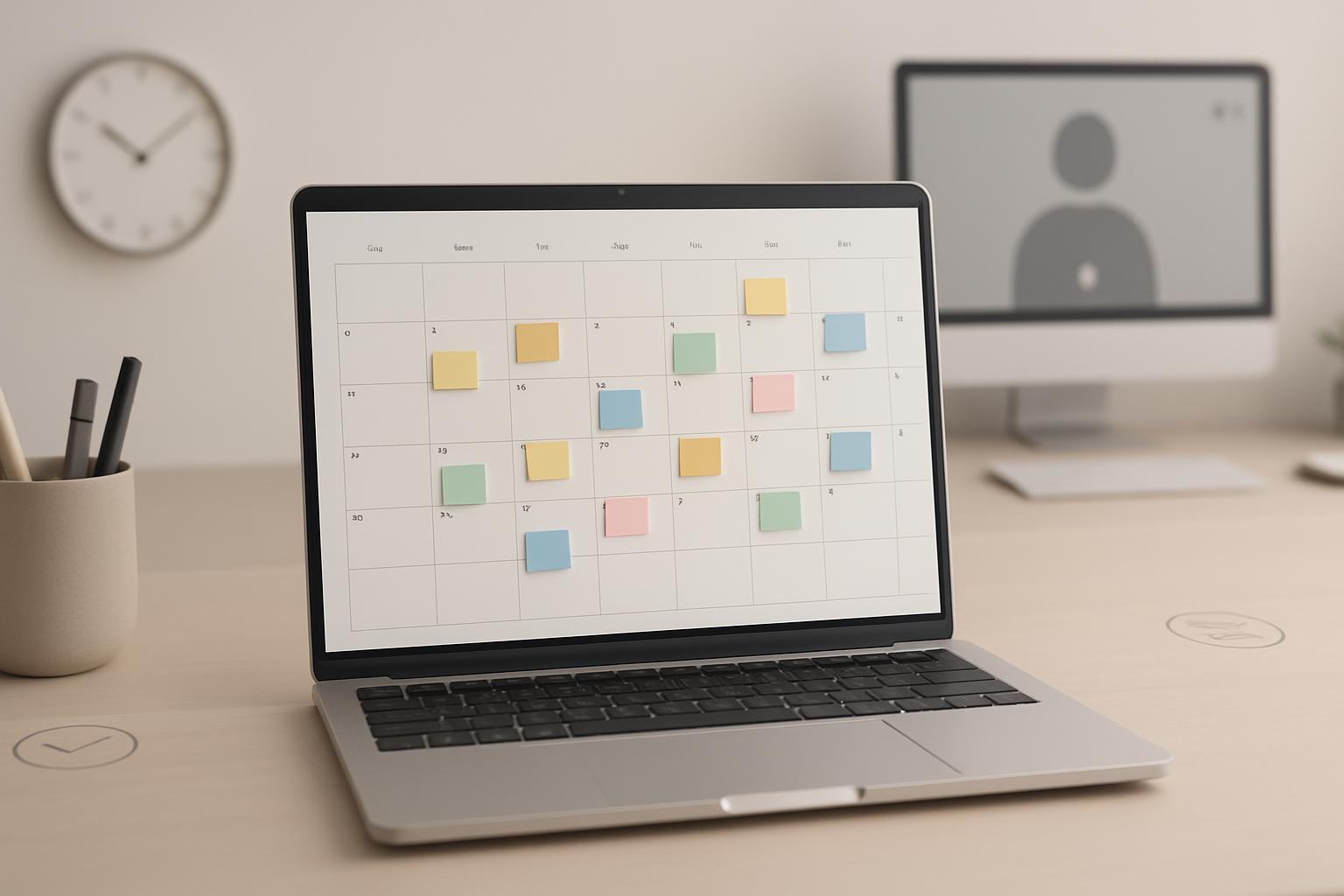
Introduction
Business professionals increasingly rely on digital calendars to coordinate complex schedules. Yet many meetings still start with wasted time as participants reorient to purpose, decisions, and required materials. Designing cognitive offload prompts in your calendar — concise micro-notes that restore context before every meeting — helps participants arrive mentally prepared and accelerates productive work. This article provides a practical, evidence-informed framework for designing, implementing, and measuring micro-notes so teams can reclaim time and improve meeting outcomes.
Why context matters for meetings
Meetings require cognitive alignment. When participants are not on the same page, the first 5–10 minutes are often spent re-establishing context rather than advancing work. Cognitive science describes this as context-switching and memory retrieval costs: employees must recall prior conversations, documents, and their roles, which drains mental resources and time.
Practical impacts for organizations include:
- Longer meeting durations and delayed decisions
- Lower meeting satisfaction and perceived productivity
- Increased need for follow-up meetings and clarifications
By proactively offloading context into micro-notes attached to calendar events, teams can reduce these costs and increase meeting clarity.
What are micro-notes and cognitive offload prompts?
Micro-notes are short, structured snippets of information embedded in a calendar event or delivered immediately before a meeting. They are designed to restore essential context with minimal cognitive load.
Key characteristics:
- Concise — 1 to 3 short lines or bullets
- Action-oriented — what to bring, what to decide, what role to play
- Timed — delivered or visible within a short window before the meeting (e.g., 10–20 minutes)
- Standardized — follows a consistent template across the team
Design principles for effective micro-notes
Designing micro-notes requires balancing completeness with brevity. Below are proven design principles to follow.
1. Prioritize the desired outcome
Start the micro-note with the meeting's intended outcome. People orient quickly to decisions and next steps, so a clear stated outcome saves time and prevents drift.
2. Use a consistent template
Standardized structure reduces interpretation time. Suggested template: Purpose | Outcome | 2-minute prep | Role/Owner. Keep it to one or two lines in email/calendar display to avoid truncation on mobile.
3. Keep language action-oriented and specific
Avoid vague phrasing like "discuss" or "touch base." Instead use verbs like "decide," "approve," "review with aim to select X" — specificity drives alignment.
4. Time the prompt for maximum usefulness
Micro-notes are most effective when visible shortly before the meeting — 10–20 minutes allows a quick mental reset or scan of materials. If your calendar tool supports notifications or push content, schedule the prompt to appear in that window.
5. Make role clarity explicit
Indicate who is leading, who is deciding, and who is informing. Explicit role tags reduce ambiguity and encourage preparation among critical participants.
6. Optimize for mobile and glanceability
People check calendars on phones between meetings. Keep micro-notes compact and formatted with separators (| or —) so they remain readable on small screens.
How to create a micro-note template (with examples)
Below are practical templates you can adapt for most recurring and ad hoc meetings.
Standard template (1 line)
Purpose | Outcome | 2-min Prep | Owner
Example: "Budget review | Decide final Q3 cuts | Review 'Final' tab (2 min) | Finance Lead"
Expanded template (2–3 lines)
Line 1: Purpose and desired outcome Line 2: 2-minute prep + essential materials (links or filenames) Line 3 (optional): Roles: Lead/Decision/Attendees
Example: Purpose: Confirm Q3 budget allocations — Outcome: Approve and assign owners Prep (2 min): Open file "Budget_Q3_v5.xlsx" tab 'Final' — bring alternate figures Roles: Alice (Lead); Bob (Decision); Carol (Notes)
Implementation: step-by-step rollout
Implementing micro-notes across a team or organization requires planning and small experiments. Use the following steps as an operational playbook.
Step 1 — Pilot with a small team
- Select 2–3 teams or meeting types (e.g., weekly stand-ups, budget reviews).
- Define the template and timing (e.g., deliver 15 minutes before meeting).
- Train team members with a 15-minute walkthrough and an example calendar event.
Step 2 — Automate prompt insertion
Where possible, use calendar automation to inject micro-notes into event descriptions or reminders. Approaches include:
- Calendar templates in Google Calendar or Outlook
- Zapier/Make automations that populate event descriptions when a meeting is created
- Meeting management platforms (Confluence, Notion, or bespoke tools) that sync to calendar events
Step 3 — Enforce through meeting templates and organizers
Require the micro-note template as part of meeting creation policies. Encourage meeting organizers to fill the micro-note before inviting attendees; provide a checklist in your meeting creation SOP.
Step 4 — Collect feedback and iterate
Run a 4–6 week pilot and collect quick feedback using short pulse surveys (1–3 questions) after meetings. Refine templates, timing, and delivery based on real usage.
Tools and integrations
Choose tools that fit existing workflows. Below are common options and trade-offs.
Native calendar features
Google Calendar and Outlook allow event descriptions and reminders. Pros: simple, ubiquitous. Cons: limited automation and formatting.
Automation platforms (Zapier, Make)
Use these to automatically populate event descriptions from templates, copy meeting notes, or send micro-note notifications. Pros: flexible; Cons: requires setup and maintenance.
Meeting management apps (Notion, Confluence, Fellow)
These provide richer templates, collaborative agendas, and seamless sync with calendar events. Pros: integrates notes and agendas; Cons: adoption overhead.
Measuring impact and ROI
To justify adoption and demonstrate value, track a few practical metrics before and after rollout.
Suggested metrics
- Average meeting duration for target meetings
- Percentage of meetings that end with clear decisions or next steps
- Time spent re-establishing context (self-reported in pulse surveys)
- Participant satisfaction scores
Measurement approach
- Establish baseline for 2–4 weeks.
- Implement micro-notes for select meeting types.
- Measure the same metrics for 4–8 weeks post-implementation.
- Analyze improvements and calculate time saved (e.g., minutes saved per meeting × meetings per week × number of participants = aggregate time regained).
Example calculation: if micro-notes reduce context setup by 5 minutes for a meeting with 6 attendees, and the meeting happens weekly, annual time saved = 5 minutes × 6 attendees × 52 weeks = 1,560 minutes (~26 hours) per meeting type.
Best practices and common pitfalls
Adoption succeeds when micro-notes are easy to create and demonstrably useful. Avoid these common pitfalls:
- Pitfall: Over-lengthy notes that replicate full agendas. Fix: keep micro-notes to the essentials and link to full agenda if needed.
- Pitfall: Inconsistent templates across teams. Fix: publish a common template and examples in your team's documentation.
- Pitfall: Lack of automation. Fix: automate insertion for recurring meetings to reduce friction.
- Pitfall: Not measuring impact. Fix: collect basic metrics to demonstrate benefit and build momentum.
Contextual background: cognitive offload and workplace productivity
Cognitive offload refers to transferring cognitive tasks to external aids (notes, devices, calendars). Research in psychology and HCI shows that offloading reduces working memory load and speeds task resumption. For knowledge workers, embedding key context in readily accessible locations (like calendar events) is a practical application of this principle that supports rapid task engagement and reduces errors caused by memory lapses.
Industry research on meetings and productivity highlights the cost of poorly run meetings. For broader guidance on meeting effectiveness and human-centered design of work processes, see resources from the Harvard Business Review and Nielsen Norman Group, and practical recommendations from professional psychology literature (sources cited below).
Sources: Harvard Business Review on meeting effectiveness, Nielsen Norman Group on usability and information design, and guidance from the American Psychological Association on memory/load management.
Key Takeaways
- Cognitive offload via micro-notes reduces context-switching and makes meetings start-up faster.
- Use a simple template: Purpose | Outcome | 2-minute Prep | Owner.
- Deliver micro-notes 10–20 minutes before meetings and ensure they are mobile-friendly.
- Automate insertion for recurring meetings and pilot before wide rollout.
- Measure impact with meeting duration, decision rates, and participant satisfaction metrics.
Frequently Asked Questions
How long should a micro-note be?
Keep it between 1–3 short lines. The objective is to restore context quickly, so brevity and specificity matter more than exhaustiveness.
When should micro-notes be visible to attendees?
Best practice is 10–20 minutes before the meeting. This window gives attendees time to skim materials or make a quick mental switch without interrupting the prior task.
Who should write the micro-note?
The meeting organizer or designated facilitator should draft the micro-note. For recurring meetings, the team should agree on a default owner who updates the note when the agenda or desired outcome changes.
Can micro-notes replace agendas?
No. Micro-notes are not a replacement for full agendas. They are a lightweight, high-impact pre-meeting prompt that restores context. Always link the full agenda or documents for participants who need in-depth information.
Do micro-notes work for large external meetings or webinars?
Yes — but tailor content. For large or external meetings, focus on roles and attendee expectations (e.g., presenters, Q&A format, deliverables) and ensure that public-facing instructions are concise and professional.
How do we measure whether micro-notes are effective?
Track meeting duration, number of follow-up clarifications, decision completion rates, and short participant satisfaction surveys. Compare metrics before and after introduction and run a small pilot to validate impact.
What tools best support micro-notes?
Start with native calendar descriptions (Google Calendar, Outlook). For scale and automation, integrate Zapier/Make or a meeting management tool (Notion, Fellow) that syncs agendas and notes to calendar events.
References:
Scheduler
Hand your calendar to an assistant that never drops a thread.
Keep reading

Where Do All Your Meetings Actually Go? The Real Cost, By the Numbers
Reclaim.ai surveyed 1,300+ professionals on how much time meetings eat, what they cost, and how often they fall apart before they even happen. The numbers are more specific than the usual complaint.
![Three-Question Compact Agendas: Proven System [Pro]](https://nuxxt0us9k7umi1n.public.blob.vercel-storage.com/blog-covers/6a0e45ff6996f1fff37fb29f_article-27586b25-d86a-4410-9f05-1e27213c92c4.jpeg)
Three-Question Compact Agendas: Proven System [Pro]
Eliminate delays with Three-Question Compact Agendas: Schedule short internal syncs that start on time and end with decisions. Read the analysis now
![Subset-Critical Windows: Proven Scheduling [Expert Guide]](https://nuxxt0us9k7umi1n.public.blob.vercel-storage.com/blog-covers/6a0e4602d4e4fcd05af4bfe9_article-2cf1d83b-25fb-41d7-b3ca-af2248d7d1b7.jpeg)
Subset-Critical Windows: Proven Scheduling [Expert Guide]
Act now: Master Subset-Critical Windows scheduling to speed decisions when only a small, key group must attend a multi-party meeting. Read analysis.