Establishing Autonomy Thresholds for Assistants: When to Sch
Learn about Autonomy Thresholds: Rules for When Assistants Should Schedule Autonomously vs. Escalate to the Executive in this comprehensive SEO guide.
Introduction
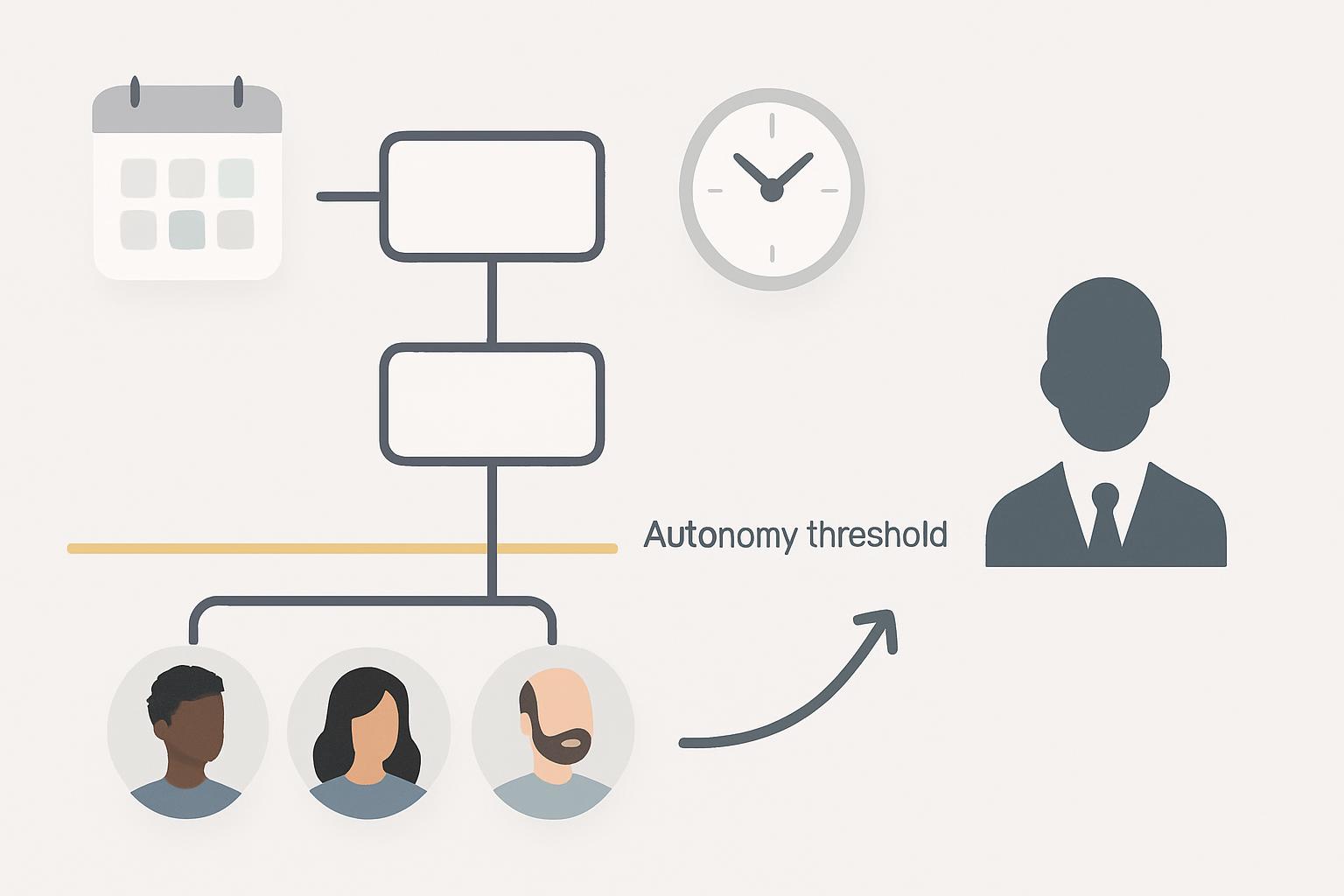
Business professionals increasingly rely on automated and human assistants to manage calendars, commitments, and operational tasks. Defining clear autonomy thresholds—rules determining when an assistant should act without executive sign-off versus when to escalate—is essential to maintain efficiency, protect executive time, and manage risk.
Why autonomy thresholds matter (context and business impact)
Ambiguity about when an assistant can act causes two failure modes: excessive micro-escalation (wasting executive time) and excessive autonomy (creating reputational or business risk). A well-designed threshold framework balances speed and control, aligning assistant autonomy with organizational risk appetite.
Practical benefits include:
- Faster response times and fewer scheduling bottlenecks.
- Preserved executive bandwidth for strategic work.
- Consistent stakeholder experience and reduced errors.
Data point: organizations that implement formal delegation policies often see measurable reductions in leader interruptions and more predictable calendar management (see HBR on delegation best practices). Source: HBR
Principles for setting autonomy thresholds
Start with foundational principles that guide every threshold decision. These principles standardize judgment across assistants and units.
1. Risk proportionality
Allow greater autonomy for low-risk tasks and stricter controls for high-risk or high-visibility matters. Define what constitutes risk for your organization (reputational, financial, legal, strategic).
2. Predictability and transparency
Rules should be documented and accessible. Stakeholders (assistants, executives, internal partners) must understand what will happen in common scenarios to avoid surprises.
3. Measurability and feedback
Establish metrics to evaluate autonomy performance (e.g., escalation rate, scheduling error rate, executive interruptions). Use these to refine thresholds.
Operational rules: When assistants should schedule autonomously
Operationalize principles into concrete rules. Below are categories and illustrative thresholds that you can adapt.
Routine internal meetings
Rules examples:
- Recurring team meetings: assistants may schedule, reschedule, or cancel without escalation.
- Standups and operational syncs: autonomy up to a maximum duration (e.g., 90 minutes) and attendee list constrained to known team members.
- Internal-only attendees: if all participants are internal and below defined seniority thresholds, assistants may act autonomously.
Previously agreed external meetings
When the executive or delegate has pre-approved a meeting concept, assistants can confirm logistics.
- Confirming agreed times or minor adjustments within a 24–48 hour window: autonomous.
- Adding or removing VIPs or materially changing agenda: escalate.
Low-cost vendor or administrative interactions
Tasks with negligible budget or contractual implications can be autonomous.
- Vendor calls for information-gathering under a certain spend threshold (e.g., under $1,000) — autonomous.
- Scheduling product demos with vendors where no procurement action is implied — autonomous.
Time-zone and availability adjustments
Assistants can handle logistics that do not involve strategic tradeoffs.
- Rescheduling for time-zone conflicts with equivalent times and participant availability — autonomous.
- Proposing new slots beyond preset working hours or adding travel constraints — escalate for approval.
Escalation triggers: When assistants should involve the executive
Define specific triggers that require escalation. Escalation should be timely and provide context to enable quick executive decisions.
Strategic impact or decision authority required
Triggers:
- Requests to sign or approve contracts, budgets, or commitments beyond preset delegations.
- Meetings intended to set or change strategic direction.
High-profile external stakeholders or VIPs
When attendees include board members, C-suite peers from partner organizations, or major clients, escalate so the executive is prepared and able to set context.
Confidentiality, legal, or compliance concerns
Any meeting involving sensitive information, legal matters, investigations, or regulatory compliance must be escalated immediately.
Ambiguity or conflicting requests
If the assistant cannot determine the preferred course of action due to conflicting directives, unclear authority, or insufficient information, escalate with a recommended choice and rationale.
Significant changes to attendee list, agenda, time, or duration
Escalate when a proposed change materially alters the meeting's purpose — for example, turning a 30-minute update into a 2-hour strategic workshop.
Designing a decision matrix and governance model
Translate rules into a decision matrix—an easily scannable tool assistants can use to decide autonomously or escalate.
Matrix dimensions (suggested)
- Impact: low, medium, high
- Attendee seniority: internal staff, management, C-suite, board/external VIP
- Financial threshold: none, low, medium, high
- Confidentiality level: public, internal, restricted, confidential/legal
- Pre-approval status: previously authorized, tentative, new
How to use the matrix
Assign each meeting request values across the dimensions. If any dimension hits the 'escalate' threshold, the assistant escalates. If all dimensions fall within 'autonomous' ranges, the assistant proceeds.
Governance and updates
Establish a governance cadence to review the matrix quarterly or after significant incidents. Include representatives from executive offices, legal, compliance, and operations to adjust thresholds based on changing risk tolerances.
Operational tools and templates
Templates and standard operating procedures (SOPs) reduce decision friction and enforce consistency.
Checklist template for assistants
Create a concise checklist assistants follow before scheduling:
- Confirm attendee list and seniority
- Assess impact category (low/medium/high)
- Check confidentiality or legal flags
- Verify budget/contract thresholds
- Confirm whether the meeting was pre-approved
- Refer to matrix: proceed or escalate
Escalation message template
Provide an email or chat template that includes context, options, recommended action, and timeline for decision to minimize back-and-forth.
Measuring performance and refining thresholds
Continuous monitoring ensures autonomy thresholds remain effective and aligned with organizational priorities.
Key metrics to track
- Escalation rate: percentage of requests escalated to executives.
- Resolution time: average time from escalation to decision.
- Scheduling error rate: number of scheduling errors or misunderstandings per 1,000 meetings.
- Executive interruptions: number of unscheduled or ad-hoc interruptions per week.
- Stakeholder satisfaction: feedback scores from internal and external participants.
Feedback loops
Use periodic reviews, post-incident analyses, and assistant training sessions to update rules and improve judgment.
Automation and AI support
Use calendar management tools and AI to enforce rules, flag exceptions, and pre-populate escalation packets. Automation can route requests through the decision matrix and surface the recommended action to assist human decision-making.
Implementation checklist (practical rollout steps)
- Define risk categories and thresholds with executive input.
- Draft the decision matrix and SOPs.
- Build templates for checklists and escalation messages.
- Train assistants and pilot with a small group of executives.
- Monitor metrics for 60–90 days and adjust thresholds.
- Roll out broadly with governance cadence.
Key Takeaways
- Autonomy thresholds should be explicit, measurable, and aligned to risk tolerance.
- Use a decision matrix (impact, seniority, budget, confidentiality, pre-approval) to standardize choices.
- Allow assistants autonomy for routine, low-risk scheduling and logistics; escalate strategic, legal, or VIP matters.
- Measure escalation rates, error rates, and stakeholder satisfaction to refine rules.
- Provide clear templates and governance to sustain consistent behavior.
Frequently Asked Questions
When is it appropriate for an assistant to accept meeting requests from external partners without checking the executive?
Assistants may accept external requests when the meeting falls within predefined parameters: attendees are non-VIP, the agenda is informational or logistical, there is no budget or contract implication, and the time fits the executive's known availability preferences. If any of these conditions fail, the assistant should escalate with context and a recommended response.
How should confidentiality or legal concerns be flagged?
Organizations should maintain a list of confidentiality and legal flags that automatically trigger escalation. Assistants should be trained to recognize keywords and to confirm with legal or compliance when in doubt. When flagged, escalate immediately and include relevant documents in the escalation packet.
What thresholds should we set for financial or contractual approvals?
Financial thresholds are organization-specific. Common practice is to allow assistants autonomy for non-binding meetings or interactions below a modest spend threshold (for example, under $1,000 or $5,000 depending on company size) and to escalate any item that implies contractual commitments or material spend.
How often should the decision matrix be reviewed?
Review the matrix at least quarterly and after any incident where autonomy caused an operational failure or reputational harm. Include cross-functional stakeholders in reviews to ensure thresholds reflect current risk appetite.
Can AI tools fully automate autonomy decisions?
AI can assist by scoring requests against the decision matrix and surfacing recommendations, but human oversight remains important, particularly for edge cases, ambiguity, or high-stakes scenarios. Combine AI recommendations with human judgment and incremental delegation increases.
How do we measure whether thresholds are working?
Track escalation rate, scheduling error rate, executive interruptions, and stakeholder satisfaction. A successful threshold set reduces unnecessary escalations and interruptions while maintaining low error rates and high satisfaction.
What training do assistants need to apply thresholds consistently?
Provide initial and ongoing training that covers the decision matrix, checklist usage, escalation templates, and scenario-based exercises. Review real-case examples periodically to reinforce judgment and align behaviors.
Source references: Harvard Business Review on delegation practices and organizational efficiency (https://hbr.org/2018/12/the-art-of-delegation).
Scheduler
Hand your calendar to an assistant that never drops a thread.
Keep reading
![Let Your Assistant Coordinate Community Time [Expert Guide]](https://nuxxt0us9k7umi1n.public.blob.vercel-storage.com/blog-covers/6a4ebc18e5446b1eaa15183e_article-003cd0cc-ab45-4305-8f38-433069e4bc7d.jpeg)
Let Your Assistant Coordinate Community Time [Expert Guide]
Delegate: Let Your Assistant Coordinate Community and Volunteer Time Without Cluttering Work Hours - save hours & boost engagement. Read the expert analysis
![Meeting Fragility Scores: Proven Expert 2025 Guide [Cut 38%]](https://nuxxt0us9k7umi1n.public.blob.vercel-storage.com/blog-covers/6a0e468ce006c47c42cc8a49_article-e9063138-07a2-4c69-bb31-020d6afca8cc.jpeg)
Meeting Fragility Scores: Proven Expert 2025 Guide [Cut 38%]
Learn Meeting Fragility Scores: Rank High- and Low-Priority Events by Reschedule Risk and How Assistants Should Respond. Read the expert analysis
![24/7 Scheduling Coverage: When to Use Human+AI [Expert]](https://nuxxt0us9k7umi1n.public.blob.vercel-storage.com/blog-covers/6a0345582ddd36512328c560_article-da50835a-16c8-44bb-9278-55a3748b67d5.jpeg)
24/7 Scheduling Coverage: When to Use Human+AI [Expert]
Discover how 24/7 Scheduling Coverage: When You Need Human Assistants Backed by AI cuts errors 40% and boosts peak response 50%. Read the expert analysis