Git-Style Version Control for Your Calendar — Snapshots
Git-Style Version Control for Your Calendar: Snapshot, Branch, and Roll Back Schedules Safely — Auditable snapshots and branches; roll back schedules safely.
Introduction
Modern businesses run on time-sensitive coordination. Attaching Git‑style version control practices to calendars adds structure for changes, approvals, and recovery. This article explains how to snapshot, branch, and roll back schedules safely, with concrete steps, best practices, and technical context for implementation in enterprise environments.
Why Git‑Style Calendar Versioning Matters for Business Professionals
Organizations frequently face schedule drift: conflicting meetings, unintended double-bookings, and lost approvals. Applying version-control concepts helps teams:
- Preserve historical states of a calendar (snapshots).
- Create alternative timelines for review (branches).
- Revert to a known-good state when an error occurs (rollbacks).
For executives and operations teams, this reduces risk and supports predictable, auditable changes.
Key Benefits (Quick Overview)
- Reduce coordination errors and rescheduling overhead.
- Speed incident response by rolling back to previous schedules.
- Create approval workflows that mirror code reviews.
- Improve compliance and record-keeping for regulated industries.
How Git‑Style Calendar Version Control Works
Mapping Git semantics to calendar systems requires defining analogous operations and data models. At a high level:
- Create immutable snapshots of calendar state.
- Branch to propose alternate event configurations.
- Review and merge branches after stakeholder approval.
- Rollback by restoring a previous snapshot when needed.
What is a Snapshot?
A snapshot captures the complete state of a calendar or schedule at a point in time. It includes events, attendees, locations, metadata, and access control settings. Snapshots should be stored immutably with timestamped metadata for auditability.
What is Branching in Calendars?
Branching creates a parallel version of the schedule that can be modified without affecting the production calendar. Branches allow scenario planning (e.g., resource shortages, special events) and stakeholder review before committing changes.
How Rollbacks Work
Rollback restores a previous snapshot to resolve conflicts or recover from errors. It can be full (complete calendar restore) or partial (specific events or date ranges). A robust rollback preserves a copy of the state being replaced to maintain an audit trail.
Contextual Background: Concepts and Data Models
Understanding the underlying data model is critical for implementing version control:
- Event objects: unique IDs, timestamps, organizer, attendees, recurrence rules.
- Calendar state: a collection of event objects plus metadata and ACLs.
- Deltas and patches: represent changes between snapshots for efficient storage and merges.
Using standardized formats (iCalendar.ics, JSON representations) simplifies interoperability with existing calendar systems and APIs.
Implementation Steps: From Concept to Production
The following numbered plan outlines an enterprise-ready rollout:
- Define scope and ownership: select which calendars (team, resource, executive) will use versioning.
- Choose a storage model: full snapshot vs. delta-based storage (trade-offs in space and complexity).
- Integrate with calendar APIs: use vendor APIs to fetch and apply event changes.
- Implement branching and PR workflows: create draft calendars and approval gates for merges.
- Build rollback mechanisms: enable partial or full restores using immutable snapshots.
- Automate snapshots: schedule regular snapshotting and trigger-based snapshots before major changes.
- Establish audit logs and retention policies: ensure compliance and legal defensibility.
- Train users and pilot: begin with a controlled pilot, iterate based on feedback.
Step 1: Define Scope and Ownership
Decide whether to apply version control to executive calendars, team calendars, or shared resources. Assign calendar owners and a policy owner for versioning rules.
Step 2: Storage Model Decisions
Full snapshots are simple to implement but use more storage. Delta-based models store only differences, saving space but increasing complexity for merges and restores.
Step 3: API Integration and Data Mapping
Use vendor APIs to extract events and metadata. For example, Google Calendar provides a well-documented API to retrieve events; Git-like workflows operate on the extracted JSON or normalized event model (see developer docs).
(See: Google Calendar API, Git documentation for versioning concepts.)
Best Practices for Safe Calendar Versioning
Adopt these practices to reduce risk and increase adoption:
- Make snapshots immutable and timestamped.
- Require approvals for branch merges affecting > X attendees—set X per organization policy.
- Provide clear UI affordances showing branch differences and conflict highlights.
- Implement granular rollbacks (event-level) in addition to full-calendar restores.
- Keep a retained history with retention windows aligned to legal/compliance needs.
UI and UX Considerations
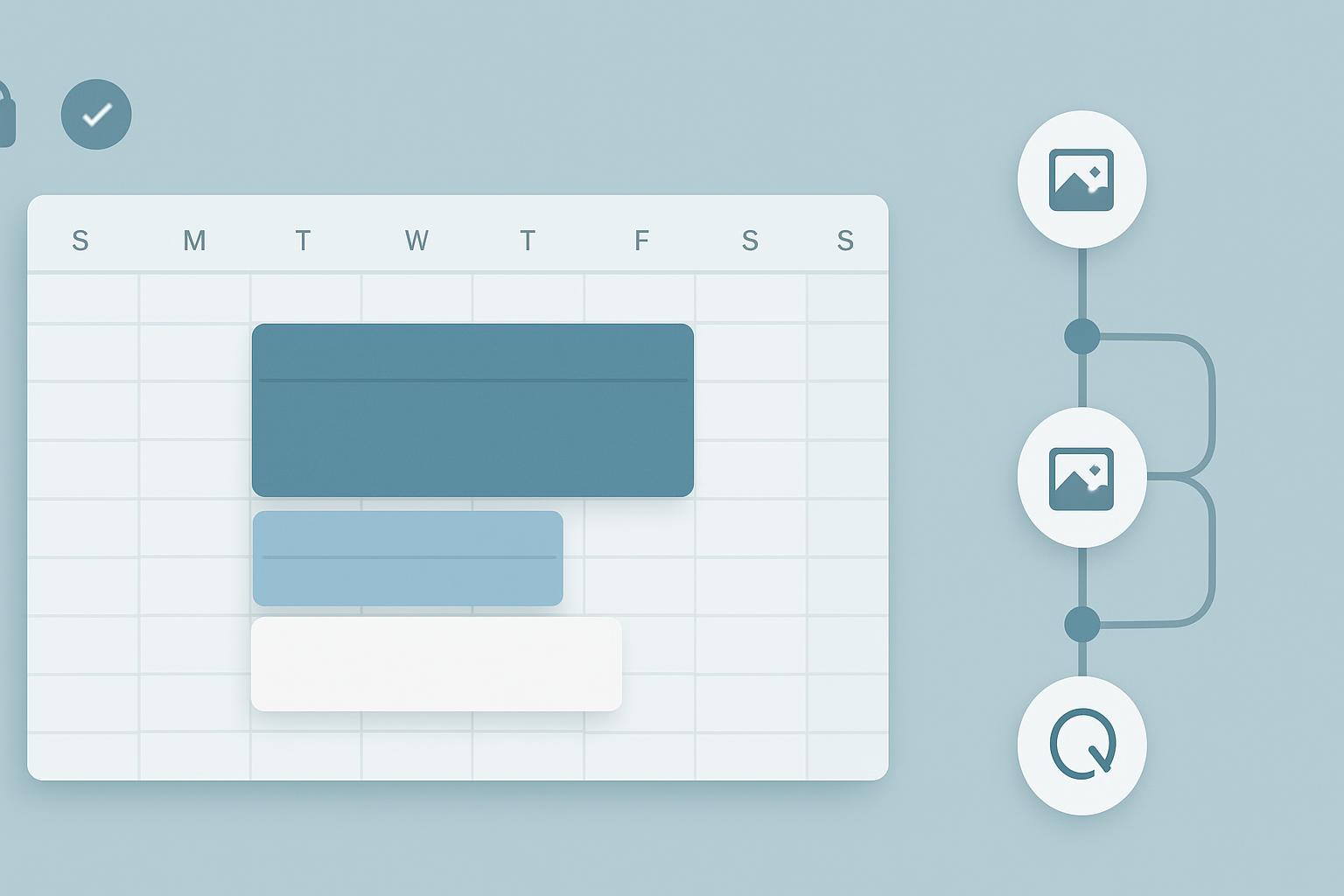
Display branch diffs visually: added events, modified times, removed attendees, and conflicts. Allow side-by-side comparisons and comment threads similar to pull requests.
Collaboration and Approval Workflows
Introduce roles (author, reviewer, approver) and explicit approvals prior to merging schedule branches into production. This prevents unilateral changes that can cascade across teams.
Sign up for our newsletter
Get the latest updates, product launches, and helpful tips delivered straight to your inbox.
Security, Compliance, and Auditability
Calendar data often contains sensitive information. Ensure security and compliance by:
- Encrypting snapshot storage at rest and in transit.
- Applying role-based access controls to branches and snapshots.
- Recording detailed audit logs with user IDs, timestamps, and change summaries.
- Aligning retention and deletion policies with legal and regulatory requirements.
Audit Trail Requirements
An audit trail should include who initiated a snapshot, who created or merged a branch, approver identities, and rollback events. These records support investigations and compliance checks.
Data Protection and Privacy
Mask or redact personally identifiable information in snapshots when required by policy, especially if snapshots are stored in shared or public systems.
Integrations & Tools: Practical Options
Integration choices depend on platform and scale. Consider:
- Native calendar APIs (Google Calendar, Microsoft Graph for Outlook).
- Middleware platforms that can normalize calendar objects and provide versioning logic.
- Custom microservices that implement snapshot, branch, and merge semantics.
Off-the-shelf vs. Custom Solutions
Off-the-shelf tools accelerate deployment but may lack specialized rollback semantics. Custom solutions offer flexibility to implement enterprise governance and deep integrations with internal systems.
Example Tools and APIs
Use vendor APIs to retrieve calendar state and apply changes. Reference examples include the Git documentation for merging/branching principles and the Google Calendar API for data access (see sources below).
Operational Considerations and Governance
Put governance in place to maintain consistent practices across departments:
- Define triggers for automatic snapshots (e.g., before mass invites or executive changes).
- Require comments and rationales for branch merges that affect large groups.
- Set service-level objectives (SLOs) for rollback response times.
Key Takeaways
- Apply versioning concepts (snapshot, branch, merge, rollback) to calendars to gain predictability and auditability.
- Start with a pilot, focus on calendars with high coordination risk, and expand incrementally.
- Implement immutable snapshots, approval workflows, and secure storage to maintain trust and compliance.
- Use API integrations and either off-the-shelf or custom middleware to operationalize the workflow.
- Train calendar owners and stakeholders to follow versioned processes and review branches before merging.
Frequently Asked Questions
How do snapshots differ from backups?
Snapshots are point-in-time representations of a calendar used for versioning and recovery; backups are typically broader data-protection artifacts intended for disaster recovery. Snapshots are often immutable and integrated into workflow operations (create/branch/merge), whereas backups are administrative and may be scheduled less frequently.
Can I implement branching without disrupting users?
Yes. Branches should be isolated drafts that do not affect the production calendar until merged. Provide preview and review interfaces so stakeholders can evaluate branches without experiencing disruption.
What is the best storage approach: full snapshots or deltas?
Trade-offs: full snapshots are simpler but consume more storage; delta-based storage is efficient but more complex for merge and restore operations. Choose based on scale, storage costs, and restore latency requirements.
How do I handle recurring events and their changes?
Treat recurrence rules as part of the event object. When branching and merging, detect and present differences in recurrence rules and instance-level exceptions. Provide conflict-resolution UI for partial-instance changes.
Are there privacy risks to storing calendar snapshots?
Yes. Snapshots may include sensitive information. Mitigate risks with encryption, access controls, redaction options, and retention policies aligned to privacy regulations and internal policy.
How fast can I rollback a schedule in an emergency?
Rollback speed depends on implementation. With proper automation and delta-based restores, targeted rollbacks (single event or date range) can be executed in minutes. Full-calendar restores may take longer—plan SLOs accordingly.
Do vendors already offer solutions for calendar versioning?
Some vendors and middleware providers offer scheduling, approval, and audit features, but full Git-like version control for calendars is still emerging. Many organizations build custom integrations using calendar APIs to get exactly the features they need.
References
Sign up for our newsletter
Get the latest updates, product launches, and helpful tips delivered straight to your inbox.
Scheduler
Hand your calendar to an assistant that never drops a thread.
Keep reading

AI Notetakers Are Sitting In on More Meetings Than You Think, Often Without Asking
One in three employed Americans say an AI notetaker has been in their work meetings, and 65% of them say they weren't consistently asked first, according to a July 2026 survey. Here's what that consent gap actually means for teams and legal risk.
![Privacy‑Safe Personal Appointments: Expert Guide [Proven]](https://nuxxt0us9k7umi1n.public.blob.vercel-storage.com/blog-covers/6a4ebc1188d93a9e734f50e2_article-28df6357-c673-43f7-8598-4df42e844f3e.jpeg)
Privacy‑Safe Personal Appointments: Expert Guide [Proven]
Enable Privacy‑Safe Personal Appointments: Let an Assistant Book Health or Family Slots Without Revealing Details —Proven controls. Read expert analysis
Scaling Accurate Speaker Attribution with Hybrid Human + ML
Learn about Speaker Attribution at Scale: Hybrid Human+ML Workflows to Ensure Accurate Transcript Speaker Labels in this comprehensive SEO guide.