How to Schedule Life Admin Blocks—Weekly Template for Pros
How to Schedule Life Admin Blocks Without Killing Your Productivity: A Weekly Template for Busy Professionals. Batch 60-90 min; cut switches, protect focus.
Introduction
Life admin—emails, bills, appointments, household logistics, and one-off tasks—consumes time and attention that business professionals can’t afford to waste. Left unmanaged, these tasks create context switching, decision fatigue, and hidden work that erodes strategic output. This article delivers a tactical weekly template and practical rules to schedule life-admin blocks so you preserve high-value work windows while staying on top of personal and administrative responsibilities.
Why schedule life-admin blocks? (Quick context)
Life-admin tasks are often urgent but low-value. They interrupt flow, force frequent context switches, and add cognitive overhead. Scheduling specific blocks:
- Reduces context switching and reactive behavior.
- Creates predictable windows to clear routine items.
- Helps maintain longer uninterrupted focus periods for high-impact work.
Research shows that frequent task switching can reduce productivity by up to 40% for complex tasks and increases time-to-completion for projects. Structured administrative routines mitigate that loss and make personal tasks visible and actionable.
Quick implementation rules
Before the template: adopt a small set of rules that guide decisions and submissions during admin blocks.
- 2-minute rule: If a task takes 2 minutes or less, do it immediately during your admin block.
- Batching: Group similar tasks (calls, emails, bills) to use cognitive economies of scale.
- Triage: Sort tasks into Urgent, Important, Defer, Delegate.
- Protect deep work: Never schedule admin during your primary deep-work sessions.
- Limit frequency: Cap admin blocks to 1–2 weekly sessions to avoid fragmentation.
Contextual background: Why this approach works
This scheduling approach borrows from time-blocking, task batching, and GTD-style triage. By consolidating administrative activities, you reduce the mental switching cost between cognition-heavy tasks and low-complexity chores. The brain benefits from predictable routines, and calendar commitments increase the likelihood of completion through commitment devices.
Key behavioral principles applied:
- Commitment devices (calendar bookings)
- Temporal separation (dedicated times for different task types)
- Decision simplification (triage rules and checklists)
Weekly template overview
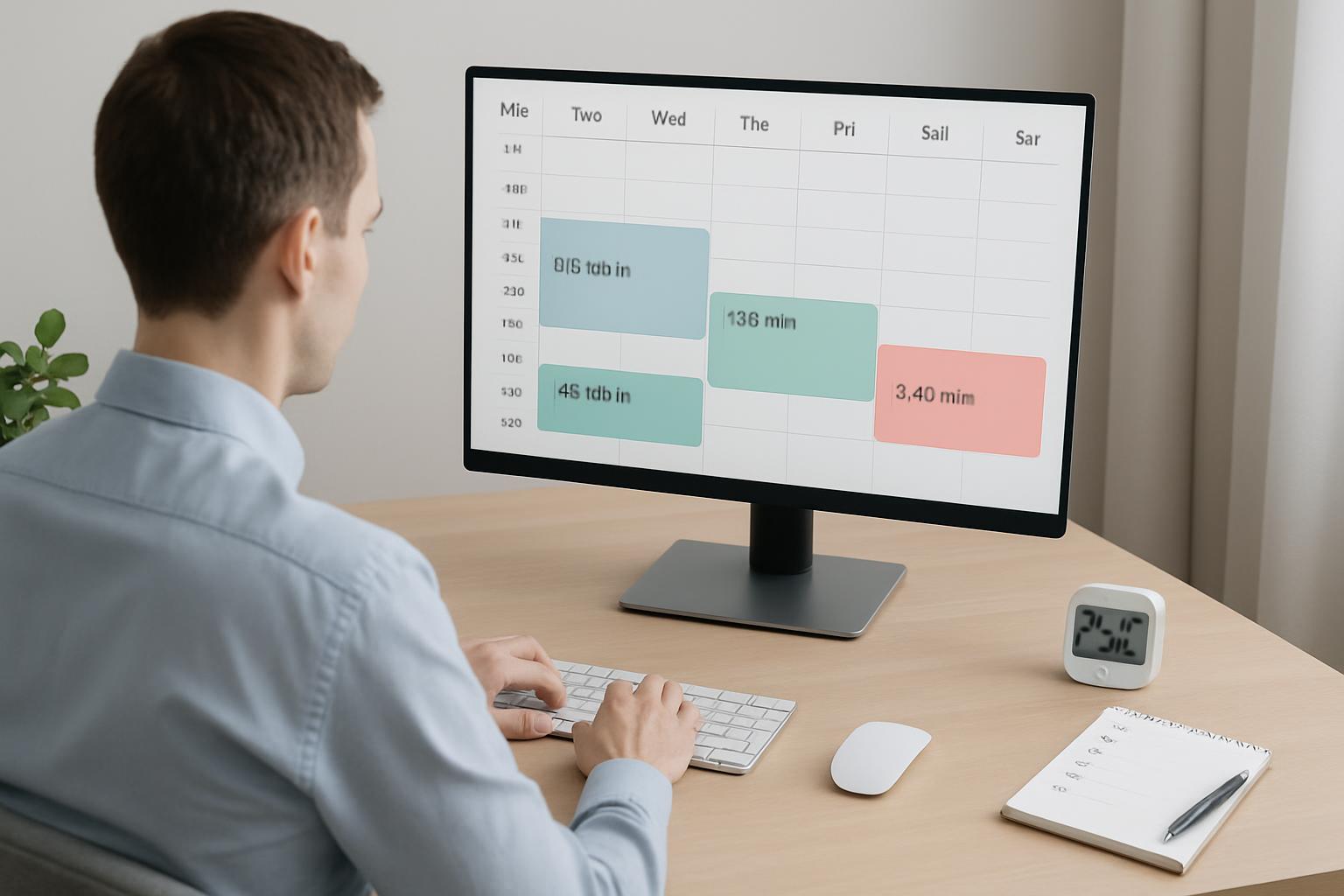
This template provides a compact, repeatable rhythm that Busy Professionals can implement in typical 9–6 workweeks. It balances one longer weekly admin block with a short mid-week catch-up to handle emergent items.
Template details: When and how long
Suggested weekly structure (choose times that match your energy and schedule):
- Main Weekly Admin Block — 60–90 minutes (recommended: Sunday 6–7:30 PM or Monday 8–9:30 AM)
- Mid-week Catch-up — 30–45 minutes (recommended: Wednesday after lunch)
- Optional Daily Micro-check — 5–10 minutes reserved for emergencies only (end of day, not during deep work)
Why this distribution? A single longer block allows batching complex tasks (bills, appointments), while the mid-week catch-up prevents item backlog and addresses emergent priorities without fragmenting your week.
How to implement the weekly template (step-by-step)
Follow these steps in sequence to adopt the template with minimal friction:
- Audit: List all recurring life-admin categories (finance, healthcare, family logistics, household, subscriptions, personal development). Use a 15-minute audit session to capture everything.
- Calendarize: Block the main weekly admin slot and the mid-week catch-up in your calendar as recurring appointments, titled plainly (e.g., "Life Admin — Weekly Batch").
- Prepare an agenda: For the main block, prepare a triage list with categories and estimated time allocations (e.g., Bills — 15 min; Appointments — 20 min).
- Execute with rules: Use the 2-minute rule, batch similar items, and triage the rest into Urgent/Important/Defer/Delegate.
- Follow up: Move deferred items to the next weekly block or delegate immediately using task-assignment templates or delegations to family or assistants.
- Review: At the end of each month, review recurring time spent and adjust durations or frequencies as needed.
Daily breakdown: What to do in each block (practical checklist)
Below is a recommended checklist for each scheduled session. Use it as a template you copy into your calendar description or task manager.
Main Weekly Admin Block (60–90 minutes)
- Open your triage list and review categories (5 min).
- Immediate 2-minute tasks: clear all tasks <2 minutes (15–20 min).
- Bills & finance tasks: reconcile, schedule payments, file receipts (15–20 min).
- Appointments & calendar: schedule medical, personal, and household appointments; confirm logistics (10–15 min).
- Communications: batch replies that require short, templated responses; flag long conversations for a later, pre-scheduled slot (10–15 min).
- Delegation & outsourcing: create or send out tasks to assistants or services (10 min).
- Plan next steps: move deferred items into next weekly list and note priorities (5–10 min).
Mid-week Catch-up (30–45 minutes)
- Process emergent items from the week.
- Check status on delegated tasks and update owners.
- Resolve a couple of follow-ups that have become urgent.
- Rebalance priorities if something shifted in your work week.
Optional Daily Micro-check (5–10 minutes)
- Use only for genuine emergencies or checks that can’t wait until the mid-week or weekly slot.
- Do not start new tasks; only triage and defer if not urgent.
Practical tips to protect deep work while running admin
Business professionals often fear admin will swallow prime work time. These techniques ensure that doesn't happen:
- Use calendar blocking with clear labels ("Do Not Disturb – Deep Work") and enforce red zones.
- Disable notifications during deep-work windows and during admin blocks to maintain focus.
- Set explicit boundaries with colleagues and family on your admin and deep-work times.
- Automate recurring admin: autopay bills, use subscription managers, automate calendar invites for repeated appointments.
- Delegate: hire a virtual assistant for recurring or one-off tasks that are administrative by nature.
Tools and templates that speed execution
Use a small set of trusted tools to execute faster and stay organized. Recommended categories:
- Task manager: Todoist, Microsoft To Do, or Asana for list-triage and assignment.
- Finance tools: bank apps with autopay, expense tracking like Expensify or Mint.
- Calendar: Google Calendar or Outlook with recurring block templates.
- Communication templates: canned responses or email templates for routine replies.
Templates you should save:
- Weekly Admin Agenda (copyable into calendar description)
- Email reply templates for common administrative queries
- Delegation template with clear deliverables and deadlines
For additional guidance on time-blocking and productivity, see research and expert guidance (Harvard Business Review insights on deep work and productivity) and practical tool reviews for automation and delegation.[1][2]
Common pitfalls and how to avoid them
Adoption typically fails for predictable reasons. Anticipating these will help you stick to the template:
- Over-scheduling: Avoid turning admin blocks into lengthy, ill-defined sessions—keep them time-boxed.
- Dropping protection for deep work: Ensure your team knows when you're unavailable for reactive tasks.
- Too-frequent micro-checks: Resist checking inboxes throughout the day; designate strict micro-check windows.
- Not delegating: If you can delegate, do; otherwise admin will expand to fill whatever time is available.
Key Takeaways
- Batch life-admin into one main weekly block (60–90 minutes) plus one short mid-week catch-up (30–45 minutes).
- Use the 2-minute rule for trivial items; triage the rest into Urgent, Important, Defer, Delegate.
- Protect at least two daily deep-work sessions by calendarizing red zones and disabling notifications.
- Automate recurring tasks and delegate when possible to reduce cognitive load.
- Review monthly and adjust durations, frequency, and delegation to maintain efficiency.
Frequently Asked Questions
How often should I check email if I follow this template?
Limit email checks to 2–3 focused sessions per day: a quick morning triage, a midday processing window, and a late-afternoon wrap-up (or use only the weekly and mid-week admin blocks for personal accounts). Disable push notifications and rely on scheduled checks to protect deep work.
What tasks are best delegated and which should I keep?
Delegate recurring, low-strategy tasks that require time rather than judgment—receipts processing, appointment scheduling, form-filling. Keep tasks that require strategic decisions, confidential judgment, or high domain expertise.
Can this template work for freelancers or non-traditional schedules?
Yes. The principle—consolidate administrative work into focused blocks—applies to any schedule. Adjust timing and frequency to match cash-flow cycles, client demands, and personal energy patterns. For freelancers, you may add a short Friday finance review to reconcile invoices.
What if urgent personal issues arise during the week?
Reserve the mid-week catch-up to handle emergent items. For true emergencies, make an exception and address immediately, then compensate by shortening or rescheduling the next admin block. Ensure your system can flex but avoid habitual exceptions.
How do I get my team or family to respect my admin and deep-work blocks?
Communicate clearly: share your calendar availability and preferred contact methods for urgent matters. Use shared calendars and set expectations. For family logistics, designate a single point of contact or a shared list to reduce ad-hoc interruptions.
What metrics should I track to know the template is working?
Track: (1) time spent on admin weekly, (2) number of context switches per day, (3) completion rate of high-priority work, and (4) backlog size of deferred admin items. Improvement in these metrics (e.g., fewer context switches and reduced backlog) indicates the template is effective.
References
[1] Research on task-switching and productivity: articles on cognitive costs of multi-tasking and time blocking (Harvard Business Review). https://hbr.org/
[2] Practical reviews on automating finances and delegation tools (tool vendor whitepapers and product pages). https://www.getapp.com/
Scheduler
Hand your calendar to an assistant that never drops a thread.
Keep reading

Your Attention Span Is Now 47 Seconds. Here's What That Means for Your Workday
Gloria Mark's decades of research put the average screen attention span at 47 seconds. Here's what that number actually means, and how it should change the way you structure a workday.
![Track Energy, Not Just Hours — Proven Calendar Labels [2025]](https://nuxxt0us9k7umi1n.public.blob.vercel-storage.com/blog-covers/6a4ebc0b9478b8f294fa9ceb_article-e6b9fccc-7276-41b1-b01e-812720e72cc8.jpeg)
Track Energy, Not Just Hours — Proven Calendar Labels [2025]
Apply Track Energy, Not Just Hours: Simple Calendar Labels and Rules Your Workmate Can Enforce — boost focus & raise output 10–25%. Read expert analysis
![Digital Sunset Routines: Proven AI Guide [Boost Focus 2025]](https://nuxxt0us9k7umi1n.public.blob.vercel-storage.com/blog-covers/6a29a9a4631c65905f78828c_article-a0c58872-4daf-499c-a622-41fafb3f027e.jpeg)
Digital Sunset Routines: Proven AI Guide [Boost Focus 2025]
Learn Digital Sunset Routines: Use Simple AI to Auto-Schedule End‑of‑Day Downtime and Protect Evening Focus — cut after-hours alerts 40%. Read now