How to Use Procrastination Windows and Micro-Commitments to
Learn about Procrastination Windows: Scheduling Micro-Commitments to Break Delay Cycles for Creative and Complex Tasks in this comprehensive SEO guide.
Introduction
Business professionals routinely face friction when initiating creative or technically complex work: high uncertainty, fear of imperfect output, and competing priorities. Procrastination Windows, paired with micro-commitments, reframe procrastination into a controlled, strategic asset. This article explains what Procrastination Windows are, why they work, how to design and schedule them for creative and complex tasks, and how to measure outcomes in business workflows.
Why Micro-Commitments Work
Micro-commitments reduce psychological barriers to starting and sustain momentum on complex objectives. They do so by leveraging cognitive principles proven in behavioral science and productivity research.
The science behind delay cycles
Delay and procrastination are driven by an interplay of emotion regulation, task aversion, and anticipated effort. Research shows that implementation intentions and small initial commitments increase follow-through by converting abstract goals into concrete actions [1]. When a large task is reframed into a tiny, actionable step, executive function can initiate the behavior with less friction.
Cognitive load and task initiation
Large or ambiguous tasks raise cognitive load, making it harder to begin. Micro-commitments shrink the cognitive footprint: short windows lower the perceived required energy, reduce decision fatigue, and enable the brain’s planning systems to generate a feasible next move. This approach is especially crucial for creative tasks requiring divergent thinking and for technical tasks requiring deep focus.
Designing Procrastination Windows
Designing effective Procrastination Windows requires determining window length, decomposing tasks, and scheduling commitments in a way that aligns with cognitive rhythms and calendar realities.
Choosing window length
Window length should balance approachability with meaningful progress. Use these baseline recommendations:
- Micro-start (5–10 minutes): Ideal for day-to-day initiation, overcoming inertia, and capturing ideas.
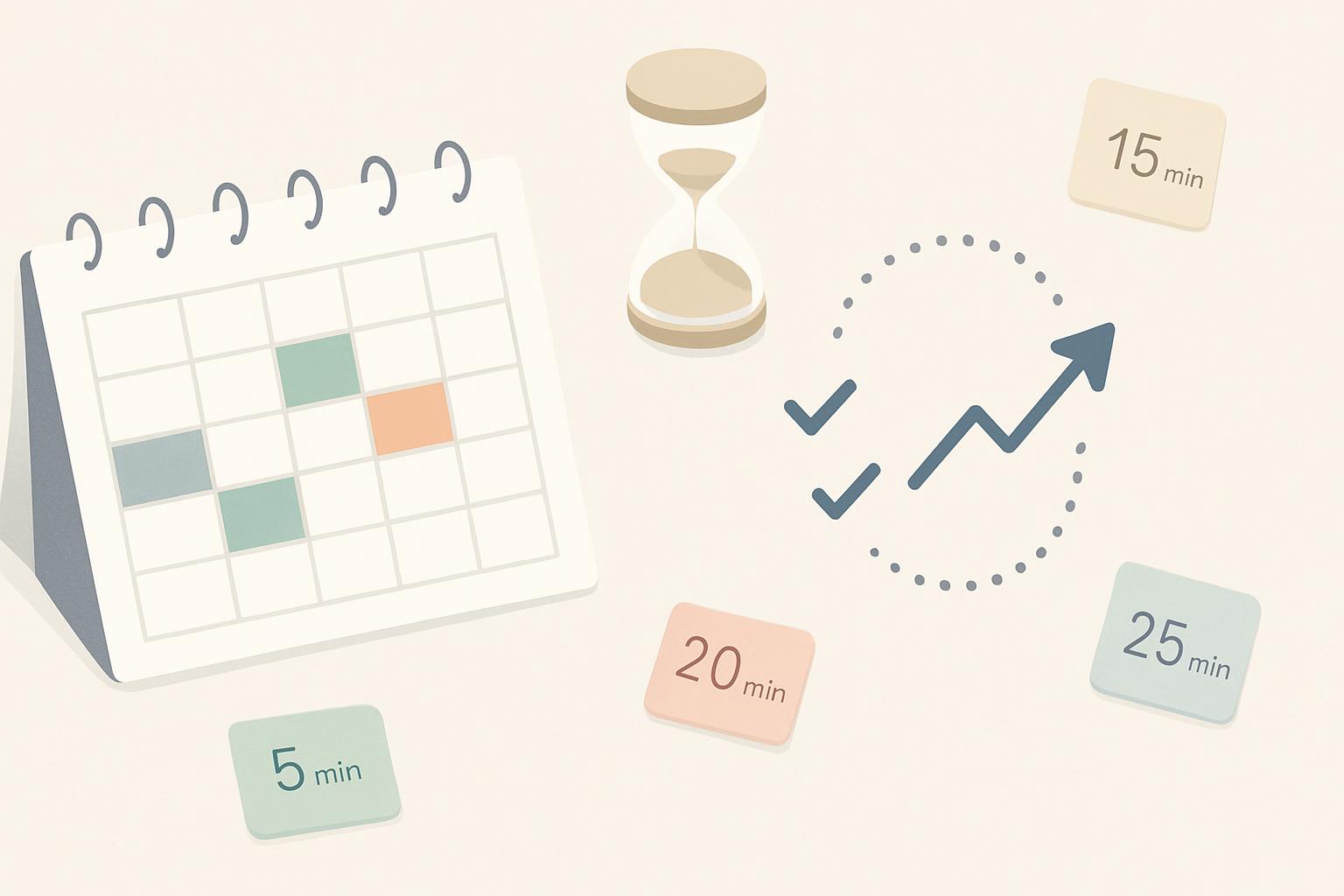
- Momentum window (15–25 minutes): Sufficient for moving substantive progress in creative or analytic tasks without inducing fatigue.
- Deep-focus block (50–90 minutes): Reserve for uninterrupted deep work, preceded by multiple micro-windows to ensure sustained effort.
Start with shorter windows to ensure consistent initiation; extend length as confidence and task clarity grow.
Task decomposition strategies
Breaking complex tasks into micro-commitments is both an art and a technique. Use the following steps:
- Define the minimal viable action: What is the smallest useful step toward progress?
- Ensure the step is observable: A clear output (a sentence, a diagram, a unit test) signals completion.
- Estimate effort in minutes, not hours.
- Create a queue: 3–5 pre-specified micro-actions ready for the next windows.
Scheduling micro-commitments
Intentional scheduling increases the likelihood of adherence. Recommended scheduling frameworks:
- Calendar slots: Reserve recurring short blocks labeled with the task (e.g., "Draft: Product Strategy — 15m").
- Trigger-based windows: Pair windows with daily triggers (first coffee, post-standup, end-of-day review).
- Buffer windows: Insert 5–10 minute windows between meetings to capture momentum or reset.
Implementing in Business Workflows
Practical implementation varies by task type. Below are tailored approaches for creative and complex technical work and recommendations for tool integration.
For creative tasks
Creative tasks benefit from low-pressure initiation and idea capture. Use micro-commitments to prime creative systems:
- Prompt-based starts: Begin each window with a prompt or constraint to focus generative effort.
- Quantity-first micro-actions: Commit to generating a small number of ideas or draft sentences rather than perfecting them.
- Iterative review windows: Schedule short review micro-windows to iterate rather than blocking long, intimidating editing sessions.
For complex, technical projects
Complex projects require both planning and error-checking. Micro-commitments can be used to progress through architecture, code, or analysis:
- Unit goal micro-actions: Define micro-actions like "write one API spec paragraph" or "create one unit test."
- Pair programming windows: Schedule short collaborative micro-windows with a colleague for high-complexity tasks.
- Checkpoint micro-windows: Use micro-commitments for incremental validation and risk reduction (e.g., Proof-of-concept tests).
Tools and integrations
Adopt light-weight tools to manage windows without creating overhead:
- Calendar: Use recurring calendar events with descriptive labels.
- Task manager: Maintain a micro-actions queue on your existing task tool (Kanban card, checklist item).
- Timers: Use focused timers (Pomodoro apps or simple countdowns) to bound windows.
- Collaboration: Add micro-windows to team rituals (standups, weekly planning) so peers can coordinate supports.
Measuring Impact and KPIs
Measurement focuses on initiation rates, throughput, and quality. Track both quantitative and qualitative indicators to evaluate effectiveness.
Quantitative metrics
Use these KPIs to assess performance:
- Initiation rate: Percentage of scheduled windows that result in starting the target micro-action.
- Completion rate: Percentage of micro-actions completed within their window.
- Throughput: Number of meaningful outputs (drafts, tests, decisions) per week attributable to windows.
- Time-to-first-action: Average time from scheduled window start to the first meaningful action.
Qualitative assessment
Qualitative signals help interpret KPI changes:
- Perceived momentum: Self-reported sense of progress and reduced avoidance.
- Quality markers: Peer feedback on drafts and deliverables initiated via micro-windows.
- Contextual notes: Short reflections after windows to capture blockers and adjustments.
Common Pitfalls and How to Avoid Them
Procrastination Windows are powerful but misuse can create new problems. Below are common pitfalls and remediation tactics.
Over-scheduling
Pitfall: Packing the calendar with windows leads to schedule fatigue and reduces perceived urgency. Fix: Prioritize a sustainable number of windows (3–6 per day at most) and preserve unscheduled buffer time.
Insufficient commitment
Pitfall: Windows labeled vaguely become optional. Fix: Pair each window with a concrete micro-action and an observable output to convert optional time into a true commitment.
Misaligned reward structure
Pitfall: Relying solely on productivity metrics can backfire if tasks require incubation. Fix: Combine micro-windows for initiation with longer, protected blocks for deep synthesis when necessary.
Key Takeaways
- Procrastination Windows convert procrastination into structured, low-friction initiation periods that increase the likelihood of starting complex tasks.
- Micro-commitments (5–25 minutes) reduce cognitive load and make progress predictable and measurable.
- Design windows with clear, observable micro-actions and schedule them as calendar commitments tied to triggers or rituals.
- Measure initiation rate, completion rate, and throughput, and complement metrics with qualitative feedback.
- Avoid over-scheduling and vague windows; ensure each micro-commitment has a defined output.
Frequently Asked Questions
How long should a Procrastination Window be for creative work?
For creative tasks, start with 10–25 minutes. Shorter windows (10–15 minutes) help overcome initiation; slightly longer (20–25 minutes) support deeper generative work without forcing perfectionism. Adapt lengths based on personal flow and task demands.
Can Procrastination Windows work for team-level projects?
Yes. Teams can schedule synchronized micro-windows for rapid progress (e.g., 15-minute co-writing sprints) or staggered windows for parallel work. Adding brief check-ins after windows helps coordinate dependencies and share progress.
What if micro-windows become another form of procrastination?
That can happen if windows are vague or perceived as optional. Prevent this by making micro-actions observable, limiting daily windows, and attaching accountability (peer check-ins or a public progress board).
Which tools best support this method?
Use existing calendars, lightweight task managers, and simple timers. Integrations that reduce friction—automated calendar slots, single-click timers, or a dedicated micro-action queue—work best without creating administrative overhead.
How quickly will I see results?
Many professionals notice improved initiation within 1–2 weeks; measurable throughput and quality improvements typically emerge within 3–8 weeks as habits stabilize and micro-actions scale into larger deliverables.
Are there research-backed claims supporting this approach?
Yes. Behavioral research on implementation intentions, time-boxing, and task decomposition supports micro-commitments as effective strategies to increase initiation and follow-through in both academic and applied settings [1][2]. See references below for examples.
References
[1] Steel, P. (2007). The nature of procrastination: A meta-analytic and theoretical review of quintessential self-regulatory failure. Psychological Bulletin. (Summary and implications for implementation intentions.)
[2] Gollwitzer, P. M. (1999). Implementation intentions: Strong effects of simple plans. American Psychologist. (Evidence for action planning and micro-commitments.)
[3] Empirical case studies from organizational behavior and time-management literature indicating improved initiation rates with short, scheduled work windows.
Scheduler
Hand your calendar to an assistant that never drops a thread.
Keep reading

Your Attention Span Is Now 47 Seconds. Here's What That Means for Your Workday
Gloria Mark's decades of research put the average screen attention span at 47 seconds. Here's what that number actually means, and how it should change the way you structure a workday.
![Track Energy, Not Just Hours — Proven Calendar Labels [2025]](https://nuxxt0us9k7umi1n.public.blob.vercel-storage.com/blog-covers/6a4ebc0b9478b8f294fa9ceb_article-e6b9fccc-7276-41b1-b01e-812720e72cc8.jpeg)
Track Energy, Not Just Hours — Proven Calendar Labels [2025]
Apply Track Energy, Not Just Hours: Simple Calendar Labels and Rules Your Workmate Can Enforce — boost focus & raise output 10–25%. Read expert analysis
![Digital Sunset Routines: Proven AI Guide [Boost Focus 2025]](https://nuxxt0us9k7umi1n.public.blob.vercel-storage.com/blog-covers/6a29a9a4631c65905f78828c_article-a0c58872-4daf-499c-a622-41fafb3f027e.jpeg)
Digital Sunset Routines: Proven AI Guide [Boost Focus 2025]
Learn Digital Sunset Routines: Use Simple AI to Auto-Schedule End‑of‑Day Downtime and Protect Evening Focus — cut after-hours alerts 40%. Read now