Jet Set! Update Your Settings Over Email When You Travel
Now Workmate lets you adjust your settings temporarily or permanently just by sending an email, Slack, or SMS. It's as simple as sending a text!
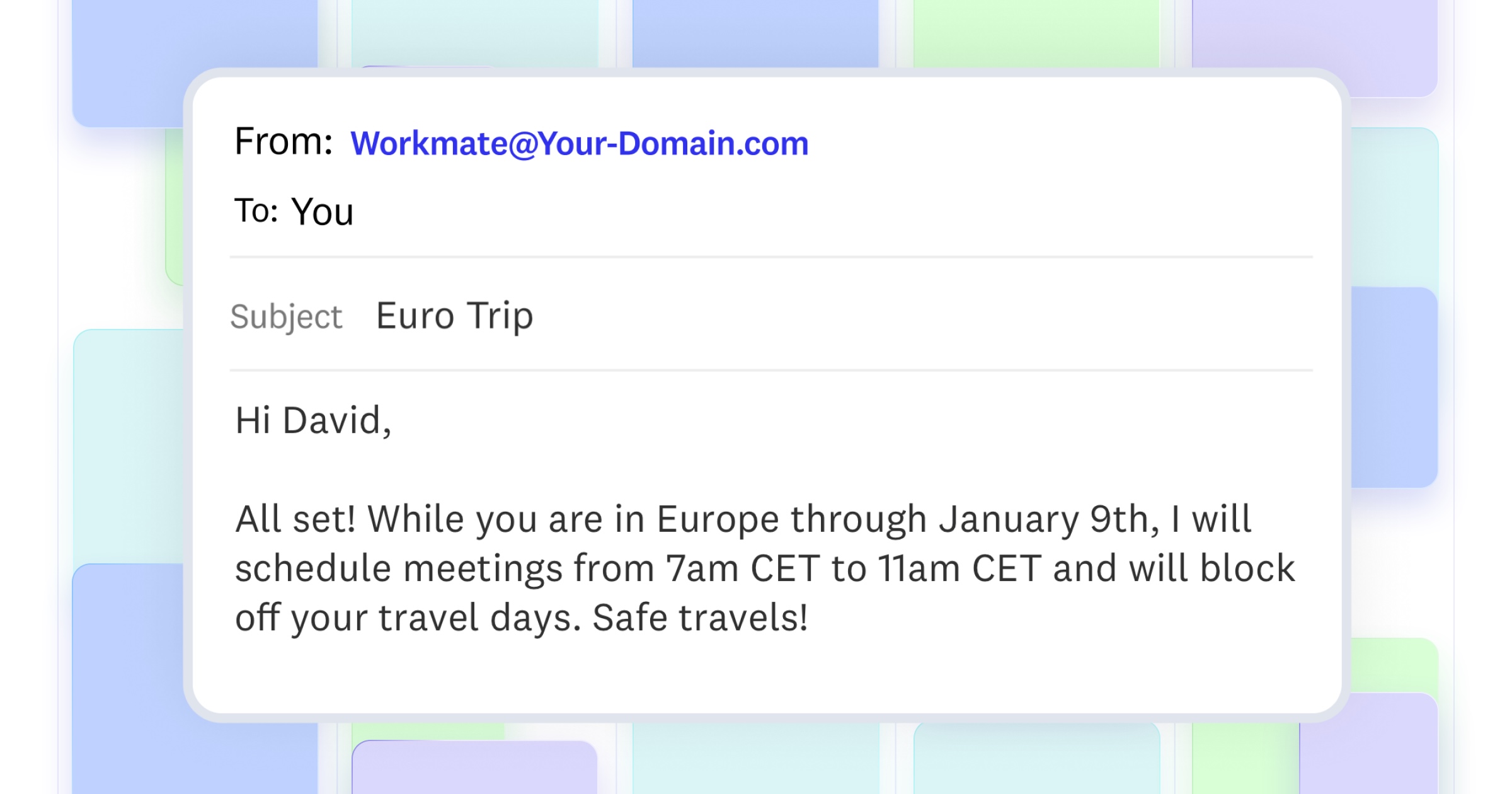
Imagine this... You're packing for your holiday trip, juggling family plans, and suddenly remember: "Wait, I need to update my scheduling preferences before people start booking meetings while I'm seven time zones away."
So you fire up your laptop, dig through settings, update your availability, and hope you didn't forget anything. Not exactly the relaxing pre-vacation vibe you were going for.
Here's the good news: you can now update your Workmate Scheduler assistant settings just by sending an email.
How It Works
Just email your Workmate Scheduler assistant like you would a human EA. Something like:
"Hey, I'm traveling to London next week for the holidays. I'll be 5 hours ahead, so please only schedule meetings between 2-6pm GMT (9am-1pm EST for my usual contacts). Also, keep Fridays completely clear, I want to explore the city."
That's it. Workmate Scheduler automatically updates your settings and sends you a confirmation email. No logging in, no clicking through menus, no wondering if you got everything right.
What You Can Update
The travel scenario is just one example. You can adjust virtually any scheduling preference by email:
- Work hours – "I'm doing half days this week, wrap up by 1pm"
- Time off – "I'm completely offline Dec 24-26"
- Meeting preferences – "No back-to-back meetings this month, I need 15 min buffers"
- Temporary changes – "I'm in heads-down mode through Friday, hold all non-urgent meetings"
Workmate Scheduler understands the context and updates your settings accordingly, temporarily or permanently, depending on what makes sense.
It Really Is That Simple
The best AI scheduling assistant is one that adapts to your life, not the other way around. Whether you're boarding a flight, dealing with a family emergency, or just want to protect your focus time without opening another tab, your Workmate Scheduler assistant makes it effortless.
So this holiday season, spend less time managing your calendar and more time on what actually matters. Your Workmate Scheduler assistant's got this.
Want to experience scheduling superpowers? Get your own Workmate Scheduler for free atworkmate.com.
Scheduler
Hand your calendar to an assistant that never drops a thread.
Keep reading

The Science of the Meeting Buffer: What Brain Research Says About Back-to-Back Calls
Microsoft wired 14 people with EEG caps to test back-to-back meetings versus meetings with breaks. The stress data was specific enough that Microsoft changed how Outlook works.

Low-Prep External Intros: Proven Scheduling Frameworks Now
Cut Low-Prep External Intros: Scheduling Frameworks That Minimize Prep and Back-and-Forth for Brief Vendor and Prospect Calls. Read the expert analysis

Multi-Location Site Visit Scheduling: Proven Playbook
Optimize Multi-Location Site Visit Scheduling—visit 4–6 nearby offices/day with route optimization, timeboxing, and buffers. Get the full breakdown