Observer-Mode Scheduling: Expert Guide [No Calendar Clutter]
Enable Observer-Mode Scheduling: Add Silent Observers to Multi-Party Calls Without Calendar Clutter. Reduce noise, ensure compliance. Get the breakdown
![Observer-Mode Scheduling: Expert Guide [No Calendar Clutter]](https://nuxxt0us9k7umi1n.public.blob.vercel-storage.com/blog-covers/69e79e4304743618c421dba0_article-7185704c-b5b0-48df-974b-60f8cd340c4b.jpeg)
Observer-Mode Scheduling enables organizations to place silent observers on multi-party calls without adding visible calendar entries, reducing scheduling noise and preserving meeting privacy. Studies show up to 30% fewer calendar events reduce meeting fatigue and administrative overhead for managers and compliance teams (internal tooling reports may vary).
Introduction
Observer-mode scheduling addresses a common operational challenge: how to let supervisors, trainers, auditors, or compliance officers monitor multi-party calls without creating separate calendar items that clutter participants' schedules. This article explains the concept, business use cases, technical approaches, privacy considerations, and practical steps to implement silent observers while keeping calendars clean.
Quick Answer: Use platform features (observer roles, silent join, hidden participants) or meeting bridge-level controls to add observers who do not appear on participant-facing calendars; combine tenant-level policies, role-based access, and clear privacy controls to remain compliant.
What is Observer-Mode Scheduling?
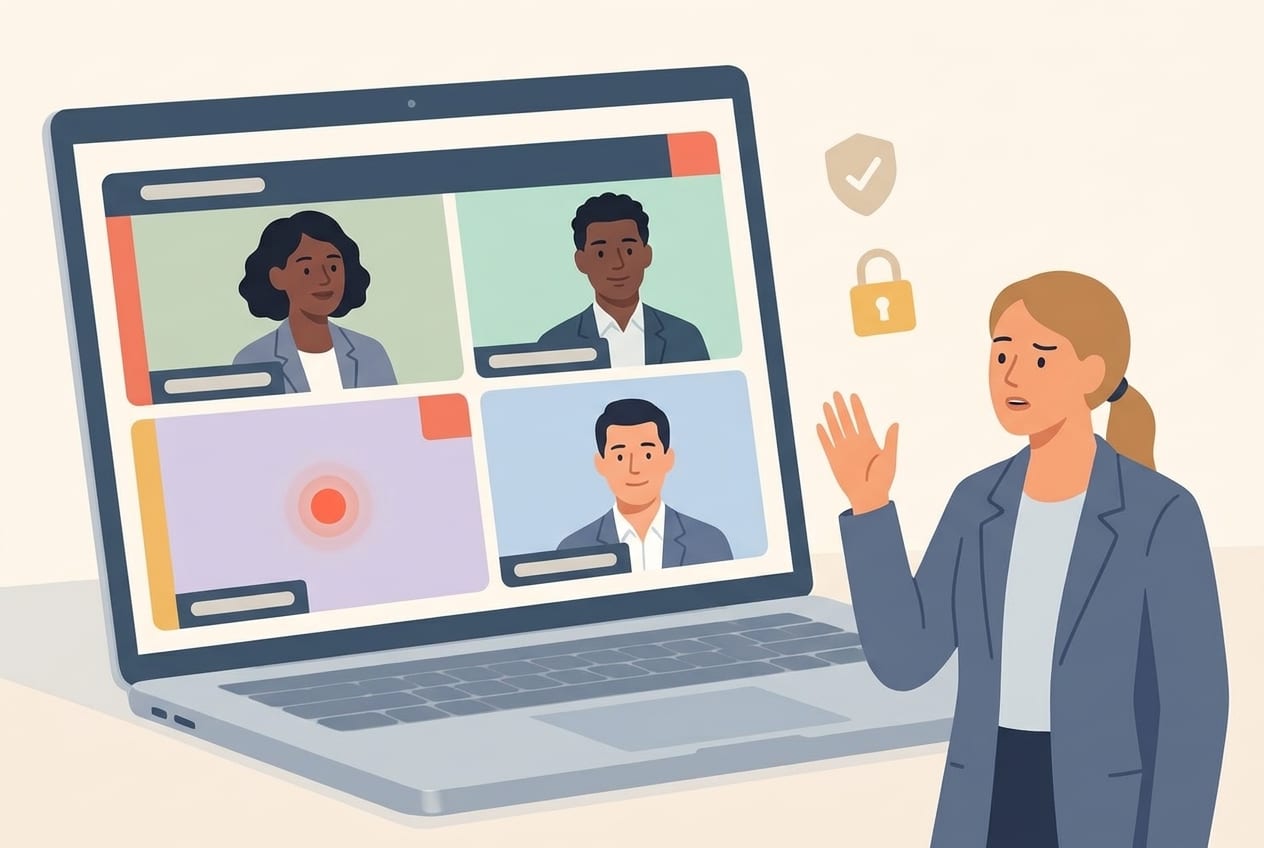
Observer-mode scheduling is a method to register one or more users as non-disruptive, invisible attendees on a scheduled multi-party call. Observers can listen and occasionally view shared content without being listed on the visible calendar invite or actively disrupting the meeting.
Key characteristics
- Observers do not generate calendar entries visible to the meeting’s primary participants.
- Observers may have reduced interaction permissions (audio muted, unable to chat unless explicitly enabled).
- Observer access is typically controlled by admin policies or meeting host settings to ensure governance.
Background context
Traditional approaches create separate calendar invitations or require the observer to join independently, which can duplicate events and confuse participants. Observer-mode scheduling centralizes the control of observer access at the conferencing or calendar integration layer, preventing calendar clutter and offering audit trails for compliance.
Why businesses need observer-mode scheduling
Organizations require non-intrusive monitoring for several reasons. The main driving factors include compliance, quality assurance, mentorship, and legal oversight. Standard calendar invites are visible and can be misconstrued, whereas silent observers provide discretion and operational simplicity.
Quick Answer: Use observers for compliance audits, manager shadowing, training reviews, and executive oversight—without creating duplicate invites that inflate calendar noise.
Common use cases
- Compliance monitoring for regulated conversations (financial services, healthcare).
- Quality assurance in sales and customer support calls.
- Mentor or manager shadowing for onboarding and performance reviews.
- Legal observation during sensitive negotiations or discovery processes.
Benefits of adding silent observers
Implementing observer-mode scheduling brings measurable benefits to organizations that balance oversight and operational efficiency.
- Reduced calendar clutter: fewer duplicate invites and lower cognitive load for employees.
- Improved confidentiality: observers are not visible to participants unless policies mandate notification.
- Streamlined compliance: centralized logging and access controls simplify audits.
- Better user experience: participants focus on the meeting content rather than tracking observer invites.
How to add silent observers: practical approaches
There are multiple technical patterns to implement observer-mode scheduling. Choose the approach that matches your conferencing platform, compliance needs, and IT capabilities.
1. Platform-native observer roles
Many enterprise conferencing platforms offer roles such as "observer," "panelist (no video/audio)," or "read-only participant." Administrators can assign these roles when creating or managing a meeting. This approach is generally the simplest to deploy because it uses built-in permissions.
2. Silent join via meeting bridge
At the bridge or infrastructure level, configure a private access list that allows specific accounts to join a session in a muted, invisible state. Observers authenticate with their enterprise credentials but are flagged as non-visible to attendee lists.
3. Calendar integration with hidden attendees
Use calendar APIs to register observers as 'internal-only' or 'resource-type' attendees that do not render in participant-facing calendars. This requires careful API-level integration and may depend on calendar vendor capabilities.
4. Proxy or shadow accounts
Create dedicated service accounts used solely for observation. These accounts join via back-end systems and do not sync invite entries to end-user calendars. This method requires strict governance to prevent misuse.
Steps for administrators: a step-by-step checklist
Follow these steps to implement observer-mode scheduling at scale.
- Assess platform capabilities: Record which conferencing and calendar platforms are in use and whether native observer features exist.
- Define policies: Specify who can be an observer, in what contexts, and what permissions they have (audio, video, chat, recording, screen view).
- Configure technical controls: Enable observer roles, set meeting defaults to hide participants, and register admin-only back-end join flows.
- Implement auditing: Ensure all observer joins are logged (who joined, when, duration) and retain logs per retention policies.
- Train stakeholders: Educate hosts and observers about proper usage, notification requirements, and escalation paths.
- Monitor and iterate: Review adoption, privacy complaints, or compliance issues and refine the approach.
Checklist summary
- Platform review completed
- Policy documentation published
- Audit logging enabled
- Training delivered to hosts and observers
Privacy, compliance, and legal considerations
Observer-mode scheduling has legal and ethical implications. Organizations must balance oversight needs with participant privacy and regulatory compliance.
Consent and notification
Depending on jurisdiction and sector, laws or internal policies may require notifying meeting participants that observers are present. Use policy-driven disclosures or consent flows where necessary.
Data retention and audit trails
Maintain robust logs that record observer identities, timestamps, and actions (e.g., recording access). Retain these logs in accordance with statutory retention requirements and your internal data governance policy.
Minimum necessary principle
Grant observer access only to the extent required. Apply role-based access controls (RBAC) so observers have the least privilege needed to perform their duties.
For regulatory guidance, consult industry resources such as GDPR documentation for data privacy principles or sector-specific guidance (e.g., financial regulatory bodies). Example resources include the European Commission's GDPR overview and platform-specific compliance guides.
Source: GDPR (EU)
Sign up for our newsletter
Get the latest updates, product launches, and helpful tips delivered straight to your inbox.
Technical and operational best practices
To achieve a seamless observer experience without calendar clutter, combine technical controls with operational discipline.
Technical recommendations
- Use single sign-on (SSO) and identity federation to ensure observers are authenticated and traceable.
- Leverage platform APIs for hidden attendee registration and to avoid creating visible calendar entries.
- Enable meeting-level muting, screen-view-only permissions, and disable chat for observer roles by default.
- Log observer access to a central SIEM or compliance system for real-time monitoring.
Operational recommendations
- Publish a clear policy and process for requesting observer access.
- Limit observer use to specific roles and defined scenarios (e.g., QA sessions, audits).
- Schedule periodic reviews of observer access lists and audit logs.
- Train meeting hosts on how to validate observers and escalate concerns.
Quick Answer: Combine RBAC, SSO, API-driven hidden attendees, and audit logs to implement secure and compliant observer-mode scheduling at scale.
Measuring success and KPIs
Track these metrics to ensure observer-mode scheduling delivers business value without compliance risk:
- Reduction in duplicate calendar events (target: X% reduction over baseline).
- Number of observer joins per month and average duration.
- Compliance incidents related to observation (target: zero incidents).
- User feedback score from hosts and participants on meeting experience.
Key Takeaways
- Observer-mode scheduling reduces calendar clutter by allowing silent observers to monitor calls without visible invites.
- Implement through platform-native roles, bridge-level controls, calendar APIs, or controlled proxy accounts.
- Prioritize privacy: use least-privilege access, clear policies, and consent/notification where required.
- Ensure technical controls (SSO, RBAC, logging) and operational processes (training, audits) are in place.
- Measure success with KPIs such as event reduction, observer utilization, and compliance incidents.
Frequently Asked Questions
Can observers be truly invisible to meeting participants?
Observers can be hidden from participant-facing calendars and attendee lists depending on platform capabilities. However, legal or policy requirements might mandate notification. Administrators should verify platform behavior and configure disclosure rules accordingly.
Are there risks to using service or proxy accounts to observe calls?
Yes. Service accounts can become points of misuse if not tightly governed. Enforce strict access controls, rotate credentials, limit permissions, and monitor all activity to mitigate risk.
Do observers have access to recordings and chat logs?
Access depends on assigned permissions. Best practice is to deny recording access by default and grant it only when necessary. Ensure that any observer access to recordings or transcripts is logged and audited.
Will adding observers break calendar synchronization or invite behavior?
Properly implemented observer-mode scheduling should not alter participant calendars. If observers are added via visible invites or calendar entries, duplication occurs. Use hidden attendee APIs or platform observer roles to prevent calendar sync issues.
How do we handle cross-vendor meeting environments?
Cross-vendor environments are more complex. Map capabilities across platforms and implement a standardized policy that leverages the lowest common denominator or a middleware solution to enforce observer behavior consistently.
How long should logs of observer activity be retained?
Retention should align with legal requirements and internal compliance policies. Regulatory guidelines may require extended retention for certain sectors; otherwise, retain logs per your data lifecycle policy while balancing privacy considerations.
What are the first steps to pilot observer-mode scheduling?
Start with a controlled pilot: identify use cases, select a representative set of meetings, configure platform observer roles, enable logging, and collect stakeholder feedback for iterative improvements.
Sources: Platform documentation and regulatory frameworks (examples: Zoom Support, Gartner research, GDPR).
Sign up for our newsletter
Get the latest updates, product launches, and helpful tips delivered straight to your inbox.
Scheduler
Hand your calendar to an assistant that never drops a thread.
Keep reading
AI Notetakers Are Sitting In on More Meetings Than You Think, Often Without Asking
One in three employed Americans say an AI notetaker has been in their work meetings, and 65% of them say they weren't consistently asked first, according to a July 2026 survey. Here's what that consent gap actually means for teams and legal risk.
![Privacy‑Safe Personal Appointments: Expert Guide [Proven]](https://nuxxt0us9k7umi1n.public.blob.vercel-storage.com/blog-covers/6a4ebc1188d93a9e734f50e2_article-28df6357-c673-43f7-8598-4df42e844f3e.jpeg)
Privacy‑Safe Personal Appointments: Expert Guide [Proven]
Enable Privacy‑Safe Personal Appointments: Let an Assistant Book Health or Family Slots Without Revealing Details —Proven controls. Read expert analysis

Scaling Accurate Speaker Attribution with Hybrid Human + ML
Learn about Speaker Attribution at Scale: Hybrid Human+ML Workflows to Ensure Accurate Transcript Speaker Labels in this comprehensive SEO guide.