Personal Inbox SLAs: Define Response-Time Policies
Personal Inbox SLAs: Define Response-Time Policies and Train AI to Enforce Them Without Damaging Relationships - Use tone-preserving AI and human checkpoints.
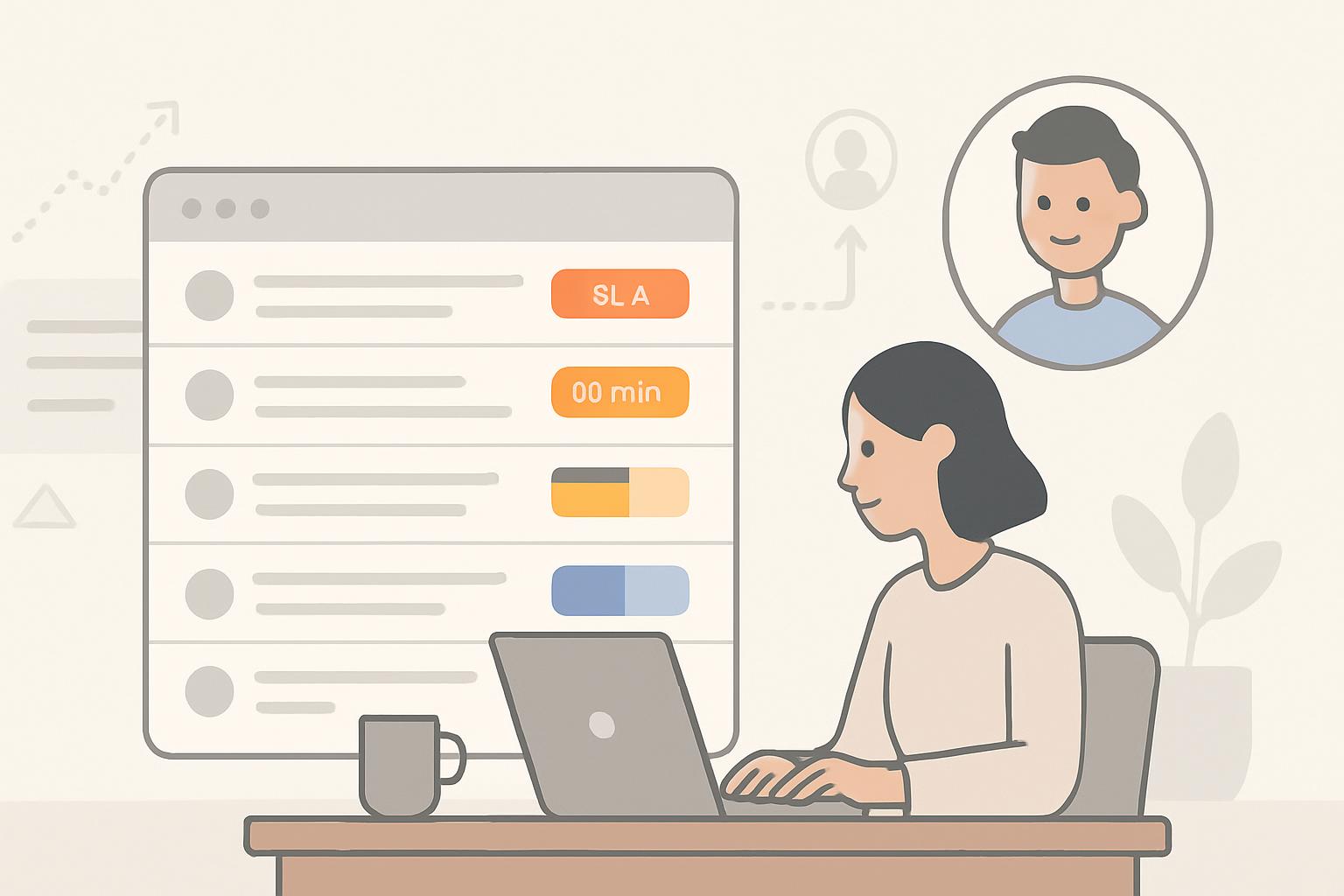
Define measurable personal inbox SLAs (response-time windows by priority, role and channel) and train AI agents to meet them using tone-preserving templates, escalation rules, and human-in-the-loop checkpoints. Organizations that adopt clear inbox SLAs and responsible automation typically see 20–35% faster response throughput while maintaining customer satisfaction when AI is calibrated for empathy and escalation ([1], [2]).
Introduction
Business professionals increasingly rely on personal inboxes—email, internal messaging, and CRM channels—to manage relationships and execute work. Email overload and inconsistent response behavior create risk: missed deadlines, eroded trust, and lost revenue. Personal Inbox SLAs (service-level agreements for individual inbox response times) set expectations and allow automation to keep commitments without harming relationships.
Quick Answer: Build SLAs that are role-aware, priority-driven, and outcome-focused; train AI to enforce them by combining policy rules, tone models, personalization layers, and human escalation triggers.
Why define personal inbox SLAs?
Benefits for business professionals
Clear inbox SLAs provide predictable service to stakeholders and reduce cognitive load for workers. They:
- Set realistic expectations for response time and quality.
- Enable automation to act within constraints, freeing time for higher-value work.
- Provide measurable KPIs for performance reviews and customer satisfaction programs.
Common pitfalls of poorly defined SLAs
Ambiguous SLAs or hard automation without empathy can damage relationships. Typical problems include:
- One-size-fits-all timing that ignores role, geography, or channel.
- Automated replies that feel robotic or dismissive.
- Failure to escalate critical or sensitive messages to humans.
Quick Answer: Avoid blanket rules—use context (sender relationship, message intent, urgency) to set differentiated SLAs and guardrails.
How to define response-time policies
Step 1 — Segment by relationship and role
Classify inbound messages by the sender relationship (VIP client, internal stakeholder, vendor, prospect) and recipient role (account executive, support agent, executive assistant). Each combination can have a tailored SLA.
Step 2 — Prioritize by intent and channel
Use intent detection to distinguish transactional requests (billing, scheduling) from strategic or sensitive conversation. Apply tighter SLAs to transactional high-impact items; allow longer windows for strategic work that benefits from thoughtful responses.
Step 3 — Define measurable windows and outcomes
Specify SLA elements clearly:
- Response window (e.g., acknowledge within 2 business hours; substantive reply within 24 business hours).
- Acceptable response type (acknowledgment, resolution, deferral with clear ETA).
- Escalation timeline and owner if SLA breach risk is detected.
Step 4 — Create templates and escalation rules
Pre-approved acknowledgment and deferment templates preserve tone and clarity. Escalation rules map to severity and include automatic assignment, priority tagging, and human takeover instructions.
Example SLA templates
- VIP client email: Acknowledge within 1 business hour; substantive reply within 4 business hours; auto-escalate if unresolved after 24 hours.
- Internal request from manager: Acknowledge within 2 business hours; reply within 1 business day.
- General inquiry (marketing, sales leads): Acknowledge within 4 business hours; substantive reply or qualified next steps within 48 business hours.
How to train AI to enforce SLAs without damaging relationships
1. Data preparation and labeling
Collect a representative dataset of inbound messages, responses, and outcomes. Label for:
- Intent (request, complaint, information, meeting request).
- Urgency (low/medium/high) and sensitivity (confidential, legal, escalatory).
- Tone features (formal, empathetic, apologetic, assertive).
High-quality labels are crucial for the AI to learn when to apply tight SLAs and the appropriate tone.
2. Build a policy engine that separates rules from generation
Implement a deterministic policy layer that checks SLA rules (priority, elapsed time, escalation thresholds) before invoking a generative model. The separation ensures compliance and makes audits straightforward.
3. Train tone-aware response models
Fine-tune generation models on in-domain replies that exemplify acceptable tone, personalization, and risk mitigation. Use conditional prompts that include:
- Sender relationship and context summary.
- Desired response type (acknowledgment, detailed answer, request for clarification).
- Tone instructions (empathic, concise, professional).
4. Preserve personalization
Automation should not sound generic. Include personalization tokens: recipient name, prior interactions summary, customer status, or other context. Personalization reduces perceived coldness and maintains rapport.
5. Human-in-the-loop and escalation
Design workflows where AI recommends responses for review in high-risk or high-value cases and can auto-send for low-risk messages. Key rules:
- Always route confidential, legal, or highly sensitive messages to a human for approval.
- Allow humans to override tone and timing settings when relationship context demands it.
- Provide clear audit trails for every sent message.
6. Tone calibration and A/B testing
Continuously test variations of automated replies with randomized experiments measuring satisfaction, follow-up volume, and relationship metrics (e.g., renewal likelihood). Use results to refine tone, length, and timing.
Quick Answer: The AI should enforce SLA timing but not rigidly replace human judgment—route sensitive cases, keep humans in the loop, and tune tone via targeted training and A/B testing.
Operationalizing SLAs with monitoring and metrics
Key operational metrics
Track the following KPIs to ensure effectiveness and guardrails:
- First response time (median and 90th percentile by priority).
- Resolution time and re-open rate.
- Customer satisfaction (CSAT/NPS) correlated with automated vs. human responses.
- SLA attainment and SLA breach reasons.
- Escalation frequency and handling time.
Dashboards and alerts
Implement dashboards that show real-time SLA exposure (messages approaching deadline), and automated alerts for managers when SLA risk or breach occurs. Visualize trends by team, channel, and client segment.
Continuous improvement loop
Regularly review SLA performance and the AI's behavior. Steps include:
- Weekly review of SLA breaches and root causes.
- Monthly model performance and tone audits.
- Quarterly policy updates with stakeholder input.
Contextual background: privacy, compliance, and ethics
Implementing personal inbox SLAs with AI requires careful attention to privacy, security, and legal requirements. Best practices:
- Minimize data retention and apply role-based access controls.
- Document processing activities and provide transparency to customers when automated replies are used (disclosure policies).
- Ensure models do not leak sensitive information across contexts; use observation-level boundaries and redaction where necessary.
- Comply with applicable regulations (GDPR, CCPA), particularly when the SLA enforcement involves profiling or automated decisioning.
Consult legal and compliance teams before deploying automated enforcement for high-risk categories ([3]).
Key Takeaways
- Define SLAs by relationship, role, intent, and channel—avoid one-size-fits-all timing.
- Separate a deterministic policy layer (rules, escalation) from generative AI to ensure predictable behavior and auditability.
- Train tone-aware models with high-quality labeled data and personalization to preserve relationships.
- Use human-in-the-loop for sensitive or high-value interactions; escalate proactively.
- Monitor SLA KPIs and iterate via A/B testing and regular audits to maintain performance and trust.
Frequently Asked Questions
How granular should inbox SLAs be?
SLAs should be as granular as necessary to reflect meaningful differences in urgency and relationship. Start with 3–4 tiers (e.g., VIP, internal priority, transactional, general) and refine based on volume and outcomes. Overly granular SLAs are harder to operationalize and may create complexity without proportional benefit.
Can AI handle all responses within an SLA?
AI can reliably handle routine, low-risk responses and acknowledgments to meet SLAs. For high-risk, sensitive, or legally significant communications, AI should recommend responses that humans review. A hybrid approach maximizes throughput while protecting relationships.
How do we measure whether AI enforcement harms relationships?
Monitor CSAT/NPS, follow-up message sentiment, escalation rates, and churn for segments where AI sends replies. Run controlled experiments comparing human, AI-assisted, and fully automated responses to detect adverse effects.
What safeguards prevent AI from sending inappropriate content?
Use a policy engine to block risky topics, redaction for PII, deterministic checks against compliance rules, and a human approval gate for flagged categories. Maintain an audit log and rapid rollback capability for problematic outputs.
How should we handle different time zones and business hours?
Define SLAs in business-hour windows relevant to the recipient and sender. For global teams, convert SLAs to local time and include deferment templates that acknowledge receipt and provide expected response windows across time zones.
What training data is needed to tune tone effectively?
Collect native-domain examples of high-quality responses annotated for tone, personalization, and outcome. Include examples of good de-escalation, apology, and boundary-setting. Balance classes (formal vs. informal, short vs. long) to avoid bias toward one style.
Sources
[1] Harvard Business Review — "The Value of Timely Responses in Customer Relationships" (paraphrased findings).
[2] Gartner research on customer service automation efficiency improvements (industry benchmark ranges).
[3] Microsoft Responsible AI and data privacy guidance (best practices for AI deployments).
Scheduler
Hand your calendar to an assistant that never drops a thread.
Keep reading

What the Data Says About Why Your Work Calendar Feels Broken
The average knowledge worker loses 103 hours a year to unnecessary meetings, and half of all meetings land right in the middle of peak focus hours, per Asana and Microsoft's own research. Here's what the data says is actually breaking calendars, and where AI agents can help.
![Personal CRM for Busy Professionals — Proven [Expert Guide]](https://nuxxt0us9k7umi1n.public.blob.vercel-storage.com/blog-covers/6a4ebc1bc9f0db5df88f43d4_article-4c713aac-f045-433e-a0f9-fa40d8d41b92.jpeg)
Personal CRM for Busy Professionals — Proven [Expert Guide]
Discover Personal CRM for Busy Professionals: Use Basic AI to Remember Names, Promises, and Follow‑Ups Without Extra Effort — Get the full breakdown
Paper-to-Calendar Made Easy: How to Capture Notes, Sticky Ca
Learn about Paper‑to‑Calendar Made Easy: Capture Notes, Sticky Cards and Voice Memos and Turn Them into Calendar Actions Using Basic AI Tools in this comprehensive SEO guide.