Practical Naming and Filing Conventions for Meeting Recordin
Learn about Naming and Filing Conventions for Meeting Recordings and Artifacts to Improve Searchability and Compliance in this comprehensive SEO guide.
Introduction
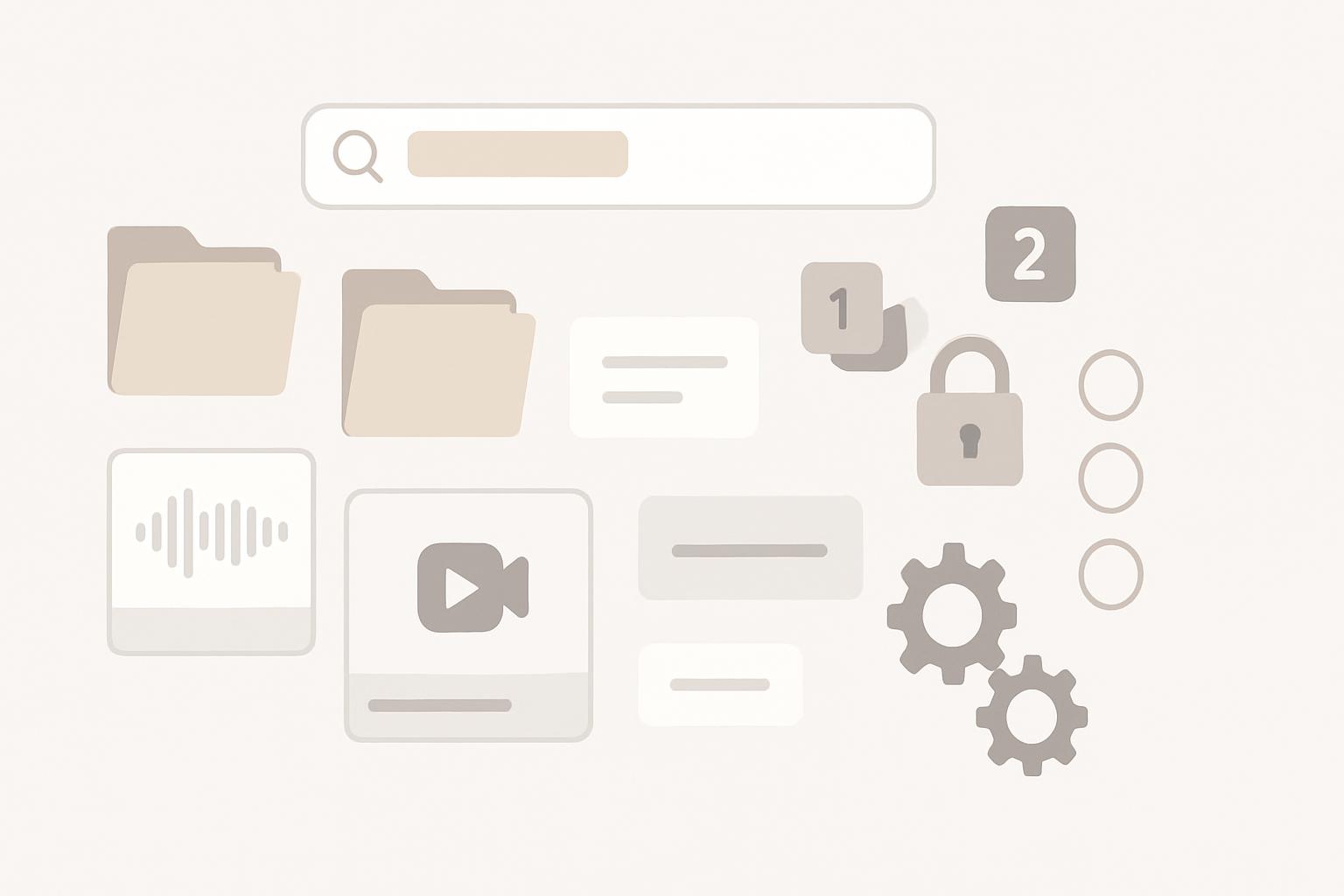
Meeting recordings, transcripts, presentations, chat logs, and supporting documents are rapidly becoming essential corporate records. For business professionals responsible for knowledge management, legal hold, or regulatory compliance, unmanaged meeting artifacts create discovery, privacy, and retention risks. This article provides an actionable, enterprise-ready framework for naming and filing meeting recordings and related artifacts to improve searchability and compliance while minimizing operational friction.
Why standardized naming and filing matter
Standard conventions are more than housekeeping: they turn unstructured content into actionable information. Properly named and filed artifacts streamline legal discovery, speed operational searches, and support regulatory audits.
Business benefits
- Faster retrieval: predictable names improve search precision and recall.
- Regulatory defensibility: consistent records support retention, legal holds, and audits.
- Reduced duplication: versioning and canonical storage reduce storage costs and confusion.
- Privacy protection: standardized storage locations and labels enable correct access controls and redaction workflows.
Compliance and risk reduction
Regulators and litigators expect organizations to produce records reliably. A documented naming and filing framework demonstrates competence in records management and minimizes penalties or sanctions in e-discovery by making records discoverable and complete.
Core principles for naming and filing conventions
Adopt these guiding principles when defining conventions. They are intentionally tool-agnostic so they apply whether you use cloud platforms, on-prem repositories, or hybrid systems.
- Consistency: one canonical pattern for file names and folder paths per record type.
- Predictability: machine-parseable tokens (dates, IDs) enable programmatic filtering.
- Completeness: include essential metadata either in the filename or as recorded attributes.
- Uniqueness: avoid collisions via unique IDs or timestamps.
- Human readability: maintain a balance between machine parsing and user understanding.
- Minimalism: keep filenames under platform limits and avoid special characters that break ingestion.
Recommended filename schema (practical pattern)
Design a filename structure that contains required tokens in a fixed order. Below is a widely applicable schema; adapt tokens to your environment and governance needs.
Standard filename tokens (order matters)
- OrgUnit — short code for department or business unit (e.g., FIN, HR, MKT)
- MeetingType — short tag (e.g., BOARD, STAFF, 1:1, CLIENT)
- Date — ISO 8601 (YYYYMMDD) to keep lexicographic order
- StartTime — 24-hour HHMM
- TopicOrProjectCode — brief slug (no spaces)
- MeetingID — unique meeting identifier (calendar ID or UUID)
- ArtifactType — RECORDING, TRANSCRIPT, SLIDES, CHAT
- Version — optional v1, v2 or FINAL
Formatting rules
- Use underscores (_) as token separators to preserve readability and avoid URL encoding issues.
- Use ISO 8601 dates (YYYYMMDD) and 24-hour times (HHMM) to allow natural sorting.
- Avoid characters: \ /: *? " |; % #
- Limit total filename length to platform-supported maximums (keep under 180 characters to be safe).
Where to put metadata: filenames vs. repository attributes
Filenames are valuable for portability and basic search, but repository metadata (columns, tags, properties) are more powerful for structured discovery and compliance. Implement a hybrid approach.
Recommended metadata set (capture at ingestion)
- Title (human-friendly)
- OrgUnit
- MeetingType
- Date and time (ISO format)
- Participants (RAID-style: hosts, presenters, external attendees)
- Project codes or cost centers
- Sensitivity/Classification level (Public/Internal/Confidential/Restricted)
- Retention policy ID
- Original calendar event ID and source system
Store these as system metadata fields where possible (e.g., SharePoint columns, Google Drive properties, enterprise content management systems). This enables faceted search, policy application, and audit trails.
Folder/taxonomy strategy
Choose a storage topology that balances discoverability and access control. Two common patterns work well:
- Organizational hierarchy: /OrgUnit/Project/Year/ — good for departmental retention and delegated access.
- Centralized repository + metadata: single repository with rich metadata and views — good for cross-functional search and unified retention rules.
Recommended practice: use a centralized repository with strict metadata enforcement and limited departmental folders for delegated administrative tasks. Centralized search with role-based access reduces duplication and simplifies retention enforcement.
Retention, legal hold, and compliance mapping
Naming alone is insufficient for compliance. Map file types and metadata to retention schedules, legal hold processes, and disposition rules.
Practical steps
- Tag each artifact with a retention policy ID at ingestion.
- Implement automatic retention and deletion rules within the repository platform.
- Ensure legal-hold tools can override automated deletion and flag relevant records by MeetingID, project code, or participant list.
- Keep immutable copies for regulated records where required.
Document the mapping between MeetingType and retention duration in your records management policy. Example: BOARD meetings -> permanent; HR interviews -> 7 years; sales calls with customers -> 5 years.
Versioning and canonical artifacts
Use explicit version tokens in filenames or rely on repository version history to prevent multiple competing copies. Always identify a canonical artifact for official records (e.g., "FINAL" or retention-flagged version).
- Prefer repository-native versioning where available (enables diffs and audit logs).
- Use filename suffixes for exported copies that may leave the repository (e.g., for legal production).
Search optimization and discoverability techniques
Improve search results by combining filenames, metadata, and indexing strategies.
- Index transcripts and audio (speech-to-text) and store transcripts as searchable text with timestamps.
- Apply consistent tags and synonyms for meeting types (e.g., "All Hands" vs "Town Hall").
- Use faceted search views by OrgUnit, date range, participant, and ProjectCode.
- Tune search ranking to favor retention-flagged or final versions.
Automation and tooling
Reduce manual effort and enforcement gaps by automating naming, metadata capture, and policy application.
Automation ideas
- Calendar-integrated ingestion: capture event details when recording starts or when calendar event is created.
- Serverless or workflow automation: auto-populate metadata fields from calendar APIs and apply naming rules when files are saved.
- Speech-to-text integration for transcripts and automatic tagging based on detected keywords.
- Automated classification engines to suggest sensitivity labels for human review.
Many cloud vendors provide APIs or connectors to implement these flows. For example, integrating calendar metadata prevents manual entry errors and ensures MeetingID linkage across artifacts.
Privacy, security, and access control
Naming should never substitute for access control. Use classification metadata to drive permissions and redaction workflows for recordings containing sensitive personal data.
- Restrict default access to meeting artifacts to participants and necessary roles only.
- Use classification labels (Confidential, Restricted) to automate tighter controls and MFA requirements.
- Log access to recordings for audit and e-discovery traceability.
Practical templates and examples
Below are several ready-to-use filename templates you can adapt:
- Executive meeting: HR_BOARD_20260721_1500_StrategicPlan_MTG-12345_RECORDING_FINAL.mp4
- Client call: SALES_CLIENT_20260409_1000_AcmeOnboarding_MTG-798_TRANSCRIPT_v1.txt
- Project standup: ENG_STANDUP_20260215_0900_ProjectZephyr_MTG-444_CHAT_v2.json
Implementation checklist (step-by-step)
Follow this pragmatic checklist to implement a naming and filing program across your organization:
- Define required metadata and filename schema with stakeholders (Legal, IT, Records).
- Document storage topology and retention mappings.
- Build automation to capture metadata from calendars and meeting platforms.
- Apply repository templates and required fields to prevent unchecked uploads.
- Train users and publish quick reference guides with examples.
- Monitor adoption and audit compliance; iterate naming rules based on gaps.
Contextual background: legal and technical considerations
Understanding legal obligations and technical constraints helps tailor conventions that are both enforceable and practical.
Legal considerations
Different jurisdictions and industries impose distinct retention and privacy obligations (e.g., financial services, healthcare). Work with legal counsel to map meeting types to legal holds and retention schedules.
Technical constraints
Platform limits (filename length, forbidden characters), search indexing latency, and API availability influence your approach. Always validate schemas against the smallest common denominator of platforms you support.
Suggested sources for further policy alignment include ISO records standards and national archives guidance for electronic records management (see sources below).
Key Takeaways
- Adopt a concise, machine-parseable filename schema (OrgUnit_MeetingType_YYYYMMDD_HHMM_Topic_MeetingID_Artifact_Version).
- Capture rich metadata at ingestion and store it as repository properties for faceted discovery and policy enforcement.
- Automate ingestion and classification where possible to reduce manual error and enforce retention.
- Map meeting types to retention and legal-hold policies and ensure access controls follow classification labels.
- Document naming and filing rules, train users, and monitor compliance—iterating as needed.
Sources and further reading
For standards and implementation examples, consider these authoritative resources:
- ISO 15489 — Records Management (ISO)
- U.S. National Archives — Records Management
- Microsoft 365 documentation on records management and information governance
Frequently Asked Questions
How do I choose the right tokens for filenames?
Select tokens that uniquely identify the meeting and are useful for search and compliance: OrgUnit, MeetingType, ISO date, time, project code, meeting ID, artifact type, and version. Prioritize tokens that are stable and easy to capture automatically (e.g., calendar IDs).
Should I put all metadata in the filename?
No. Use filenames for essential tokens and portability; store full metadata as structured repository fields. Metadata fields enable faceted search and policy automation, while filenames remain human-readable and portable.
What if recordings are stored across multiple platforms?
Standardize the filename schema and metadata across platforms and capture a canonical MeetingID and repository location in metadata. If possible, centralize indexing and search (e.g., enterprise search) to present unified results.
How do I handle sensitive or personal data in recordings?
Classify recordings at ingestion, restrict access by classification, and apply redaction workflows when necessary. Ensure privacy notices and consent are handled in accordance with applicable laws, and leverage retention rules to delete data when no longer required.
Can automation fully replace manual naming?
Automation significantly reduces errors and improves consistency, but human oversight remains important for classification decisions and exception handling. Use automation to populate fields from calendar/events and prompt users for verification when needed.
How do I prove compliance during an audit?
Maintain documented policies, evidence of automated retention and legal-hold enforcement, and audit logs showing access and disposition events. Use the MeetingID and metadata to produce comprehensive, traceable records during e-discovery.
What are common pitfalls to avoid?
Common mistakes include inconsistent token ordering, reliance on free-text filenames without metadata, lack of version control, and failure to map artifacts to retention policies. Address these by documenting standards, enforcing required metadata, and automating policy application.
Note: Implementations will vary by organization size, regulatory environment, and technical ecosystem. Use the guidelines above as a starting point and tailor schema tokens, retention mappings, and automation to your specific needs.
Scheduler
Hand your calendar to an assistant that never drops a thread.
Keep reading

AI Notetakers Are Sitting In on More Meetings Than You Think, Often Without Asking
One in three employed Americans say an AI notetaker has been in their work meetings, and 65% of them say they weren't consistently asked first, according to a July 2026 survey. Here's what that consent gap actually means for teams and legal risk.
![Privacy‑Safe Personal Appointments: Expert Guide [Proven]](https://nuxxt0us9k7umi1n.public.blob.vercel-storage.com/blog-covers/6a4ebc1188d93a9e734f50e2_article-28df6357-c673-43f7-8598-4df42e844f3e.jpeg)
Privacy‑Safe Personal Appointments: Expert Guide [Proven]
Enable Privacy‑Safe Personal Appointments: Let an Assistant Book Health or Family Slots Without Revealing Details —Proven controls. Read expert analysis
Scaling Accurate Speaker Attribution with Hybrid Human + ML
Learn about Speaker Attribution at Scale: Hybrid Human+ML Workflows to Ensure Accurate Transcript Speaker Labels in this comprehensive SEO guide.