Standardizing a Calendar Taxonomy for Smarter AI Scheduling
Standardizing a Calendar Taxonomy defines event types, tags, and metadata so AI interprets intent, reduces conflicts, automates scheduling, boosts availability.
Introduction
Business calendars are no longer simple time blocks. For AI to schedule and optimize meetings, calendars must be standardized: consistent event types, descriptive tags, and machine-readable metadata. This article explains how to design, tag, implement, and measure a calendar taxonomy so AI scheduling becomes more accurate, efficient, and auditable.
Why standardize a calendar taxonomy?
What problem does standardization solve?
Calendars contain inconsistent, free-form data: event titles like "Catch-up", "1:1", or "Project Sync" mean different things to humans and machines. AI agents need structured signals (intent, priority, participants, privacy, location, duration) to make correct scheduling decisions. Without standardization, AI will misinterpret events, propose poor times, and cause double-bookings or unnecessary rescheduling.
Business impacts and benefits
- Reduced scheduling friction: fewer back-and-forth emails and faster time-to-meeting.
- Improved resource utilization: better room and attendee time management.
- Enhanced automation: AI can auto-suggest optimal times, agenda items, and follow-ups.
- Auditability and compliance: structured data supports retention policies and privacy controls.
Contextual background: calendar systems and AI scheduling
Calendar platforms (Google Workspace, Microsoft 365, iCal) expose different APIs and metadata models. AI scheduling tools sit on top of those platforms and require normalized inputs. A calendar taxonomy abstracts provider differences and produces a canonical set of tags and fields an AI can rely on. This approach is similar to canonicalizing customer data before CRM analytics.
Designing a calendar taxonomy
Core elements to include
Design a taxonomy with the following high-priority fields so AI can infer intent and constraints:
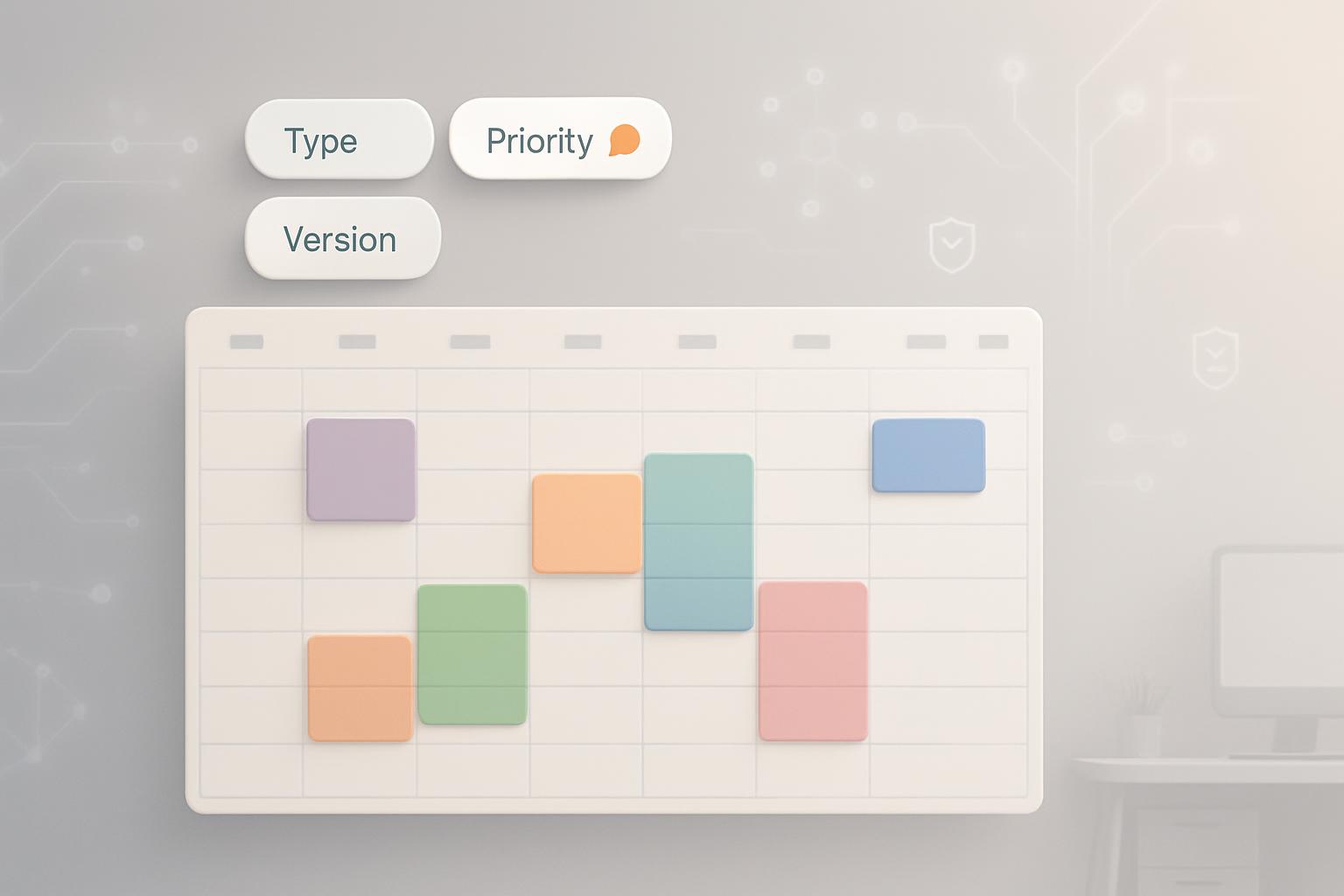
- Event type: standardized categories (e.g., 1:1, team sync, interview, sales demo, training).
- Intent: objective of the event (e.g., decision, status update, review, onboarding).
- Participants roles: host, required attendee, optional, stakeholder, interviewer.
- Location: physical room (ID) or virtual link (provider, meeting ID).
- Duration & windows: expected duration, earliest start, latest end, flexibility score.
- Privacy & sensitivity: public, internal, confidential (affects visibility and recording policy).
- Recurrence pattern: canonical recurrence enums and exceptions.
- Preparation & deliverables: pre-work required, agenda templates, documents.
- Tags for automation: e.g., "requiresRecording", "requiresTranscription", "needsRoomSetup".
Controlled vocabularies and taxonomy depth
Use a controlled vocabulary for each core element. Rules:
- Keep category lists compact (10–30 values) to reduce ambiguity.
- Include hierarchical values when needed: e.g., "Meeting > Sales > Demo".
- Provide synonyms and mapping rules for free-text titles to taxonomy values.
- Adopt standard formats: ISO 8601 for times, email+ID for attendees.
Tagging events and metadata: best practices
Principles for reliable tagging
Implement tagging that is consistent, lightweight, and auditable:
- Automate enrichment where possible: map event titles and calendar invite fields to taxonomy tags using NLP rules and pattern matching.
- Require minimal manual input: prompt users only for mandatory fields the AI cannot infer (e.g., privacy level, if sensitive).
- Validate at creation time: block mis-tagged or missing high-priority fields with gentle UI prompts.
- Log provenance: record whether a tag was user-entered or auto-assigned and which algorithm/version did it.
Practical tagging workflows
Example implementation steps:
- During invite creation, present a compact taxonomy UI: drop-downs for event type and privacy, a checkbox for recording/transcription.
- Run a background parser on title/body to suggest tags; show suggestions unobtrusively.
- If the AI agent will reschedule or invite resources, require a confidence threshold (e.g., 80%) before letting automation proceed.
- Provide one-click tag correction on mobile and desktop to minimize friction.
Automation & AI-readiness
Preparing metadata for AI models
Make metadata machine-friendly:
- Use enumerated values instead of free text where possible.
- Attach structured JSON payloads to events that include taxonomy keys and provenance.
- Expose confidence scores when AI infers tags and store historical decisions for retraining.
AI scheduling agents perform best when they can access:
- Canonical event type and intent.
- Participant roles and preferences (e.g., do-not-disturb windows).
- Resource constraints (room capacity, equipment requirements).
- Historical outcomes (cancellations, reschedules) to learn patterns.
Implementing a taxonomy at scale
Governance, ownership, and versioning
Treat the taxonomy as a product with clear owners:
- Assign a cross-functional taxonomy steward (product/IT/operations).
- Define change processes: requests, review cycles, and rollout plans for new tags.
- Version the taxonomy and keep backward compatibility rules for older calendar entries.
Integration with calendar platforms and apps
Plan how the taxonomy maps to calendar provider features:
- Use custom attributes or event extensions (where platforms support them) to store taxonomy keys.
- When custom attributes are unavailable, encode JSON in the event description with a defined prefix and parser.
- Synchronize tags with directory data (org chart, resource inventory) to resolve participant roles and locations.
- Provide SDKs or middleware that normalize provider-specific fields to the canonical model.
Sign up for our newsletter
Get the latest updates, product launches, and helpful tips delivered straight to your inbox.
Measuring success
Key performance indicators (KPIs)
Track measurable outcomes to demonstrate value:
- Scheduling time reduction: average number of messages or minutes to confirm a meeting.
- Conflict rate: percentage of meetings causing double-bookings or last-minute changes.
- Automation acceptance: percent of AI-suggested meeting times accepted without human edits.
- Tag coverage and quality: percent of events with complete taxonomy fields and accuracy of auto-tags.
- Resource utilization: improvements in room and attendee availability metrics.
Monitoring and continuous improvement
Establish feedback loops:
- Collect user corrections to auto-tags and feed them into retraining pipelines.
- Audit logs to identify recurring misclassifications and adjust rules or taxonomy values.
- Quarterly reviews of taxonomy usage and a governance board to approve changes.
Operational considerations and common pitfalls
Change management
Common obstacles include user resistance and inconsistent adoption across teams. Mitigate by:
- Rolling out taxonomy in phases with pilot teams and clear training materials.
- Providing lightweight incentives: faster scheduling, fewer admin steps, improved room booking.
- Embedding taxonomy selection in meeting creation flows to reduce perceived overhead.
Privacy, compliance, and security
Include privacy classifications and ensure metadata does not leak sensitive details. Apply retention policies and ensure taxonomy supports compliance workflows (e.g., legal holds or classification-based export rules).
Key Takeaways
- Standardizing calendar taxonomy converts ambiguous event data into machine-readable signals that enable reliable AI scheduling.
- Start with a compact core schema: event type, intent, participant roles, location, duration, privacy, recurrence, and automation tags.
- Combine automated NLP tagging with minimal required manual inputs and validation to maintain data quality.
- Treat the taxonomy as a product: assign ownership, version it, and govern changes through a cross-functional process.
- Measure success with KPIs such as scheduling time reduction, conflict rate, automation acceptance, and tag quality.
Frequently Asked Questions
How do I start building a calendar taxonomy with limited resources?
Begin with a minimal viable taxonomy: capture event type, privacy level, and participant role. Apply pattern-based parsing (title and description) to auto-tag existing events and pilot with one team. Use the pilot to refine categories before wider rollout.
Can we retrofit a taxonomy into existing calendar data?
Yes. Use automated parsers to map historical titles and descriptions to taxonomy values, and flag low-confidence mappings for manual review. Store provenance so you can track auto-tagged vs. user-tagged items and gradually increase automation trust thresholds.
What level of taxonomy granularity is appropriate?
Balance specificity and usability. Start with coarse categories (10–30 values per dimension) and add depth only where workflows justify it (e.g., recruiting interviews require interviewer roles vs. general meetings).
How do we handle privacy and sensitive events?
Include a privacy classification field (public, internal, confidential) and enforce visibility controls based on that tag. Prevent AI agents from exposing confidential metadata externally and apply stricter retention and access policies.
How much of tagging can be automated versus manual?
Most tagging (60–90%) can be automated with robust NLP, entity recognition, and rule-based parsers—especially for event type and recurrence. Manual entry should be limited to privacy, high-sensitivity flags, or cases with low-confidence suggestions.
What governance structure is needed to maintain a taxonomy?
Form a taxonomy steering group with representatives from product, IT, legal/compliance, and operations. Define a change request process, versioning rules, and a quarterly review cadence. Assign an owner to prioritize requests and communicate updates.
How do we measure ROI from standardizing calendars?
Measure reductions in scheduling time, fewer reschedules, increased automation acceptance, and improved resource utilization. Tie these metrics to time saved for employees and room/utilization cost savings to build a business case.
Sources: Industry platform documentation and whitepapers; calendar platform APIs and best practices; governance frameworks for metadata management (see references [1], [2], [3]).
Sign up for our newsletter
Get the latest updates, product launches, and helpful tips delivered straight to your inbox.
Scheduler
Hand your calendar to an assistant that never drops a thread.
Keep reading

What the Data Says About Why Your Work Calendar Feels Broken
The average knowledge worker loses 103 hours a year to unnecessary meetings, and half of all meetings land right in the middle of peak focus hours, per Asana and Microsoft's own research. Here's what the data says is actually breaking calendars, and where AI agents can help.
![Personal CRM for Busy Professionals — Proven [Expert Guide]](https://nuxxt0us9k7umi1n.public.blob.vercel-storage.com/blog-covers/6a4ebc1bc9f0db5df88f43d4_article-4c713aac-f045-433e-a0f9-fa40d8d41b92.jpeg)
Personal CRM for Busy Professionals — Proven [Expert Guide]
Discover Personal CRM for Busy Professionals: Use Basic AI to Remember Names, Promises, and Follow‑Ups Without Extra Effort — Get the full breakdown

Paper-to-Calendar Made Easy: How to Capture Notes, Sticky Ca
Learn about Paper‑to‑Calendar Made Easy: Capture Notes, Sticky Cards and Voice Memos and Turn Them into Calendar Actions Using Basic AI Tools in this comprehensive SEO guide.