Task-by-Task Automation Roadmap: Which Scheduling and Admin
Learn about Task-by-Task Automation Roadmap: Which Scheduling and Admin Duties Generative AI Will Displace First in this comprehensive SEO guide.
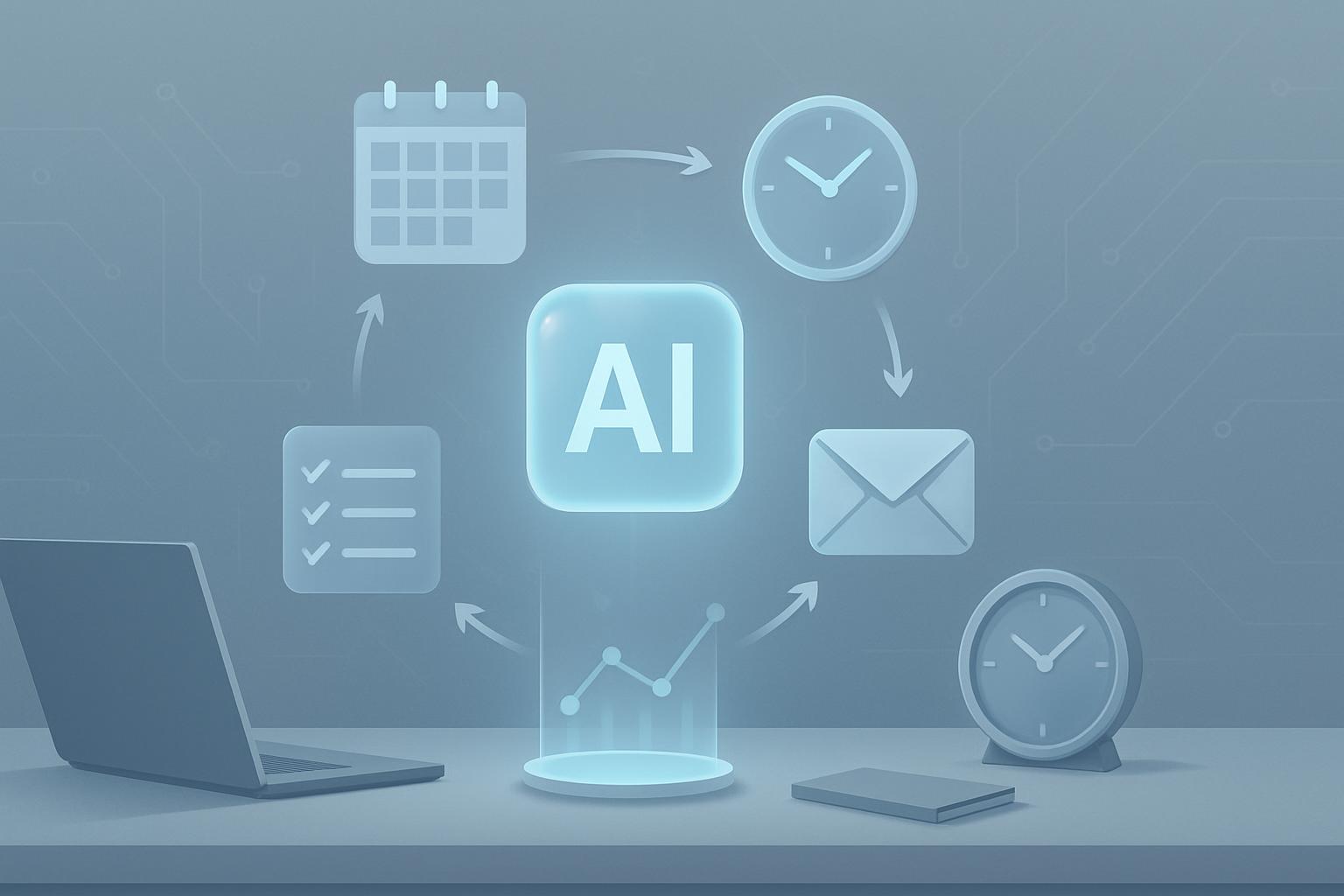
Introduction: Why a Task-by-Task Roadmap Matters
Business leaders need a granular, tactical view of how generative AI will change day-to-day scheduling and administrative work. Rather than vague predictions about job elimination, a task-by-task automation roadmap shows which duties are most at risk, why they are vulnerable, the realistic timeline for displacement, and how to plan reskilling and process redesign. This article provides a structured, evidence-based guide tailored for business professionals planning investments, change management, and workforce strategy.
How to Read This Roadmap
This roadmap is organized by task category and includes:
- Why the task is vulnerable (technical and organizational factors)
- Estimated displacement timeline
- Suggested pilot metrics and success criteria
- Transition and reskilling recommendations
Use the numbered lists under each section for quick decision-making and implementation steps.
Background: What Enables Generative AI to Automate Scheduling & Admin
Generative AI tools combine natural language understanding, pattern recognition, and automation connectors (APIs, RPA) to replicate tasks humans perform. Key enablers include:
- Large language models (LLMs) that interpret unstructured input (emails, chat) and generate structured outputs (calendar invites, summaries).
- Integration platforms (Zapier, Microsoft Power Automate) and calendar APIs that let AI execute actions across systems.
- Workflow orchestration that codifies business rules for triage and escalation.
When tasks are high-volume, repeatable, and rule-based, AI can be precise and efficient—making them the earliest and easiest targets for displacement.
Task Categories: Which Duties Are Most Vulnerable
We group tasks into five categories for clarity:
- Scheduling and calendar coordination
- Email triage and templated responses
- Meeting preparation and summarization
- Routine document creation and formatting
- Basic data entry and record updates
Scheduling and Calendar Coordination
Why vulnerable: Scheduling is high-volume, rule-driven, and frequently handled via email or messaging. AI can parse availability, propose times, and create invites across platforms.
Estimated timeline: 6–18 months for partial automation (assistant-supported); 18–36 months for full automation in enterprises with integrated systems.
Pilot metrics:
- Time saved per week (minutes/hours)
- Reduction in back-and-forth emails per meeting
- User satisfaction with accuracy of proposed times
Implementation steps:
- Identify top 20% of roles that coordinate 80% of meetings.
- Deploy an assistant to handle first-pass scheduling (propose 3 slots, confirm preferences).
- Measure fallbacks to human intervention and tune business rules.
Email Triage and Templated Responses
Why vulnerable: Many emails require classification and predictable replies (inquiries, status updates, policy confirmations). LLMs excel at classification and generating coherent templates.
Estimated timeline: 3–12 months for automated triage plus human review; 12–24 months for automated responses in low-risk scenarios.
Pilot metrics:
- Volume of emails auto-responded
- Response accuracy and customer satisfaction
- Average response time reduction
Implementation steps:
- Create a taxonomy of email types and desired responses.
- Train models on historical email-response pairs (privacy safeguards required).
- Start with a human-in-loop model: AI drafts, humans approve initially, move to autonomous replies for low-risk categories.
Meeting Preparation and Summarization
Why vulnerable: Pre-meeting research, agenda drafting, and post-meeting minutes are repetitive and pattern-based. Generative AI can summarize conversations and extract action items.
Estimated timeline: 6–18 months for summarization assistants with transcription services; 18–36 months for deeper contextual understanding aligned with business objectives.
Pilot metrics:
- Accuracy of action items identified
- Participant time saved preparing and reviewing minutes
- Uptake rate of AI-generated agendas
Implementation steps:
- Integrate transcription tools with meeting platforms (Zoom, Teams).
- Define formats for summaries and action-item templates.
- Run parallel human/AI summaries to build trust and refine models.
Routine Document Creation and Formatting
Why vulnerable: Repetitive documents—forms, standard reports, memos—follow templates that AI can fill based on structured inputs.
Estimated timeline: 12–24 months to automate template-driven document generation at scale.
Pilot metrics:
- Number of templates automated
- Errors detected post-generation
- Turnaround time reduction
Implementation steps:
- Inventory document templates and map data sources.
- Implement guarded generation with validation rules.
- Set up version control and approval workflows.
Basic Data Entry and Record Updates
Why vulnerable: Data entry tasks are structured and routine. RPA combined with LLMs can interpret unstructured inputs and map them to fields.
Estimated timeline: 6–24 months depending on legacy systems and data quality.
Pilot metrics:
- Reduction in manual entry time
- Error rate after automated entry
- Integration success with core systems
Implementation steps:
- Assess data quality and normalize inputs.
- Use RPA for system interactions and LLMs for interpretation.
- Monitor for anomalies and maintain human oversight for edge cases.
Sign up for our newsletter
Get the latest updates, product launches, and helpful tips delivered straight to your inbox.
Decision Framework: When to Automate a Task
Use this checklist to prioritize tasks for automation pilots:
- Volume: Does the task occur frequently enough to justify investment?
- Rules: Is the task governed by clear, codifiable rules?
- Value: Will automation free up skilled labor for higher-value work?
- Risk: Are the consequences of error acceptable or mitigable?
- Data: Are the inputs and outputs accessible and structured enough for reliable modeling?
Measuring Impact: KPIs and Metrics for Pilots
Recommended KPIs:
- Time saved (aggregate hours)
- Task completion rate without human intervention
- Error rate and incidence of escalations
- Employee satisfaction and adoption rates
- Cost per automated task versus manual cost
Set targets at pilot launch, review weekly for first 90 days, then move to monthly after stabilization.
Change Management: Preparing People and Processes
Automation succeeds when organizations manage both technical and human transitions:
- Communicate the purpose: emphasize augmentation, not arbitrary replacement.
- Reskill: offer targeted training in exception handling, prompt engineering, and oversight.
- Redesign processes: remove steps that exist only to compensate for human limitations.
- Govern: create policies for model use, data privacy, and audit trails.
Example reskilling pathway for administrative staff:
- Level 1 (0–3 months): Training on AI-assisted tools and validation workflows.
- Level 2 (3–12 months): Cross-training in operations analysis and exceptions management.
- Level 3 (12+ months): Transition to roles in process improvement and automation governance.
Risk Management: Errors, Bias, and Compliance
Common risks and mitigation strategies:
- Incorrect scheduling or double-booking — implement confirmation steps and calendar locks.
- Misinterpretation of emails — maintain human review for ambiguous categories.
- Data leakage — apply access controls, anonymization, and secure integration patterns.
- Regulatory compliance — keep audit logs and human sign-offs for regulated activities.
Document exception scenarios and thresholds for human takeover before rolling out full autonomy.
Technology Stack: Recommended Tools and Patterns
Typical components for a scheduling/admin automation architecture:
- LLM or generative model for NLU and content generation.
- Integration layer (APIs, iPaaS) to connect email, calendar, CRM, HRIS.
- Workflow engine for business rules and approval flows.
- Monitoring and observability to log decisions and performance.
Examples of vendors and platforms include cloud LLM providers, Microsoft Power Platform, Zapier, and enterprise orchestration tools. Select based on security requirements and integration needs.
Case Studies: Early Adopters and Outcomes
Illustrative examples (anonymized):
- Global consulting firm automated meeting coordination for senior partners, cutting scheduling time by 30% and reducing meeting conflicts to near zero.
- Mid-market SaaS company automated customer support triage and templated responses, increasing response rate by 45% and maintaining CSAT.
- Financial services firm used AI to draft routine compliance memos, freeing compliance analysts for higher-value reviews.
These pilots highlight consistent benefits: speed, error reduction, and reallocation of labor to strategic tasks.
Key Takeaways
- Generative AI will first displace high-volume, rule-based scheduling and administrative tasks (calendar coordination, email triage, meeting summaries).
- Short-term pilots (3–6 months) focused on scheduling and triage yield the quickest ROI.
- Successful automation requires integration, governance, and reskilling pathways for affected staff.
- Measure impact with clear KPIs: time saved, error rate, adoption, and cost per task.
- Manage risk through human-in-loop designs, audits, and secure data practices.
Frequently Asked Questions
Which specific scheduling tasks will AI displace first?
AI will first automate: proposing meeting times, coordinating across time zones, generating invites with agendas, and handling rescheduling requests. These activities are rule-based and require limited contextual judgment, making them good candidates for immediate automation.
Will administrative jobs disappear entirely?
No. Most administrative roles will evolve rather than disappear. AI will take over routine work, while humans will focus on exceptions, relationship management, process improvement, and governance. Reskilling and redesigned role descriptions will be essential.
How accurate are AI-generated meeting summaries and action items?
Accuracy varies by model quality, audio transcription fidelity, and the complexity of discussions. In low-to-moderate complexity meetings, AI summaries can accurately capture key points and action items 70–90% of the time. Human review improves accuracy and trust during early adoption.
What are best practices for piloting email triage automation?
Start with a narrow taxonomy of email types, use historical data to train models, implement a human-in-loop approval for ambiguous cases, and set conservative thresholds for full automation. Monitor precision and recall metrics and progressively expand categories.
How should organizations measure ROI from automation pilots?
Measure both direct and indirect benefits: hours saved, reduction in task backlog, decreased error rates, improved response times, and redeployment of staff to higher-value work. Translate time savings into labor cost savings and incremental revenue or productivity gains.
What governance is needed when using generative AI for admin tasks?
Establish policies for permissible tasks, data access controls, logging and audits, human oversight thresholds, and incident response. Include privacy impact assessments and ensure compliance with industry regulations.
What sources support these claims and timelines?
Key reports and resources informing this roadmap include research from McKinsey on workplace automation, Gartner analyses of AI adoption, and vendor case studies from major LLM providers. For technical guidance, consult vendor documentation and platform integration guides. Examples: McKinsey, Gartner, OpenAI.
Next Steps for Business Leaders
To act on this roadmap:
- Conduct a task inventory identifying high-volume, low-complexity activities in scheduling and admin.
- Run a focused pilot on scheduling or email triage with clear KPIs and human-in-loop safeguards.
- Develop reskilling plans and governance frameworks before scaling automation.
Adopting a task-by-task approach lets organizations capture near-term value while managing risk and workforce transition.
Sources: McKinsey & Company research on automation; Gartner forecast on AI adoption; vendor documentation from leading LLM providers. Specific figures and case studies are adapted from public reports and anonymized corporate pilots.
Sign up for our newsletter
Get the latest updates, product launches, and helpful tips delivered straight to your inbox.
Scheduler
Hand your calendar to an assistant that never drops a thread.
Keep reading

What the Data Says About Why Your Work Calendar Feels Broken
The average knowledge worker loses 103 hours a year to unnecessary meetings, and half of all meetings land right in the middle of peak focus hours, per Asana and Microsoft's own research. Here's what the data says is actually breaking calendars, and where AI agents can help.
![Personal CRM for Busy Professionals — Proven [Expert Guide]](https://nuxxt0us9k7umi1n.public.blob.vercel-storage.com/blog-covers/6a4ebc1bc9f0db5df88f43d4_article-4c713aac-f045-433e-a0f9-fa40d8d41b92.jpeg)
Personal CRM for Busy Professionals — Proven [Expert Guide]
Discover Personal CRM for Busy Professionals: Use Basic AI to Remember Names, Promises, and Follow‑Ups Without Extra Effort — Get the full breakdown

Paper-to-Calendar Made Easy: How to Capture Notes, Sticky Ca
Learn about Paper‑to‑Calendar Made Easy: Capture Notes, Sticky Cards and Voice Memos and Turn Them into Calendar Actions Using Basic AI Tools in this comprehensive SEO guide.