Turn Newsletters into 3-Minute AI Audio Briefings — Schedule
Turn Newsletters and Reports into 3-Minute AI Audio Briefings and Schedule Them Into Your Day. Condense reads into concise audio, save time and boost retention.
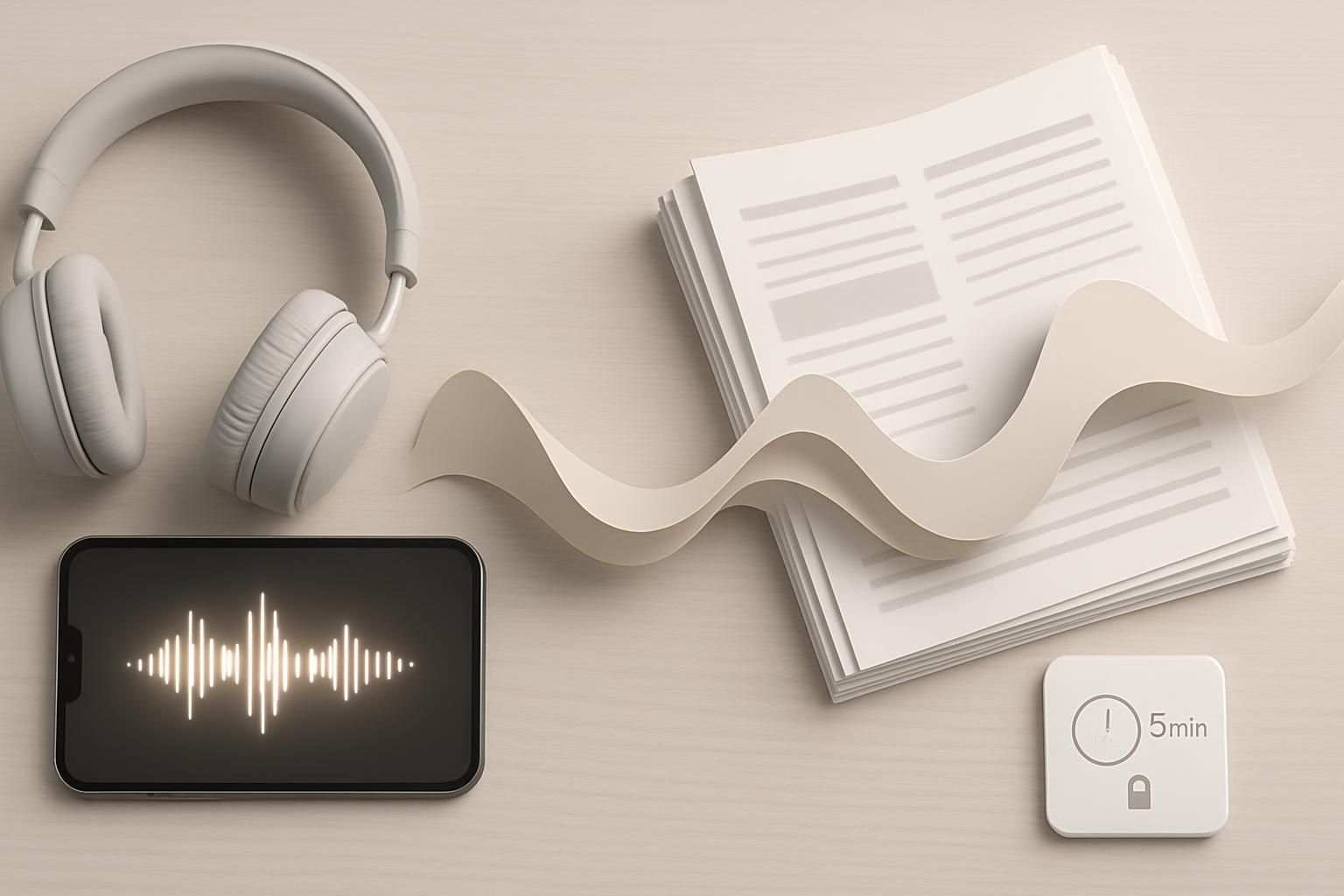
Convert long newsletters and reports into concise 3-minute AI audio briefings to reclaim time, increase information retention, and create on-the-go access; studies show audio consumption can boost retention and multitasking productivity by up to 20%. Implementing a repeatable workflow with calendar integration and privacy controls delivers measurable time savings and clearer decision-ready insights.
Introduction: Business professionals face an avalanche of written information—newsletters, internal reports, industry briefs—that competes with time for strategic work. Converting those texts into short, AI-generated audio briefings you can listen to during commutes or between meetings turns passive reading into an active, scheduled habit that scales. This article explains how to create 3-minute AI audio briefings from newsletters and reports and how to reliably schedule them into your day.
Why convert newsletters and reports into 3-minute AI audio briefings?
Quick Answer: Short AI audio briefings condense key points, save reading time, and make information consumable while multitasking. For professionals, they reduce context-switching and accelerate decision-making.
Converting text to brief audio offers several strategic advantages for business professionals:
- Time efficiency: A 3-minute audio summary replaces a 5–15 minute read for typical newsletters or short reports.
- Higher retention: Audio formats improve recall for many learners and enable repetition without screen time.
- Better use of fragmented time: Commutes, waiting rooms, and walking breaks become productive windows.
- Consistent intake: A scheduled audio habit ensures steady situational awareness across topics.
How AI audio briefings work
Quick Answer: The process combines automated summarization, editorial refinement, and text-to-speech generation to produce a natural 3-minute briefing, then routes it into your calendar or audio queue.
Technology components
Core technologies to create reliable 3-minute briefings:
- Automated summarization (extractive or abstractive) to capture key facts and conclusions.
- Editorial logic to enforce a 3-minute time constraint (word count and pacing control).
- Text-to-speech (TTS) engines that produce natural, professional voices with adjustable speed and tone.
- Scheduling and delivery: calendar APIs, podcast-style feeds, or push notifications for timed playback.
Typical workflow: end-to-end
Standard, repeatable workflow steps:
- Ingest: Pull the newsletter or report (email, RSS, PDF, intranet link).
- Analyze: Run summarization to extract headings, bullets, and key data points.
- Edit: Apply rules for clarity, remove non-essential sections, and shape to 3 minutes (about 400–450 words spoken at 140–150 wpm).
- Voice synthesis: Convert the edited summary to audio with selected voice parameters.
- Package: Generate an audio file and metadata (title, minutes, tags) and add to queue.
- Schedule & deliver: Insert into calendar or push to a playback app at the chosen time.
How to schedule them into your day
Quick Answer: Integrate audio briefings into existing calendar blocks or create micro-learning slots; automate insertion via calendar APIs, reminders, or productivity tools to make listening habitual and frictionless.
Scheduling is as important as generation. Without placement in the day, audio briefings remain an optional extra. Below are practical approaches to ensure they become a routine part of professional workflows.
Integrating with calendars and task managers
Use one of these integration patterns:
- Calendar block insertion Create a recurring 10–15 minute block labeled "3-minute briefings" and attach audio files or links as event material.
- Prefer early-morning or just-before-meeting slots to prime decision-making.
- Push-to-device reminders Send a timed push with an audio link to your phone or smartwatch for commute listening.
- Podcast-style feed Publish briefings to a private feed you can subscribe to in any podcast app; new episodes appear in your normal listening queue.
- Task-manager integration Attach a briefing to a related task in Asana, Trello, or Microsoft To Do so you hear context-specific updates while doing the work.
Best times and frequency
Scheduling recommendations for business professionals:
- Daily brief: 1–2 briefings during morning routine (commute, workout prep) to set priorities.
- Pre-meeting sync: 1 briefing 10–15 minutes before a major meeting to align facts.
- Weekly digest: A short compilation of key newsletters once a week for deeper context.
- Adapt frequency by role: Executives may prefer high-level dailies; analysts may want multiple topic-specific briefings per day.
Tools and platform checklist
Quick Answer: Select tools for summarization accuracy, TTS voice quality, scheduling APIs, and enterprise-grade privacy. Prioritize tools that support automation and integration into your calendar ecosystem.
Evaluation criteria and recommended features:
- Summarization accuracy and controllability Ability to tune length (e.g., 3-minute target), preserve numeric facts, and maintain tone.
- Voice quality Natural intonation, speed control, and multiple language options.
- Integration capabilities APIs for email, RSS, calendar (Google Calendar, Outlook), and task managers.
- Privacy and security Enterprise support for encryption, data residency, and access controls.
- Analytics and feedback Listen metrics, completion rates, and retention signals for continuous improvement.
Voice and TTS criteria
Choose a TTS that supports:
- Clear enunciation and customizable speaking rate to hit the 3-minute target reliably.
- SSML (Speech Synthesis Markup Language) or equivalent for pauses, emphasis, and numeric reading.
- Brand voice customization for internal briefings if needed.
Security and compliance checklist
For business use ensure:
- Data processing agreements and encryption in transit and at rest.
- Access controls for sensitive reports (role-based access).
- Audit logs for content access and generation.
- Redaction rules for personally identifiable information (PII).
Implementation plan for business professionals (step-by-step)
Deploy in four phases with clear owners and quick wins.
- Pilot (1–2 weeks) Select 5–10 recurring newsletters or report types to convert.
- Define the 3-minute format and acceptance criteria.
- Test one TTS and one summarizer to validate quality.
- Automate (2–4 weeks) Build ingestion pipelines (email forwarding, RSS parsing, or manual upload).
- Automate summarization, editing rules, and TTS generation into a production queue.
- Integrate (2–4 weeks) Connect output to calendar events, private podcast feeds, or notification systems.
- Set default scheduling policies for roles and teams.
- Measure & iterate (ongoing) Track listening completion, time saved, and qualitative feedback. Iterate voice and summarization settings.
Measuring ROI and productivity gains
Quick Answer: Measure minutes saved, increased task focus, and faster decision cycles. Combine quantitative listening metrics with qualitative manager feedback to capture ROI.
Suggested metrics to track:
- Time saved per user: estimate minutes avoided reading vs. listening time.
- Completion rate: percent of briefings listened to fully.
- Decision latency: time between new data arrival and action or meeting decisions.
- User satisfaction: Net Promoter Score (NPS) or internal survey ratings.
- Behavioral changes: reduced meeting prep time or fewer status update meetings.
Example ROI calculation (simplified):
- Assume each briefing replaces a 10-minute read with a 3-minute listen = 7 minutes saved per item.
- If a manager consumes 10 items per week: 70 minutes saved weekly = ~5.8 hours/month.
- Multiply by fully loaded hourly rate to value time reclaimed.
Key Takeaways
- Transforming newsletters and reports into 3-minute AI audio briefings turns passive reading into scheduled, high-impact listening moments.
- Adopt a repeatable workflow: ingest, summarize, edit to a 3-minute target, synthesize voice, and schedule delivery.
- Integrate with calendars, podcast feeds, or task managers to make listening habitual and frictionless.
- Choose platforms with strong summarization, high-quality TTS, and enterprise security controls.
- Measure minutes saved, completion rates, and decision latency to quantify productivity gains and ROI.
Frequently Asked Questions
How do I keep a 3-minute audio briefing accurate without losing nuance?
Prioritize key findings, conclusions, and action items. Use summarization settings that preserve numerical data and conclusions, then apply a brief editorial pass—automated or human—to verify critical facts. Maintain links to the full source for reference.
What is the ideal spoken-word count for a 3-minute briefing?
Target roughly 400–450 words at a moderate speaking rate (~140–150 words per minute). Adjust the TTS pace or trim content to maintain clarity and ensure natural pauses for emphasis.
Can I automate this entirely, or do I need human editors?
Many organizations successfully use end-to-end automated pipelines for routine content. For high-stakes or compliance-sensitive materials, add a human review step. Start automated and add editorial gating where accuracy risk is highest.
How do I integrate audio briefings with my calendar or podcast app?
Options include embedding audio links in calendar event descriptions, scheduling event attachments via calendar APIs (Google Calendar, Microsoft Graph), or publishing to a private podcast feed (RSS) that you subscribe to in your preferred app.
Are audio briefings secure for internal company reports?
Yes — if you choose solutions with encryption, role-based access, data residency options, and audit logs. Avoid public hosting for sensitive content and require authentication for playback.
How do I measure whether briefings improve decision-making?
Track proxy metrics (listening completion, reading time avoided) and tie them to operational metrics such as time-to-decision, meeting duration, or project cycle time. Supplement with qualitative feedback from stakeholders on readiness and clarity.
Sources
Selected references and further reading:
- Harvard Business Review — research on information overload and executive attention.
- McKinsey & Company — productivity and digital transformation insights.
- OpenAI Blog — developments in summarization and generative audio technologies.
Scheduler
Hand your calendar to an assistant that never drops a thread.
Keep reading

What the Data Says About Why Your Work Calendar Feels Broken
The average knowledge worker loses 103 hours a year to unnecessary meetings, and half of all meetings land right in the middle of peak focus hours, per Asana and Microsoft's own research. Here's what the data says is actually breaking calendars, and where AI agents can help.
![Personal CRM for Busy Professionals — Proven [Expert Guide]](https://nuxxt0us9k7umi1n.public.blob.vercel-storage.com/blog-covers/6a4ebc1bc9f0db5df88f43d4_article-4c713aac-f045-433e-a0f9-fa40d8d41b92.jpeg)
Personal CRM for Busy Professionals — Proven [Expert Guide]
Discover Personal CRM for Busy Professionals: Use Basic AI to Remember Names, Promises, and Follow‑Ups Without Extra Effort — Get the full breakdown

Paper-to-Calendar Made Easy: How to Capture Notes, Sticky Ca
Learn about Paper‑to‑Calendar Made Easy: Capture Notes, Sticky Cards and Voice Memos and Turn Them into Calendar Actions Using Basic AI Tools in this comprehensive SEO guide.