Using Shared Family Calendars to Protect Executive Focus
Using Shared Family Calendars to Protect Executive Focus helps blended households cut interruptions: role-based visibility, buffers & clear focus rules.
Introduction: Why Calendar Design Matters for Executives in Blended Households
Executives balance high-cognition work with family responsibilities, and blended households add scheduling complexity: multiple parents, stepchildren, cohabiting relatives, alternating custody, and varied school or shift schedules. Shared family calendars can be powerful tools for coordination, but without design and privacy measures they can create noise, distract executive attention, or inadvertently expose sensitive information. This article provides a practical, professional framework—privacy tactics, calendar time rules, and governance—to use shared calendars to protect executive focus while preserving household coordination.
Contextual Background: The Scheduling Challenges of Blended Households
Blended households present unique scheduling issues:
- Multiple caregivers with overlapping responsibilities
- Irregular custody exchanges and split parenting schedules
- Children’s activities across different households
- Professional obligations requiring deep focus or travel
These factors increase the volume of calendar entries and the likelihood that sensitive professional commitments are visible to household members who do not need that visibility. For executives, the risk is twofold: reduced focus from interruptions and potential privacy breaches from exposed meeting metadata.
Quick Answer: What Core Principles Protect Executive Focus?
- Segment: Use multiple calendars (personal, family-shared, executive-work, children) and limit who can see each.
- Mask: Use private/opaque entries for sensitive appointments; display only "Busy" for external viewers.
- Rule: Define repeatable time rules—daily focus blocks, no-meeting windows, and transition buffers.
- Govern: Establish household calendar etiquette and a lightweight governance agreement.
Privacy Tactics for Shared Family Calendars
1. Use Segmented Calendars and Role-Based Sharing
Create separate calendars for different audiences and purposes. Typical segmentation:
- Executive-Work (private, minimal sharing)
- Household-Shared (visible to all adults in the household)
- Children/Activities (visible to parents and caregivers)
- Logistics (delivery, home maintenance; visible to relevant parties)
Role-based sharing means granting view/edit rights according to need. For example, give step-parents edit rights to children’s activities but view-only to executive’s work calendar, and no rights to sensitive executive travel or board meetings.
2. Minimize Exposed Metadata: Use Private/Masked Entries
Most calendar platforms offer a privacy setting that hides event details from those without access and displays only "Busy." Use private entries for sensitive work times. When privacy isn’t supported, adopt opaque labeling conventions such as "Blocked" or "Appointment" instead of detailed meeting titles.
3. Set Up Default “Busy” Blocks for Focus
Configure default focus blocks in your work calendar that sync to shared household calendars as "Busy." This prevents household members from scheduling over critical deep work periods while not exposing the work content.
4. Use Color-Coding and Tag Conventions (without exposing details)
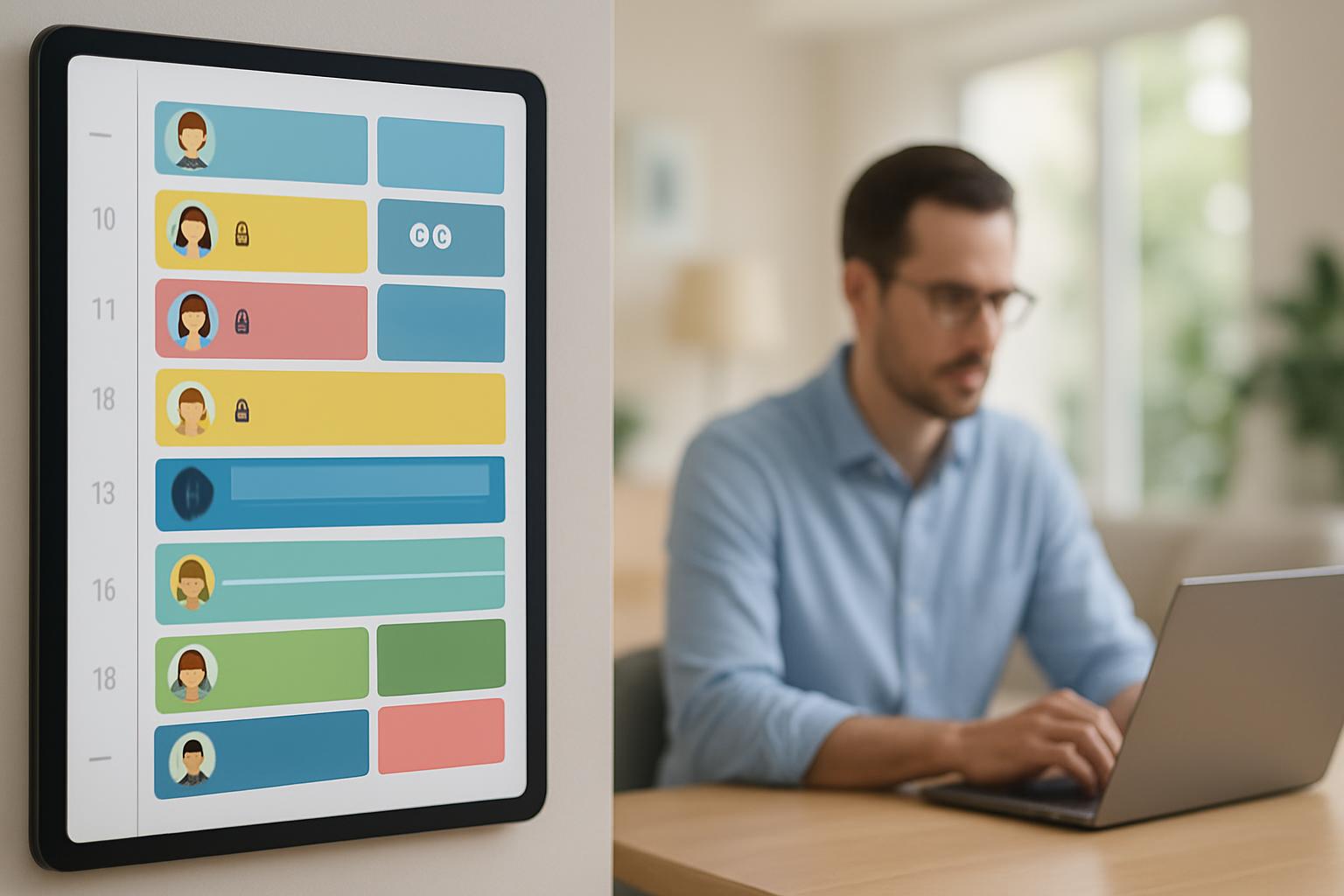
Visual cues help household members coordinate quickly. Assign colors to calendar types (e.g., blue for family logistics, green for children, gray for executive focus). Pair with a short legend in the household calendar description so everyone understands meaning without seeing event details.
5. Manage Notifications and Shared Alerts
Notifications can produce unnecessary interruption. Use targeted notifications: let caregivers receive alerts for family logistics, but silence or delay household-wide notifications for executive work entries. Platforms often allow per-calendar notification settings.
Time Rules to Protect Deep Work and Transitions
1. Daily Core Focus Blocks
Establish immovable daily focus windows (e.g., 90–120 minutes twice per day). Make these recurring events labeled simply as "Focus" and set them to private or "Busy" on shared calendars. Consistency trains household members and reduces ad hoc requests.
2. Pre-Meeting and Post-Meeting Buffers
Use time buffers to allow mental context switching. Rule examples:
- 15-minute prep buffer before every executive meeting
- 10–30 minute transition buffer after meetings before interacting with family activities
Adding buffers reduces the cognitive cost of switching and prevents last-minute interruptions that degrade performance.
3. No-Overlap Policy for Critical Time Blocks
Implement a household policy that no new events may be scheduled over an executive’s core focus blocks or traveler windows unless explicitly approved. Make the policy visible in the household calendar description and reinforce it at periodic family check-ins.
4. Shared Planning Windows
Designate one weekly planning session (15–30 minutes) where household members synchronize schedules and flag conflicts for the coming week. This reduces surprise entries and creates a predictable rhythm for coordination.
Operational Best Practices and Governance
1. Create a Simple Household Calendar Charter
A 1-page charter defines roles, visibility rules, tagging conventions, and escalation paths. It should specify who can add, edit, or delete events in each calendar and outline expected response times for scheduling requests. Keep it concise and accessible in the calendar description or a shared note.
2. Use Request-and-Confirm Workflows for Sensitive Changes
Rather than direct edits, adopt a lightweight request workflow for schedule changes affecting executive focus. For example, a household member can ask in a shared chat or a dedicated calendar entry labeled "Schedule Request," and the executive or delegated scheduler approves or proposes alternatives.
3. Delegate a Household Scheduler Role
Assign one person (or a rotating role) to manage the household calendar. This reduces conflicts and centralizes knowledge of rules. For executives, a delegated scheduler can triage requests without exposing event details.
4. Version and Audit Shared Rules
Periodically review the charter and calendar settings—every quarter or when circumstances shift (new partner, custody changes, role changes). Maintain a record of changes so you can revert or adapt quickly.
Technology-Specific Tips
1. Google Calendar
Use multiple calendars with per-calendar sharing permissions. Use "Private" visibility for sensitive events and set visibility to "See only free/busy (hide details)" for shared calendars. Leverage appointment slots and event confidentiality settings.
2. Microsoft Outlook/Exchange
Use calendar delegation and folder-level permissions. Configure "Show as: Busy" and use the "Private" flag. Mailbox delegation supports administrative assistants or household schedulers managing entries without seeing full details if delegates are configured with restricted permissions.
3. Apple Calendar
Create multiple calendars in iCloud and share selectively. Use "Show As Busy" and set alerts per calendar. For mixed-platform households, consider a cross-syncing solution to maintain consistent visibility rules.
Measuring Impact: Metrics to Track
To evaluate whether calendar rules protect executive focus, track simple metrics over time:
- Uninterrupted deep work hours per week (target increase)
- Number of schedule conflicts or ad hoc interruptions per week (target decrease)
- Time spent resolving household scheduling disputes (target decrease)
- Subjective focus quality rating from the executive (weekly 1–5 scale)
Collecting and reviewing these metrics during monthly governance meetings helps quantify benefits and adjust rules.
Practical Example: A Weekly Cadence for a Blended Household Executive
Example schedule and rules for a typical week:
- Daily 90-minute morning focus (recurring, private, shown as "Busy")
- Weekly planning session Sunday evening (household-shared, editable by appointed scheduler)
- Children’s activities calendar edited by both parents and step-parent (color-coded)
- Travel windows added with "Busy" and a 24-hour notification to household members
- Scheduling requests submitted via a shared chat or a "Request" calendar and confirmed within 24 hours
This cadence balances visibility and privacy while creating predictable blocks that protect high-value cognitive time.
Risks, Trade-offs, and Cultural Considerations
Adopting stricter privacy and rules can be perceived as exclusionary if not communicated. To manage cultural risk:
- Communicate the rationale clearly: emphasize reduced interruptions and better family coordination.
- Balance empathy with boundaries: allow exceptions for urgent family needs with a clear escalation path.
- Be transparent about what will remain visible (e.g., "Busy" blocks) and why.
Ensuring buy-in through a brief household conversation and a published charter is critical to long-term adherence.
Sources and Further Reading
Selected resources informing these recommendations:
- Harvard Business Review on focus time and interruptions
- NIST guidance on privacy settings and data minimization
- Pew Research on family technology adoption and coordination
Key Takeaways
- Segment calendars by role and need to prevent unnecessary exposure of executive commitments.
- Use private/masked entries and show-as-busy settings to protect sensitive meeting metadata.
- Establish repeatable time rules: daily focus blocks, buffers, and a weekly planning cadence.
- Create a brief household charter and assign a scheduler to operationalize rules.
- Measure impact with simple metrics and iterate quarterly to adapt to changes in household structure.
Frequently Asked Questions
How do I hide meeting details from household members while still showing availability?
Most calendar platforms support a privacy setting (often called "Private" or "Show as Busy") that reveals only free/busy status to others. Use this for sensitive work events and ensure shared household calendars are configured to only show free/busy where appropriate.
What is the right number and type of calendars to create?
Start with 3–5 calendars: Executive-work (private), Household-shared (logistics), Children/Activities (visible to caregivers), Home Maintenance/Services, and Travel (if needed). Adjust based on complexity; the goal is logical segmentation, not proliferation.
How can I prevent last-minute family interruptions during focus blocks?
Adopt a no-overlap policy for focus blocks, make them recurring and visible as "Busy" on shared calendars, and require scheduling requests via a shared planning window or a request workflow. Reinforce the practice in a short household charter.
What if a household member needs to schedule something urgent during an executive’s focus time?
Define an escalation rule in the charter: e.g., label urgent items in a shared chat or a specific calendar entry with an agreed tag. The designated scheduler or executive can then approve or reschedule based on priority. Maintain empathy but rely on the agreed governance to minimize misuse.
How do we handle alternating custody or split parenting calendars?
Maintain a shared children/activities calendar with edit rights for both parents and any caregivers. Use clear tags for which household the activity applies to and color codes for custodial responsibility. Use calendar descriptions to note custody-related rules and notifications.
Can calendar rules be enforced across different platforms (Google, Outlook, Apple)?
Cross-platform enforcement requires consistent conventions and possibly middleware or sync tools. Use shared calendars that sync across ecosystems where possible, and document your naming, color, and privacy conventions so participants on different platforms follow the same rules.
How often should we revisit our household calendar rules?
Review the charter and calendar settings quarterly, or when significant changes occur (new partner, custody change, role or travel changes). Use the review to adjust focus windows, notification rules, and the scheduling workflow.
Scheduler
Hand your calendar to an assistant that never drops a thread.
Keep reading

Your Attention Span Is Now 47 Seconds. Here's What That Means for Your Workday
Gloria Mark's decades of research put the average screen attention span at 47 seconds. Here's what that number actually means, and how it should change the way you structure a workday.
![Track Energy, Not Just Hours — Proven Calendar Labels [2025]](https://nuxxt0us9k7umi1n.public.blob.vercel-storage.com/blog-covers/6a4ebc0b9478b8f294fa9ceb_article-e6b9fccc-7276-41b1-b01e-812720e72cc8.jpeg)
Track Energy, Not Just Hours — Proven Calendar Labels [2025]
Apply Track Energy, Not Just Hours: Simple Calendar Labels and Rules Your Workmate Can Enforce — boost focus & raise output 10–25%. Read expert analysis
![Digital Sunset Routines: Proven AI Guide [Boost Focus 2025]](https://nuxxt0us9k7umi1n.public.blob.vercel-storage.com/blog-covers/6a29a9a4631c65905f78828c_article-a0c58872-4daf-499c-a622-41fafb3f027e.jpeg)
Digital Sunset Routines: Proven AI Guide [Boost Focus 2025]
Learn Digital Sunset Routines: Use Simple AI to Auto-Schedule End‑of‑Day Downtime and Protect Evening Focus — cut after-hours alerts 40%. Read now