Who Owns the Work AI Makes for Me?
You asked an AI to write or draw something. Who owns it? A simple guide to what AI companies' terms say, what U.S. copyright law says, and what that means for everyday work.
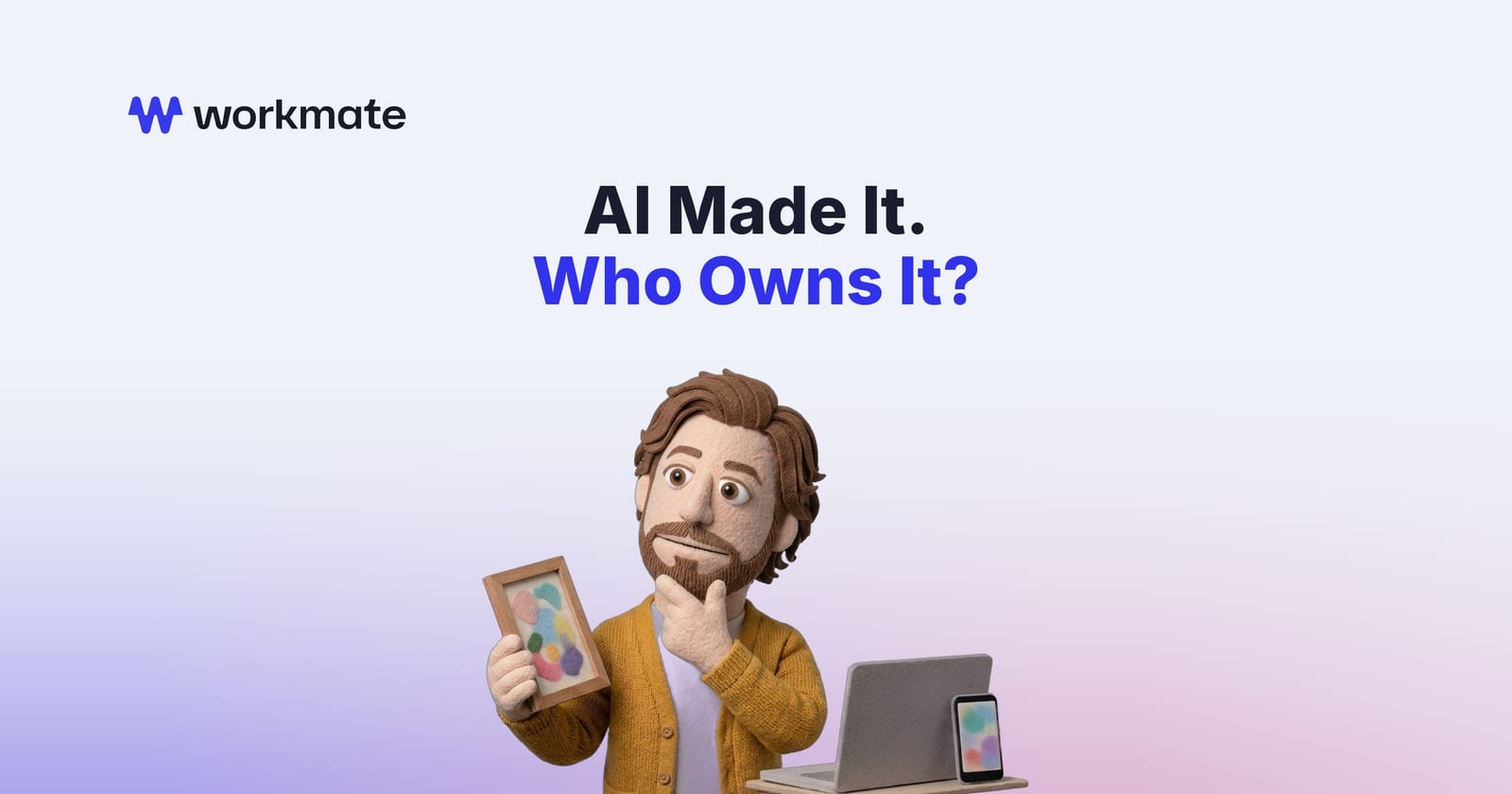
You ask an AI tool to write a product description, draw a logo idea, or draft a short report. A few seconds later, it is done. Then a simple question comes up: who owns that?
It is a fair question, and a common one. The short answer has two parts. First, what the AI company's terms say. Second, what the law says. They are not the same thing.
This guide explains both in everyday words. It is not legal advice. For anything important, like a brand logo or a product you plan to sell, talk to a lawyer.
Part One: What the AI Company Says
Most AI tools have terms of use. These are the rules you agree to when you sign up.
Many of them say you own what the tool makes for you. For example, OpenAI's Terms of Use, which cover ChatGPT for individuals, say that "as between you and OpenAI," you keep ownership of what you type in and you "own the Output." OpenAI also says it hands over to you any rights it might have in that output.
That sounds simple. But notice the words "as between you and OpenAI." That only settles things between you and the AI company. It promises that OpenAI will not claim your output. It does not promise that the law will protect it from everyone else.
The same terms add another catch: the output "may not be unique." Someone else could ask a similar question and get a very similar answer.
Part Two: What the Law Says
Copyright is the law that protects creative work, like writing, art, music and code. In the U.S., it protects work made by people.
In January 2025, the U.S. Copyright Office, the government office that registers copyrights, published a report on this exact question. Its main conclusion: AI output can be protected by copyright "only where a human author has determined sufficient expressive elements."
In plain terms, the creative choices have to come from a person.
The Office was clear on three points:
- A prompt alone is not enough. Typing instructions, even detailed ones, does not make you the author of what comes back. The Office says protection does not cover "the mere provision of prompts."
- Your own work stays yours. If your human-made work shows up in the result, like your own photo or your own paragraph, that part is still protected.
- Editing and arranging can count. If you make real creative changes to the AI's output, or combine and arrange pieces in a creative way, your contribution can be protected.
The Office also confirmed that using AI as a helper does not ruin copyright. A report you wrote yourself, with AI helping to check grammar or suggest a heading, is still your work.
What This Means at Work
Here is how this plays out in a normal office:
- A first draft from AI, lightly edited. Fine to use. But the parts the AI wrote on its own may not be protected, so a competitor could use similar wording.
- A report you wrote, with AI help. This is your work. Using AI to polish it does not change that.
- A logo created entirely by an AI image tool. Be careful. If the AI made all the creative choices, you may not be able to stop others from copying it. Many companies have a designer create or substantially rework brand assets for this reason.
- Code written by an AI assistant. The same rules apply. Teams that care about owning their code usually review and rework what AI writes.
There is one more thing to remember. When you work for a company, what you make at work usually belongs to your employer anyway. Check your company's AI policy too. Many companies have rules about which AI tools staff can use and what can be shared with them.
Sign up for our newsletter
Get the latest updates, product launches, and helpful tips delivered straight to your inbox.
Simple Habits That Help
You do not need to be a lawyer to stay on safe ground. A few habits go a long way:
- Treat AI output as a starting point. Add your own thinking, structure and voice.
- Keep your drafts. Saving your notes and edits shows what you created.
- Be careful with brand assets. Logos, slogans and product names deserve extra care.
- Use approved tools. Your company's approved AI tools come with terms your company has already reviewed.
- Ask when it matters. If something will be sold, published widely, or registered, check with your legal team.
The law here is still developing. The Copyright Office keeps an up-to-date page on copyright and AI that lists its reports, guidance and court cases.
How Workmate Fits In
At Workmate, we build custom AI agents that work alongside teams in tools like Slack, Microsoft Teams and email. They handle drafts, research and routine tasks, so people can spend more time on the creative and judgment work that only they can do, which is also the work the law protects. Admins decide which apps each agent can use, so a company stays in control of how AI is used in its work.
Frequently Asked Questions
Do I own what ChatGPT writes for me?
Under OpenAI's terms, as between you and OpenAI, you own the output. But U.S. copyright law may not protect parts made entirely by AI, so others may be able to use similar content.
Can I copyright something made by AI?
Only the parts where a person made the creative choices. The U.S. Copyright Office says prompts alone are not enough, but your own edits, arrangements and original work can be protected.
Is it safe to use AI-written text at work?
Usually, yes, for everyday drafts. Follow your company's AI policy, add your own edits, and take extra care with logos, slogans and anything you plan to sell.
Sign up for our newsletter
Get the latest updates, product launches, and helpful tips delivered straight to your inbox.
Workmate
See what an agent team would do for your business.
Keep reading
Can AI Be Biased?
AI isn't unfair on purpose, but it learns from examples made by people and can repeat their blind spots. Here's what AI bias is, where it comes from, what it looks like at work, and simple habits that help you use AI fairly.
Do I Need to Know How to Code to Use AI at Work?
Short answer: no. Here's what using AI at work actually looks like for people who don't write code, the five skills that matter more, and when a technical person does need to get involved.
What's the Difference Between AI, Machine Learning, and Automation?
AI, machine learning and automation get used like they mean the same thing. They don't. A simple guide with everyday office examples, plus how to tell when you don't need AI at all.