The AI Scheduling Assistant who saves you hours and misses nothing.
Meet your Jill, the extraordinarily productive and proactive meeting scheduler, powered by AI and backed by real humans.
Get started for free


Built by
people from







No More Back-and-Forth
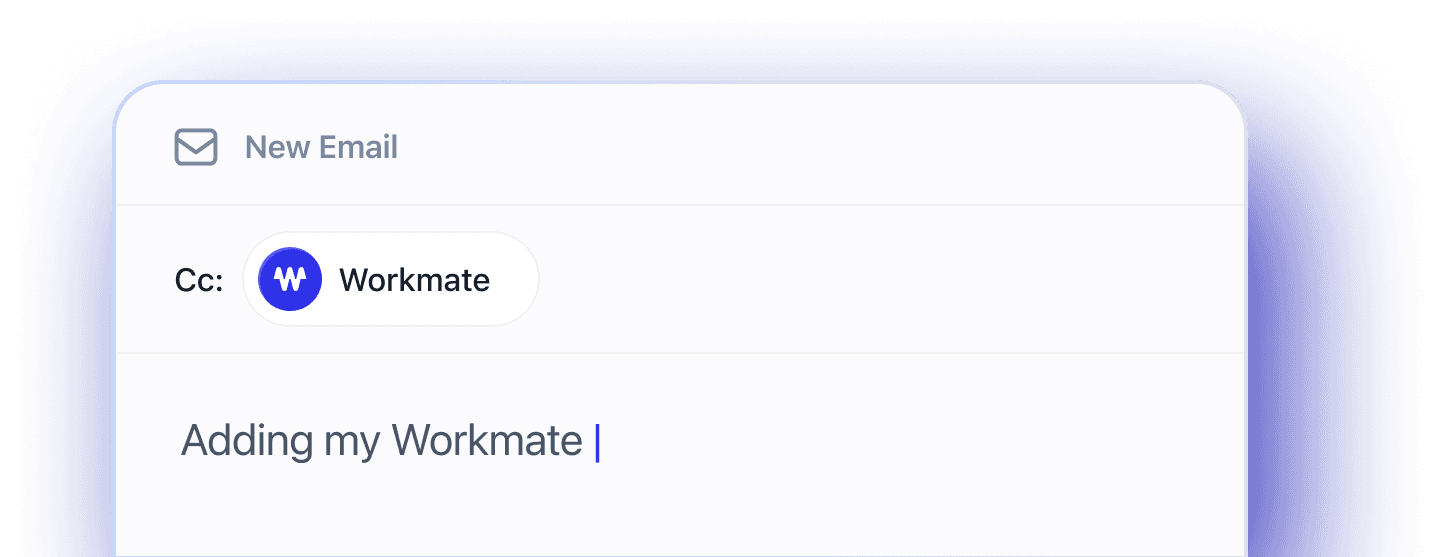
Just CC your Workmate on any scheduling conversation.
They’ll share your availability and handle the rest.

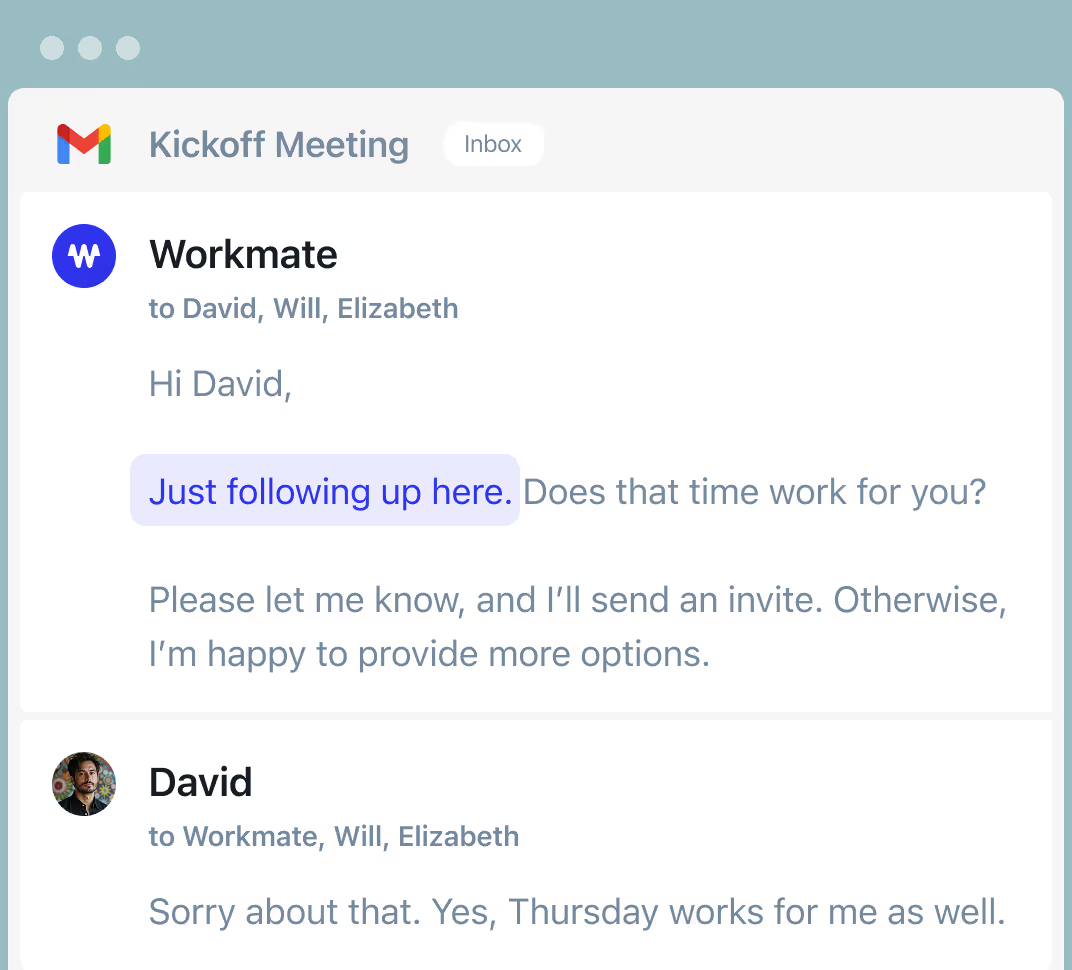
No More Dropped Balls with Auto Follow-ups
Your Workmate never forgets to follow up if someone doesn't reply.

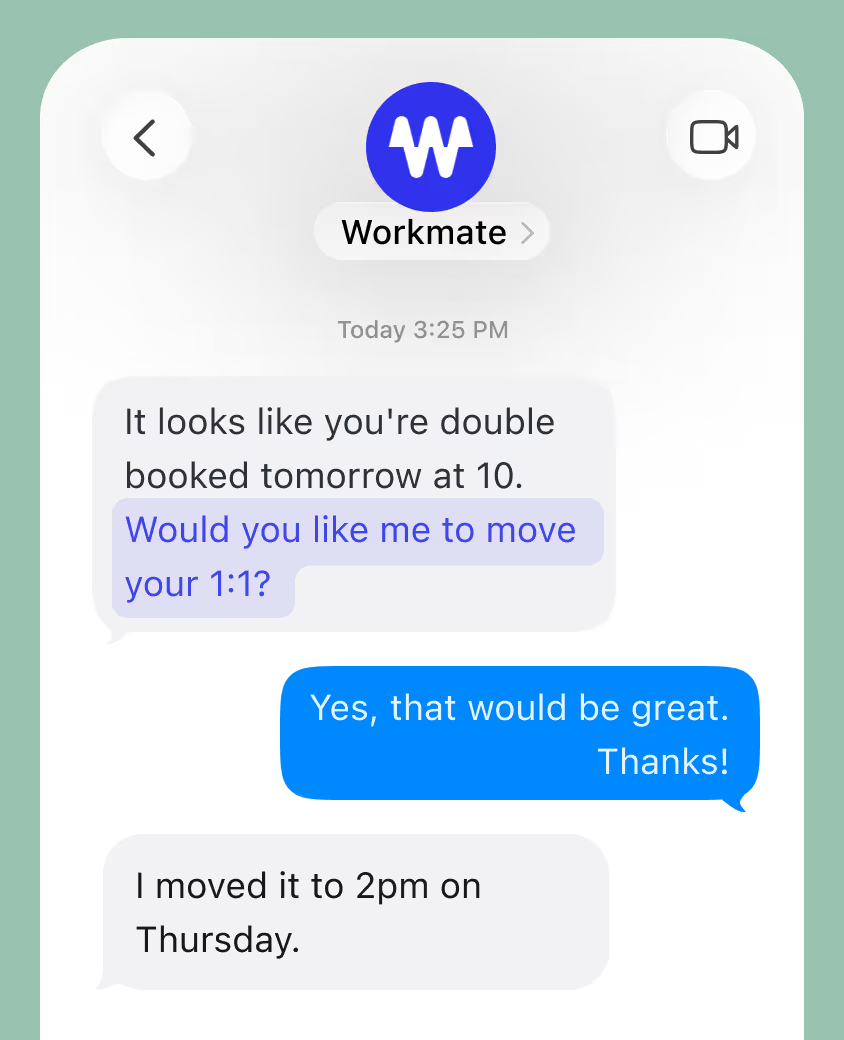
No More Conflicts with Proactive Messages
Your Workmate proactively messages you about conflicts. Reach out over Email, Text, or Slack 24/7.

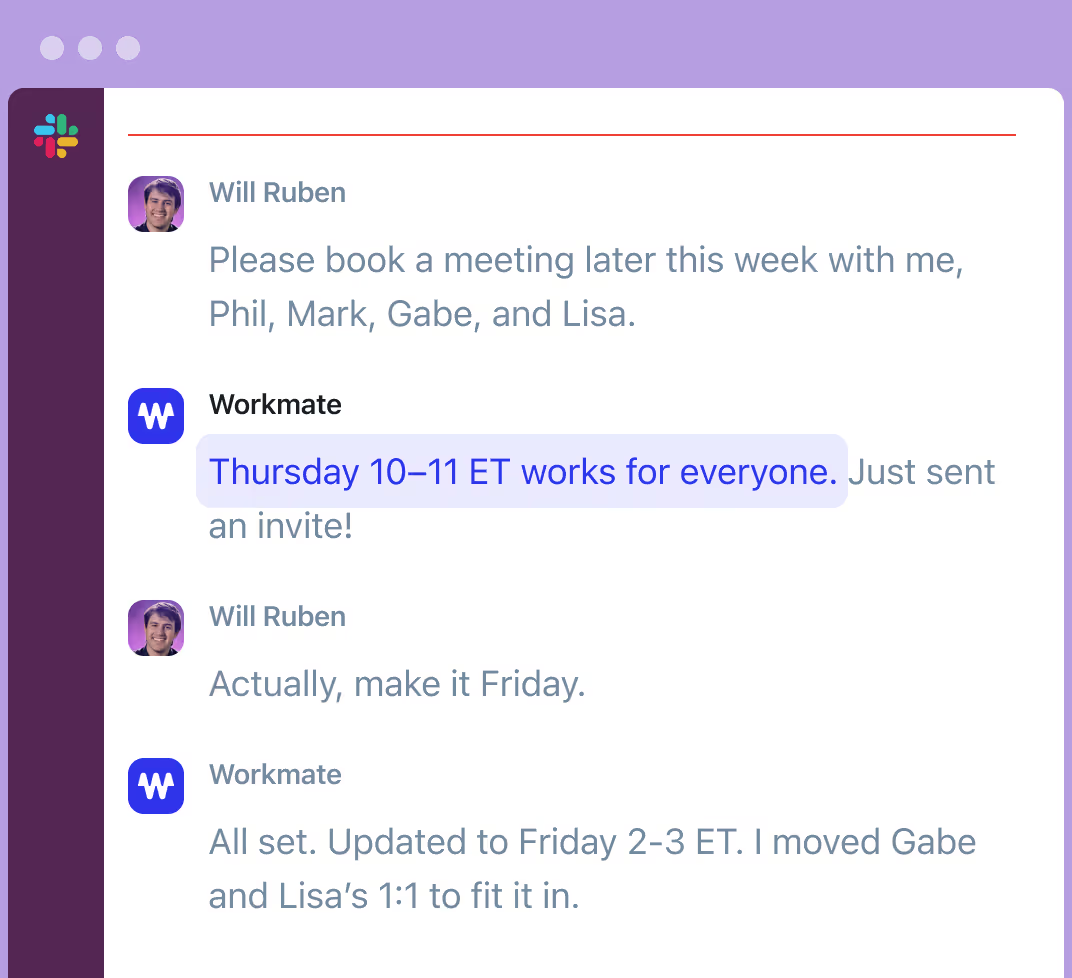
No More Tetris with Instant Scheduling
Your Workmate will schedule automatically with colleagues and even help move things around.

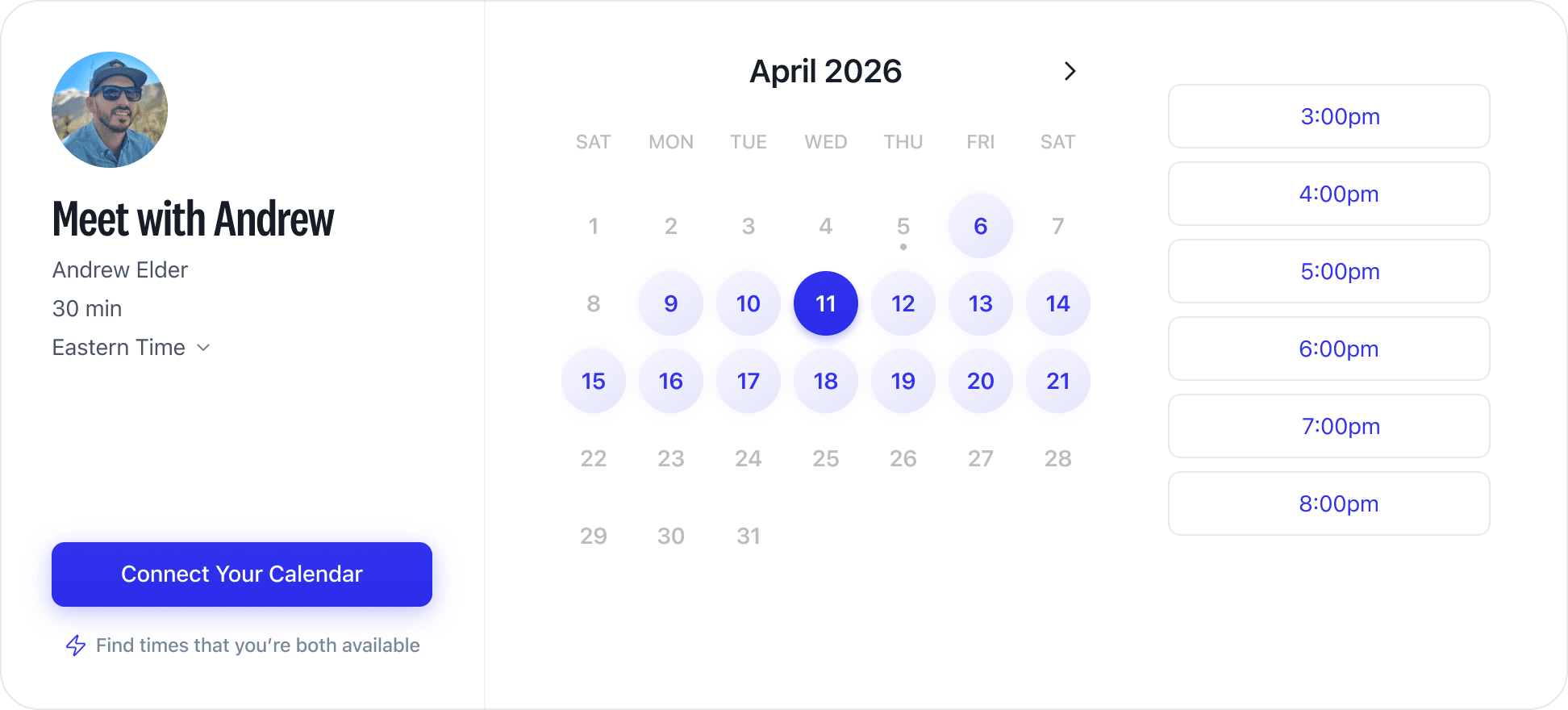
Booking Links If You Need Them
Free and unlimited booking links are the easiest way to schedule the easy meetings
Infinitely Customizable
Give your Workmate a human name or email at your domain.
They’ll manage your calendar your way.
Choose Your Assistant
Have your assistant appear as a real human EA instead of an AI tool.

Customize Their Email
Add Workmate to your domain and change the name and avatar photo.

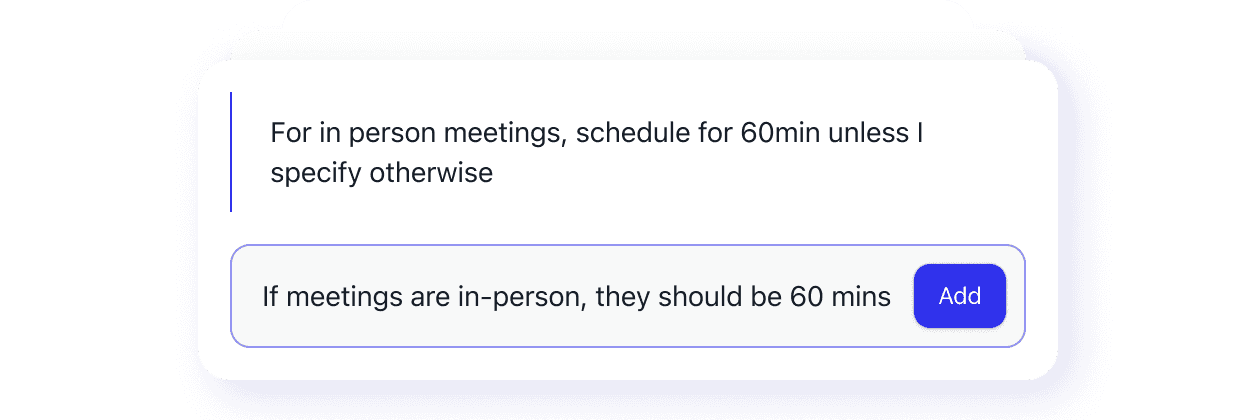
Create Any Scheduling Instructions
Give free-text instructions instead of being boxed into defaults.
Connect Your Apps
Your assistant is always within reach. Available across all the tools you already use.
Plans & Pricing
Start with $50 in free credits
Give your team an AI assistant with flexible credit-based pricing.
No credit card requiredTeam
Flexible AI scheduling for teams that want shared credits
Features
- Usage-based AI scheduling requests
- Unlimited connected calendars
- Unlimited team members
- Instant scheduling with colleagues
- Automatic follow-ups and conflict detection
- Integrates with Google, Microsoft, Slack, and SMS
- Custom assistant emailIncrease credits
- Workmate branding removalIncrease credits
$50 in free credits · No credit card required
Business
For scaling teams
Custom
Everything in Team, plus
- Volume pricing
- Bring your own API key
- Dedicated infrastructure options
- Security review, DPA, and SOC 2 reports
- SLA and priority support
- Dedicated onboarding manager
- Advanced controls: SSO, audit logs, role-based limits
Add 30,000 credits any time for $30
Additional credits never expire · Auto-refill available
FAQs
Scheduler connects to your calendars — Google, Microsoft, and more, with no limit on how many — and checks them automatically whenever it's CC'd on a scheduling conversation or asked to find time.