Talk To Your Workmate Scheduler in Microsoft Teams
Your work lives in MS Teams. Now your Workmate does, too. Introducing the Workmate app for Microsoft Teams. DM your Workmate now!
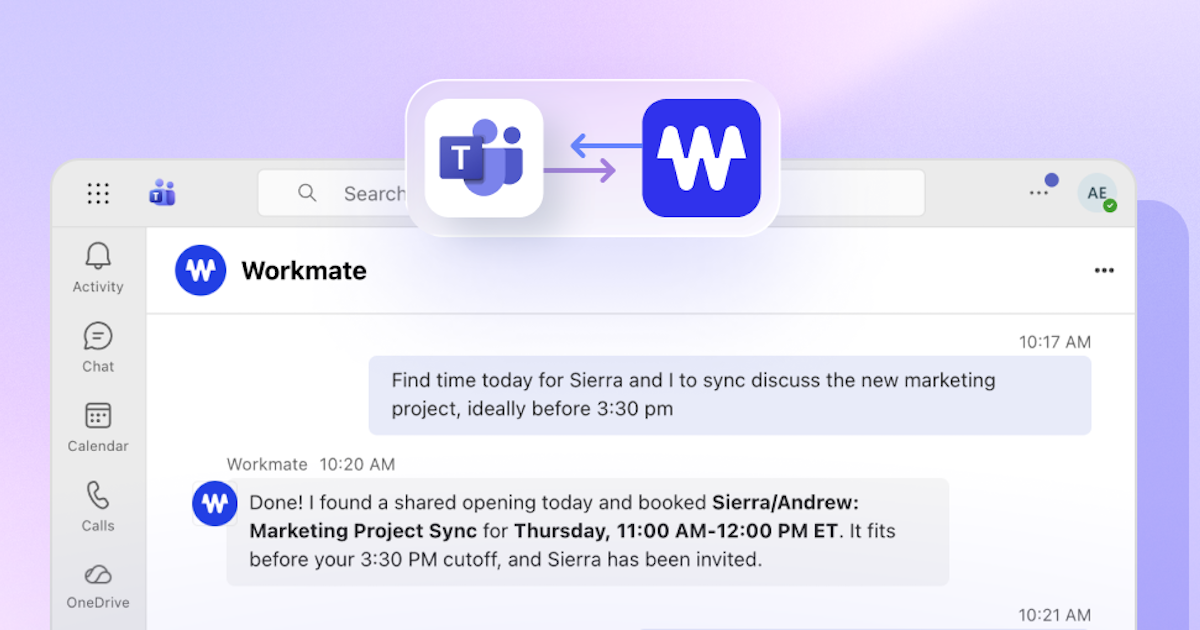
If your team coordinates in Microsoft Teams, you already know how much scheduling friction lives there. Threads turn into back-and-forth chains trying to find a time. Action items from meetings get buried. Coordinating across departments means chasing people through DMs. Workmate Scheduler is now available natively in Microsoft Teams, so your AI executive assistant is right where the coordination actually happens.
Access to your schedule when you need it
Your Workmate Scheduler assistant is added to your Teams workspace as a bot user that you can DM whenever you need a scheduling task done. Just add Workmate Scheduler as a chat contact and start asking about your calendar, scheduling and rescheduling meetings, and getting your daily or weekly agendas delivered to your Teams chat.
What this means in practice
Workmate Scheduler's core job is handling the scheduling work that eats into your day: finding times across busy calendars, coordinating between multiple parties, sending follow-ups, and confirming meetings without you having to touch it. Bringing that into Teams means you never need to switch to email or SMS to give your Workmate Scheduler assistant a task, just fire off a DM and let it work its magic.
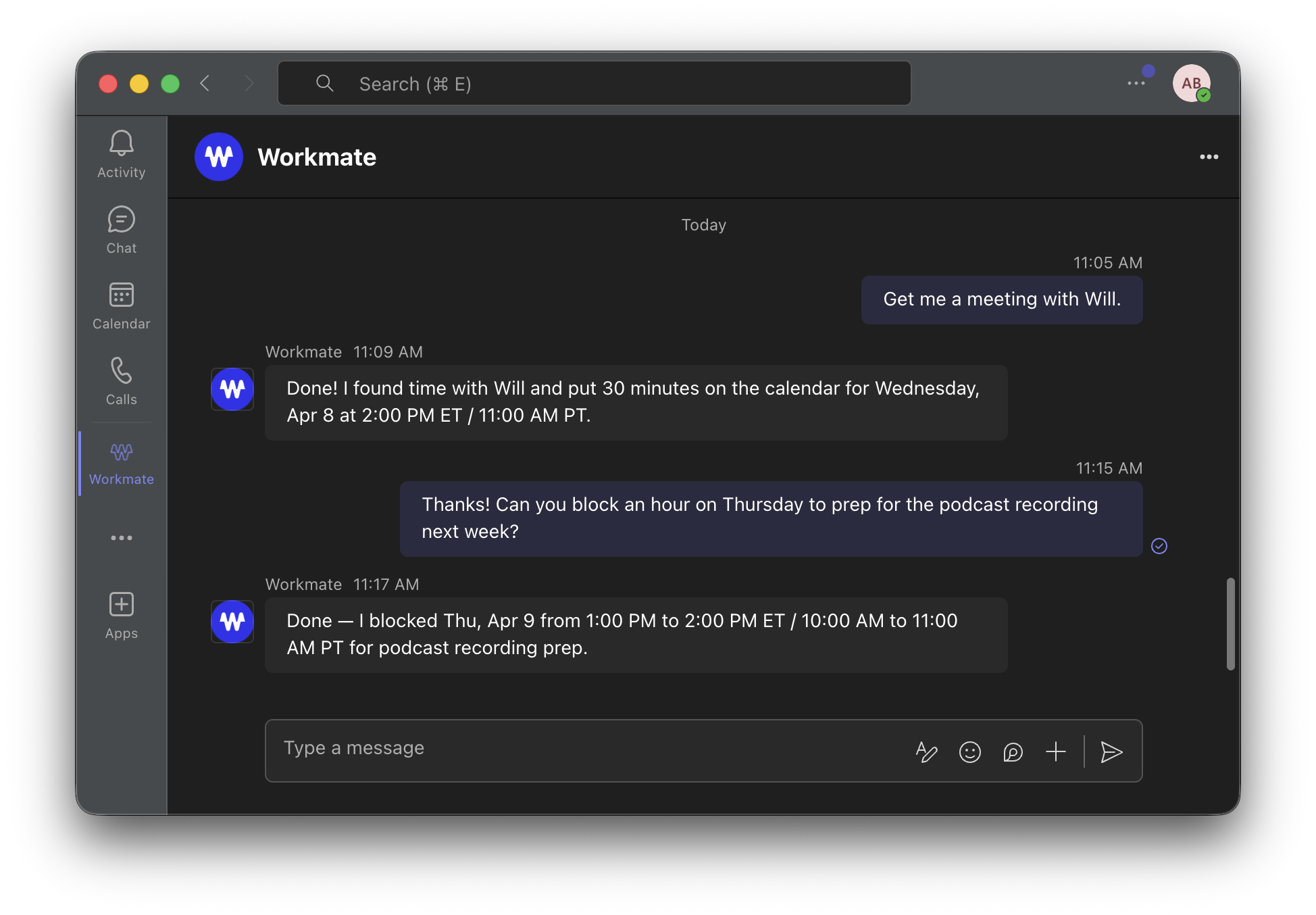
A few ways this plays out in a real week:
- Someone drops a message saying the leadership sync needs to move. Instead of a five-reply thread trying to nail down a new slot, you simply ask your Workmate Scheduler assistant to reschedule. It handles the coordination (sometimes instantly!) and gets it booked.
- A chief of staff managing multiple executives can now triage and delegate scheduling requests without switching contexts, right inside the workspace where those requests are already landing.
Instant scheduling with your team
Just like our Workmate Scheduler's Slack, SMS, and email integrations, when your teammates use Workmate Scheduler you can instantly schedule meetings with them, whether they are Workmate Scheduler users or not. Just request the meetings and Workmate Scheduler will check their available calendars and book it instantly!
Faster setup, less friction on day one
We added a Teams-specific getting started guide so the path from install to your first scheduled meeting is as short as possible. Whether you are setting up Workmate Scheduler for yourself or rolling it out across an EA team supporting multiple leaders, the guide gets you through configuration without back-and-forth.
Get started
Install Workmate Scheduler from the Microsoft Teams marketplace and hand off your next scheduling request via DM. If you are rolling it out to an EA team or chiefs of staff, the getting started guide will get everyone aligned fast.
Scheduler
Hand your calendar to an assistant that never drops a thread.
Keep reading

The Science of the Meeting Buffer: What Brain Research Says About Back-to-Back Calls
Microsoft wired 14 people with EEG caps to test back-to-back meetings versus meetings with breaks. The stress data was specific enough that Microsoft changed how Outlook works.

Low-Prep External Intros: Proven Scheduling Frameworks Now
Cut Low-Prep External Intros: Scheduling Frameworks That Minimize Prep and Back-and-Forth for Brief Vendor and Prospect Calls. Read the expert analysis

Multi-Location Site Visit Scheduling: Proven Playbook
Optimize Multi-Location Site Visit Scheduling—visit 4–6 nearby offices/day with route optimization, timeboxing, and buffers. Get the full breakdown